
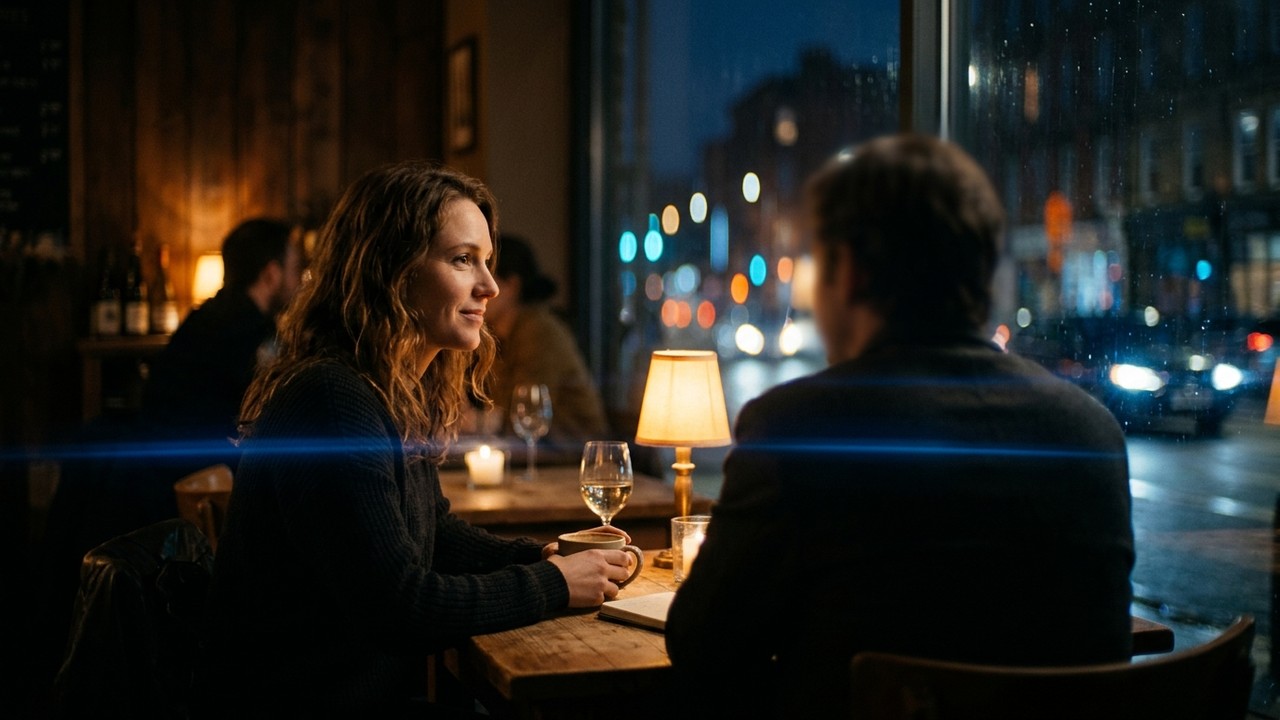
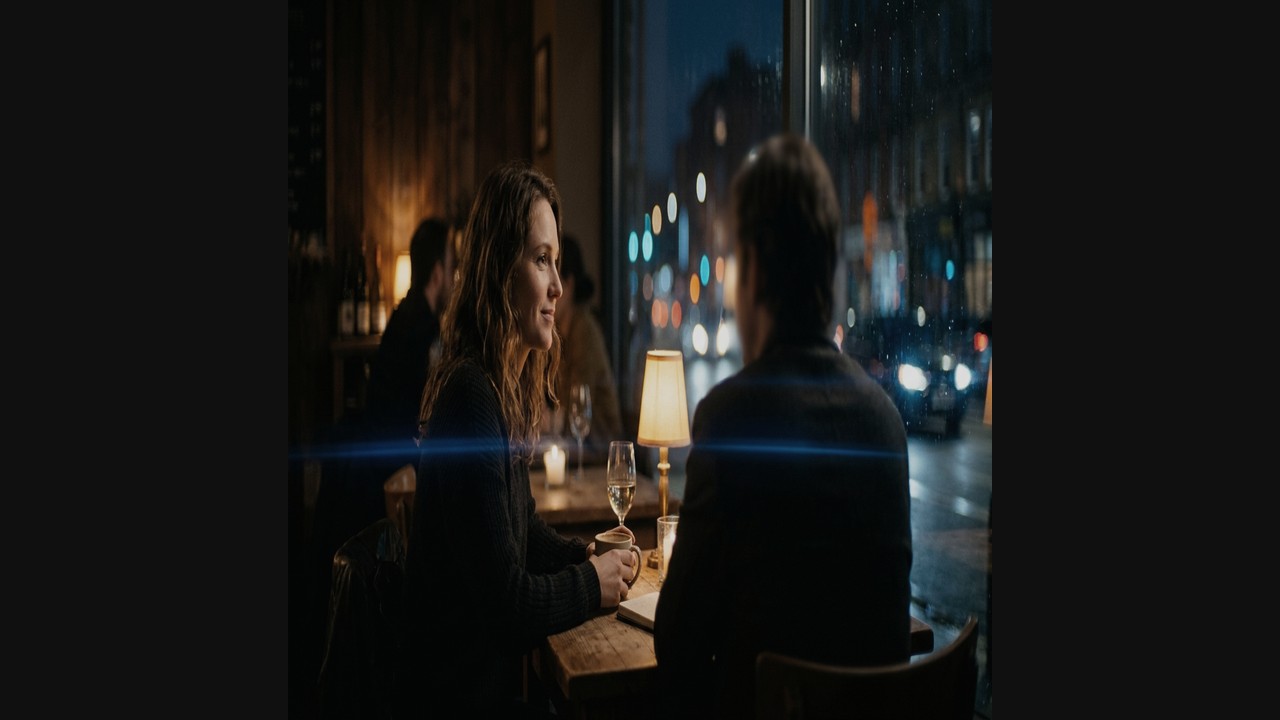
Funktionsweise zylindrischer Linsen
Zylindrische Linsenelemente komprimieren das Sichtfeld nur horizontal um den Faktor 1.33x bis 2.0x, während die vertikale Achse unberührt bleibt.
In der Postproduktion wird das Bild entstaucht, wodurch der typische Look aus Teleobjektiv-Tiefenunschärfe und Weitwinkel-Blickwinkel entsteht.
Stauchungsfaktoren und passende Sensoren
Wählen Sie den Stauchungsfaktor passend zum Sensorformat:
2.0x Squeeze (The Classical Standard): Designed for 4:3 (1.33:1) full-height sensors (such as ARRI Alexa Mini LF Open Gate or Panasonic GH6 4:3 mode). When 4:3 is de-squeezed by 2.0x, it yields 1.333 × 2.0 = 2.66:1, which is slightly cropped on the sides to 2.39:1.
1.5x / 1.6x Squeeze (The Modern Hybrid): Designed for 3:2 full-frame sensors. 1.5 × 1.5 = 2.25:1, or on 16:9 sensors: 1.777 × 1.5 = 2.66:1.
1.33x Squeeze (The 16:9 Budget Adapter): Designed specifically for standard 16:9 (1.777:1) sensors. Multiplying 1.777 × 1.333 yields exactly 2.37:1, perfectly filling a CinemaScope container without wasting sensor area.
Viele Vintage-Anamorphoten verlieren im Nahbereich an Stauchkraft. Nutzen Sie Node Sizing mit Keyframes, um Gesichter im Nahbereich um 3–5% nachzujustieren.
Anamorphic Squeeze Factor & Sensor Matching Matrix
Mathematical guide to choosing lenses for camera sensor dimensions:
| Lens Squeeze | Target Sensor Mode | Calculated Aspect Ratio | Final Cropping Needed | Prominent Lens Examples |
|---|---|---|---|---|
| 2.0x | 4:3 (Open Gate) | 2.66:1 | Slight side crop to 2.39:1 | Panavision C-Series, Cooke Anamorphic/i, Atlas Orion |
| 1.8x | 4:3 / 3:2 Full Frame | 2.40:1 | Virtually zero crop | Kowa Prominar, Hawk V-Lite, P+S Technik |
| 1.5x | 3:2 / 16:9 Sensors | 2.25:1 to 2.66:1 | Crop top/bottom or sides | Laowa Proteus, Blazar Remus, Sirui Saturn |
| 1.33x | 16:9 (UHD / 4K) | 2.37:1 (~2.39:1) | Negligible (<1%) crop | Sirui 1.33x, Hawk 1.33x, Vazen 1.33x |
| 1.25x | 16:9 TV Broadcast | 2.22:1 | Side crop for 2.0:1 | Sirui Full-Frame Broadcast Adapters |
Entzerren in DaVinci Resolve: Clip Attributes
The cleanest method in DaVinci Resolve is at the Clip level: select your footage in the Media Pool, open Clip Attributes → Pixel Aspect Ratio, and choose your squeeze. This instructs Resolve's tracking, qualifier, and power window engines to calculate masks in de-squeezed space. Circular power windows will track as true circles, rather than stretching into ovals.
Grading von horizontalen Flares und Randunschärfen
Schützen Sie blaue Lichtreflexe mit Luminanz-Qualifiers vor dem Entsättigen durch warme Print-Film-Emulationen.
1. Preserve Streak Flare Purity: Do not clamp highlights with heavy roll-off LUTs that neutralize saturated flare colors. Use a parallel node with a luminance qualifier above 95 IRE to bypass creative hue shifts on flare streaks.
2. Counteract Optical Vignetting: Anamorphic lenses naturally darken the corners by 1 to 1.5 stops. If this is too aggressive, apply a soft elliptical power window with inverse exposure lift on Node 2.
Häufig Gestellte Fragen
How do I de-squeeze anamorphic footage in DaVinci Resolve?
Select all anamorphic clips in the Media Pool, right-click and choose Clip Attributes. Under the Video tab, set Pixel Aspect Ratio to match your lens squeeze factor (e.g., Anamorphic 2x, Anamorphic 1.5x, or Anamorphic 1.33x). Resolve automatically calculates the non-square pixel stretch.
What happens if my lens has an uncommon squeeze factor like 1.6x or 1.8x?
If your squeeze factor is not listed in the Clip Attributes dropdown, go to Project Settings → Master Settings. Set your Timeline Resolution to your target de-squeezed dimensions, then in the Color page, use the Sizing → Output Sizing or Node Sizing palette. Unlink Width and Height, then set Pixel Aspect Width to your exact squeeze multiplier (e.g. 1.600 or 1.800).
Why do blue anamorphic lens flares turn muddy or magenta when applying a warm LUT?
Warme Farbtöne neutralisieren blaue Vektoren. Isolieren Sie Flares auf einem Parallelknoten.
Anamorphe Kalibrierungs-LUTs Herunterladen
Abgestimmt auf strahlende horizontale Reflexe und sanfte ovale Bokeh-Übergänge.