
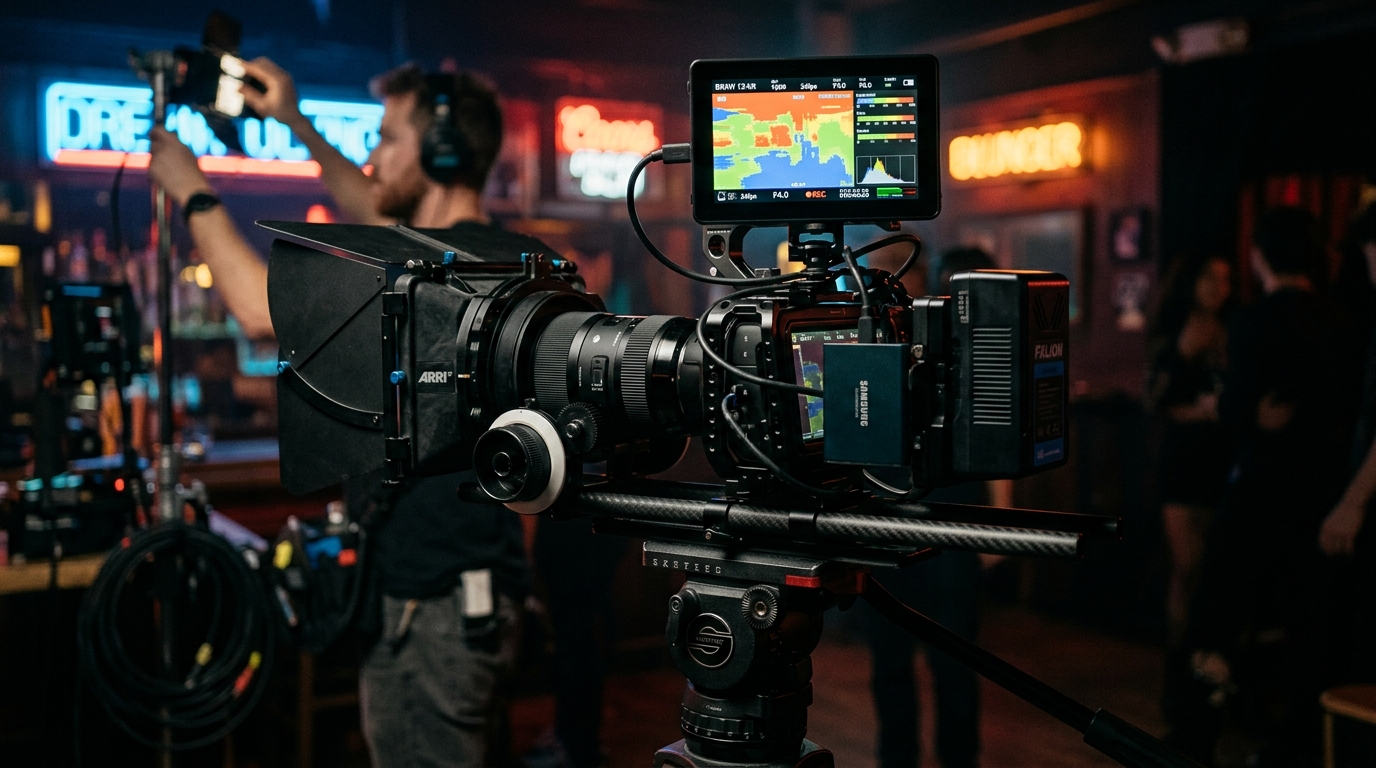
1. The Generation 5 Architecture: Sensor Mapping & Gamut Expansion
Blackmagic Design introduced Generation 5 Color Science with the URSA Mini Pro 12K and subsequently rolled it out across the Pocket Cinema Camera 4K, 6K, and 6K Pro lines. Gen 5 represents a complete overhaul of the camera's colorimetric modeling, incorporating an expansive new Blackmagic Wide Gamut and a redesigned non-linear sensor response curve.
Compared to the legacy Gen 4 system, Gen 5 dramatically improves skin tone tonal separation, eliminates the reddish-magenta bias in high-exposure highlights, and introduces photographic highlight roll-off that gracefully mimics analog chemical negative stock.
2. 12-Bit Blackmagic RAW (BRAW) Compression Mechanics
BRAW is a hybrid raw codec: partial debayering is performed in-camera by hardware acceleration, while color matrices, ISO, and white balance remain completely non-destructive metadata. Encoded at full 12-bit precision (4,096 tonal values per channel), BRAW provides immense latitude without the monstrous storage footprint of uncompressed CinemaDNG.
| BRAW Compression Mode | Data Rate (6K 24fps) | Target Application | Highlight / Shadow Integrity |
|---|---|---|---|
| Constant Bitrate 3:1 | ~136 MB/s | VFX, Green Screen & Theatrical | Zero compression artifacts, full bit depth |
| Constant Bitrate 5:1 | ~81 MB/s | Narrative Feature & Commercial | Indistinguishable from uncompressed raw |
| Constant Bitrate 8:1 / 12:1 | ~51 MB/s / ~34 MB/s | Documentary, Event & Interviews | Superb efficiency, slight shadow noise lift |
| Constant Quality Q0 / Q1 | Variable (60 - 160 MB/s) | High Dynamic Range Nature & Action | Dynamically scales bitrate for complex frames |
3. Exposing for Gen 5 Film: 38.4 IRE Middle Gray
In Blackmagic Gen 5 Film gamma, 18% reflective middle gray is calibrated to sit at 38.4 IRE (approx. 393 code value in 10-bit). On the BMPCC 6K Pro, exposing an 18% gray card at 38.4 IRE yields approximately 5.3 stops of highlight headroom and 7.7 stops of shadow latitude at Native Base ISO 400.
At the second native circuit, ISO 3200, the stop distribution shifts: highlight headroom increases to 6.3 stops while shadow latitude adjusts to 6.7 stops. Understanding this stop redistribution allows cinematographers to protect intense highlights (concert lighting, sunsets) simply by switching to the higher native ISO circuit with appropriate neutral density filtration.
4. Highlight Recovery Technology in DaVinci Resolve
One of the most extraordinary capabilities of BRAW inside DaVinci Resolve is the Highlight Recovery checkbox in the Camera Raw settings tab.
When an intense light source clips the Green channel of a bayer sensor, the Red and Blue channels often still contain unclipped luminance information. Traditional video pipelines clip the entire pixel to harsh white. DaVinci Resolve's Highlight Recovery algorithm analyzes the unclipped color channels and reconstructs the missing clipped channel, restoring smooth detail and natural roll-off across clipped skies and neon sources.
5. Production Grading Pipelines: Film vs. Extended Video vs. Rec.709
1. Blackmagic Film to Extended Video: The preferred choice for quick broadcast delivery. Provides wider dynamic latitude in highlights than standard Rec.709 without requiring heavy manual grading.
2. Resolve Color Management (RCM): Set Color Science to DaVinci YRGB Color Managed. Timeline Color Space: DaVinci Wide Gamut. Output: Rec.709. Automatic math handles tone mapping perfectly.
3. Calibrated 65³ .CUBE Transforms: Apply Blackmagic_Gen5_Film_to_Rec709_65x.cube on the display output node for pristine broadcast compliance.