
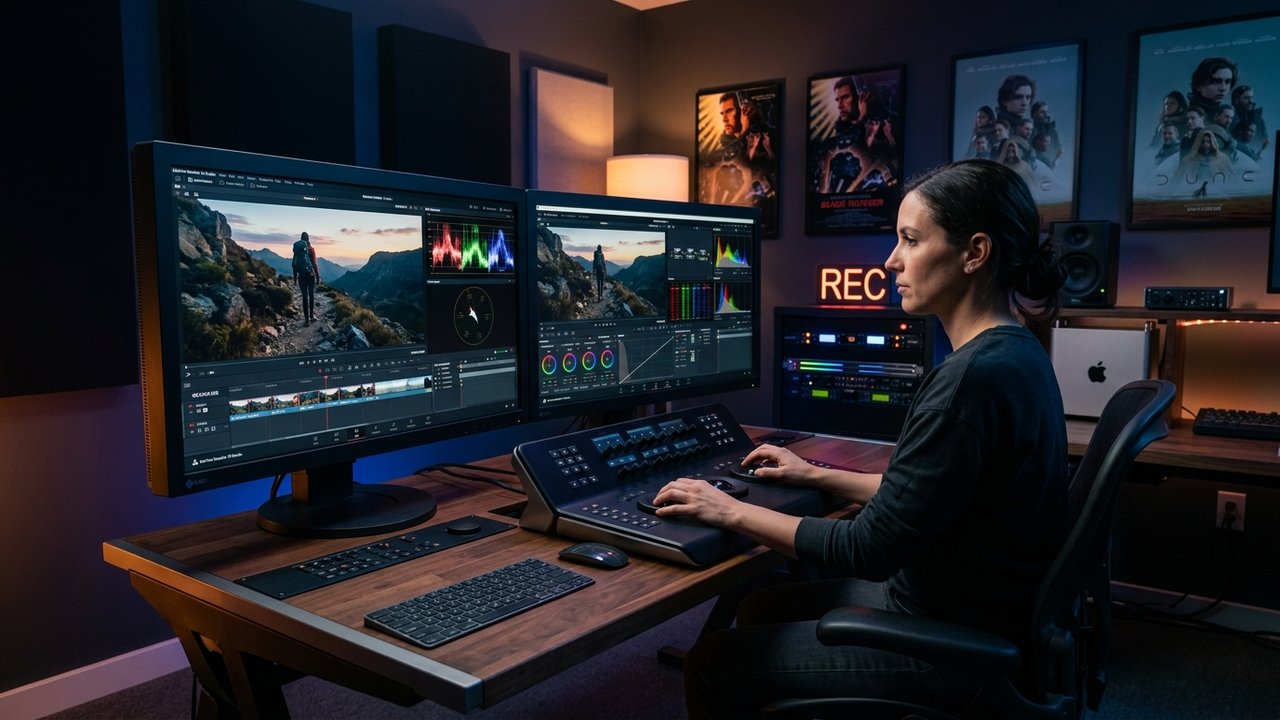
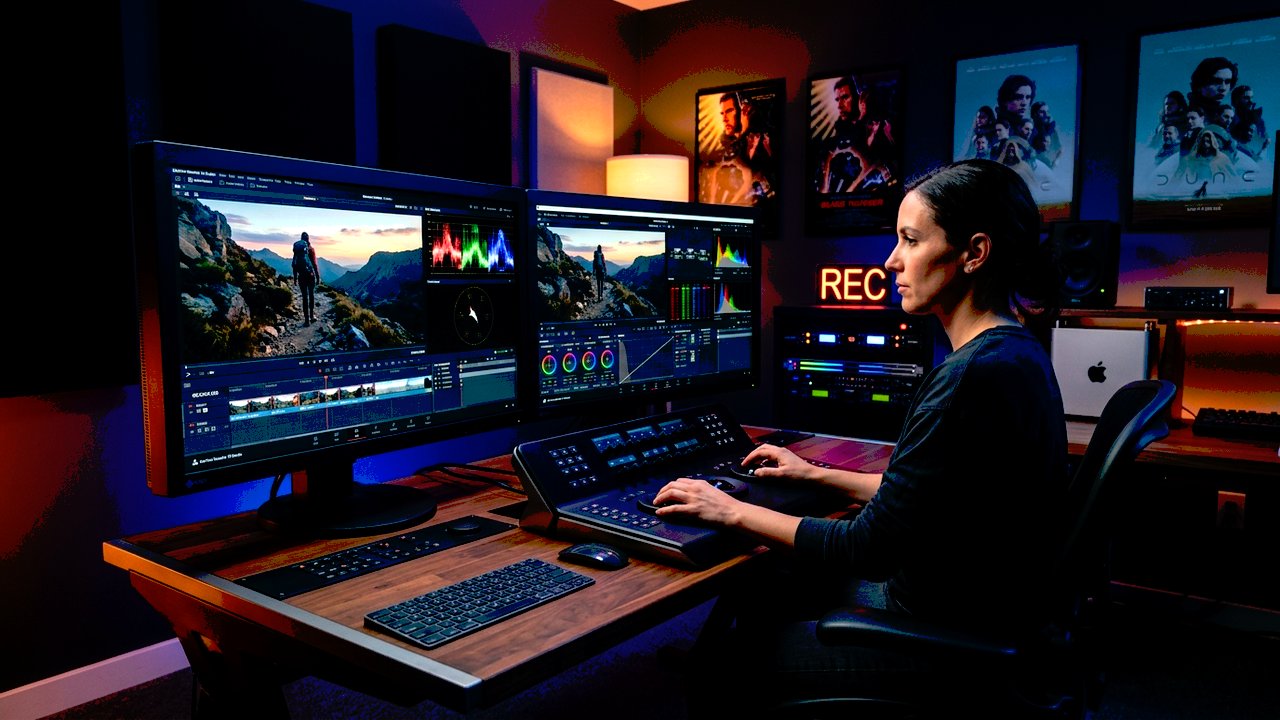
Nodes vs Layers: The Architectural Chasm
The fundamental difference between Premiere Pro Lumetri and DaVinci Resolve is not user interface; it is mathematical architecture. Premiere processes image adjustments strictly from top to bottom like a Photoshop layer stack:
If you apply an Input LUT in Lumetri that clips highlights, and then adjust the Exposure slider underneath it in the "Basic Correction" tab, the highlights remain clipped! You cannot un-bake clipped data downstream in a sequential stack.
DaVinci Resolve uses a Node-Based Directed Acyclic Graph (DAG). Nodes can run in parallel (Parallel Mixer), branch off with separate alpha masks, blend in various composite modes (Screen, Soft Light, Add), and pass uncompressed 32-bit floating point data through an unmanaged or scene-referred pipeline without clipping intermediate values.
In Premiere Pro, Lumetri Scopes are processed through CPU/GPU shared memory buffers. On heavy 4K timelines, Lumetri scopes often lag by 2–4 frames, making it impossible to grade live while dragging a trackball. In DaVinci Resolve Studio, scopes run on a dedicated GPU thread at full 60fps refresh rates, giving instantaneous feedback during critical skin tone balancing.
Head-to-Head Specification Matrix
| Capability | Premiere Pro Lumetri | DaVinci Resolve Studio | Verdict |
|---|---|---|---|
| Pipeline Architecture | Linear Top-Down Layer Stack | 32-Bit Float Node DAG | DaVinci (Superior) |
| Color Management | Basic Display Color Management | RCM, ACES, DaVinci Wide Gamut | DaVinci (Hollywood Standard) |
| Dynamic Link / Motion Graphics | Seamless After Effects Integration | Fusion Page (Steep curve) | Premiere (Faster turnaround) |
| Tracking & Power Windows | Basic Bezier Pen Masking | Cloud Point Tracker & Magic Mask AI | DaVinci (10x faster) |
| Colorist Hardware Panels | Limited Tangent / MIDI support | Native Speed Editor / Micro Panel | DaVinci (Tactile precision) |
The Realistic Decision Framework
- You produce high-volume short-form content (TikTok, Reels, corporate interviews).
- Your projects heavily rely on MOGRT templates and complex After Effects animations.
- You only need clean Rec.709 normalization and minor contrast balancing.
- You shoot multi-camera mixed Log (e.g., Sony S-Log3 paired with Apple Log or Canon C-Log).
- You need isolated skin tone grades that track faces automatically.
- You deliver cinema DCPs, HDR masters, or authentic film print emulations.
Download 886+ Universal 3D .CUBE LUTs
Calibrated profiles compatible with both Adobe Premiere Pro Lumetri and DaVinci Resolve Studio. Includes step-by-step installation guides.