
Fujifilm Simulation Recipes
Classic Chrome, Nostalgic Neg & Portra 400 for Any Camera
Capture the timeless charm of analog film on your iPhone, Android, Sony, or Canon camera. Free handcrafted Adobe Lightroom recipes (.DNG & .XMP) mapped to authentic Fujifilm emulsion science.
Digital RAW vs Fujifilm Classic Chrome Recipe


↔ Drag slider horizontally to compare modern digital raw vs classic film simulation
Explore Legendary Film Simulation Recipes
Each recipe includes calibrated tone curves, split-toning color wheels, and fine organic film grain parameters.
STREET & DOCUMENTARY
Classic Chrome Recipe
Muted chromatic saturation, deep shadows, and punchy cyan skies reminiscent of 20th-century photojournalism.
 1970S AMERICAN COLOR
Nostalgic Negative Recipe
Rich amber highlight glow and gentle sepia shadow undertones. Inspired by the pioneering color street photography of William Eggleston.
 PORTRAIT GOLD STANDARD
Kodak Portra 400 Emulation
Celebrated for glowing natural skin tones, pastel color latitude, and creamy highlight transitions. Ideal for weddings and portraits.
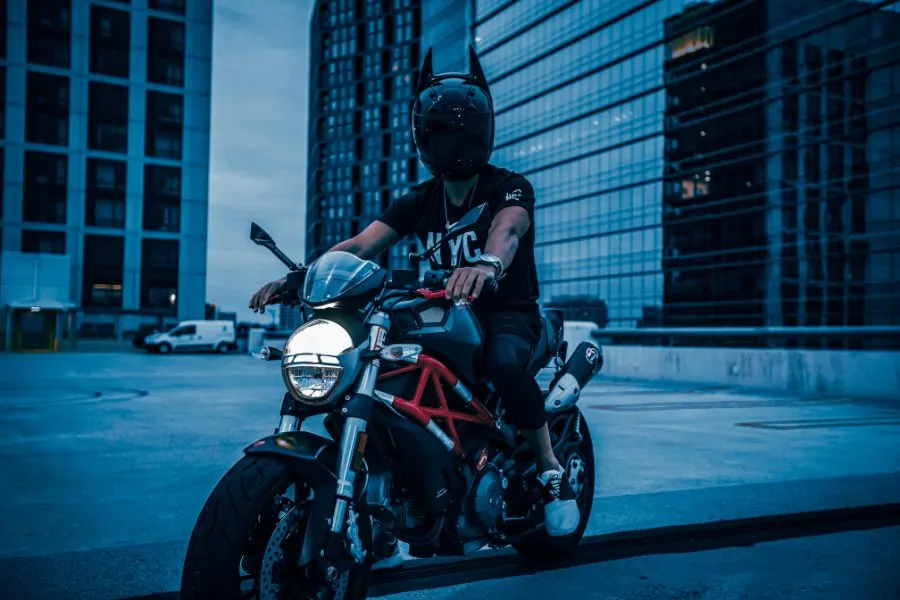 TUNGSTEN CINEMA
CineStill 800T Glow
Tungsten motion-picture film look with deep cool shadows, vibrant neon signs, and subtle halation bloom around specular light sources.
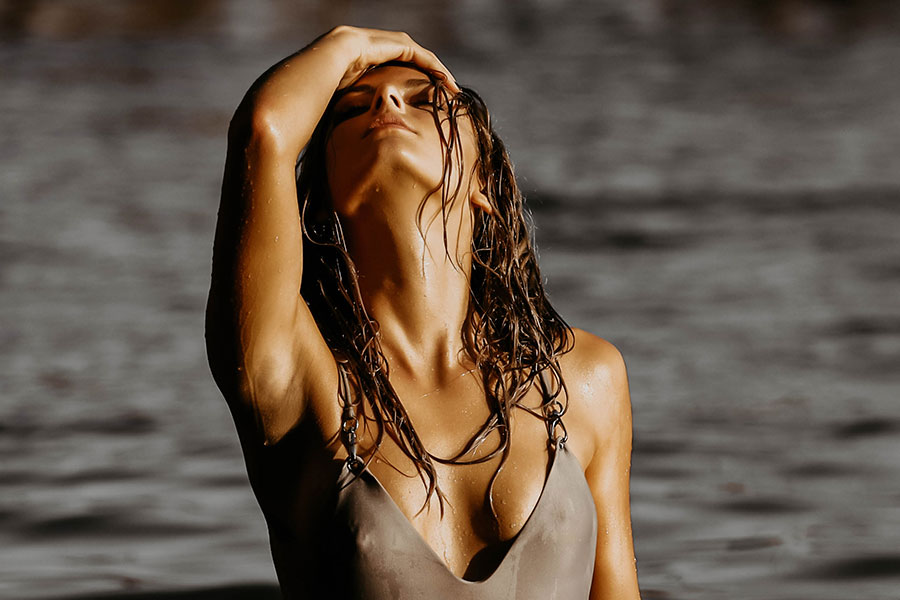 FASHION & EDITORIAL
Fujifilm Astia Soft
Gentle contrast reproduction tuned for fashion and editorial portraits, with true melanin retention across varied skin tones.
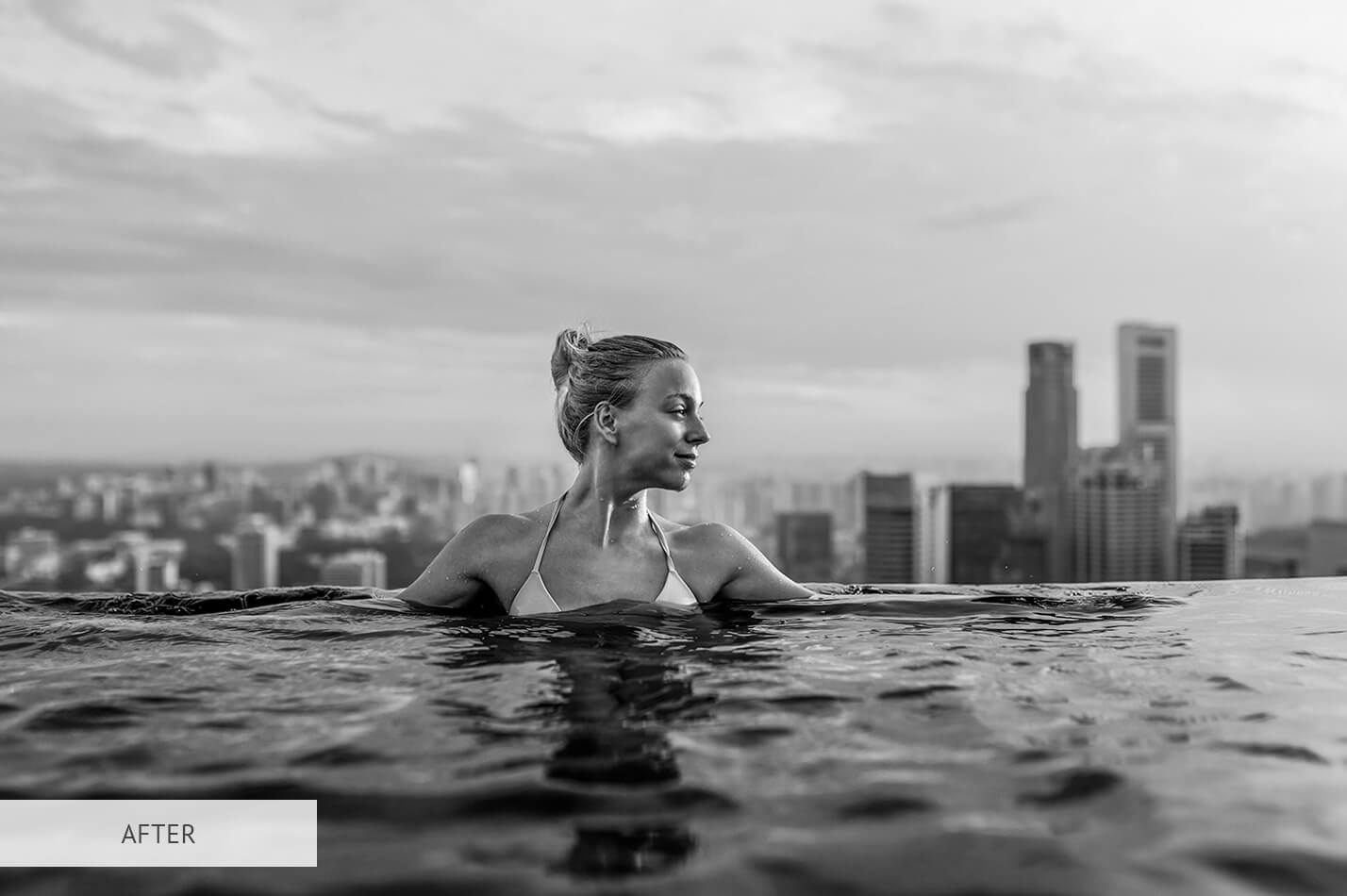 SILVER HALIDE MONO
Fujifilm Acros + Red Filter
Rich, ink-black shadows with fine micro-contrast and textured grain. Ideal for architectural geometry and moody street photography.
How to Install on Mobile & Desktop
Click any recipe above. For iPhone and Android, download the .DNG file. For PC and Mac, download the .XMP file.
On mobile, import the .DNG photo into the free Adobe Lightroom app. Tap the three dots (•••) and select "Create Preset".
Open any of your photos, navigate to the Presets tab, and tap the recipe name. Tweak exposure and white balance to match your lighting.