
Free Photoshop LUTs Collection
30 Curated 3D .CUBE Profiles & 100+ Creative Camera LUTs
Transform photographs and video timelines in Adobe Photoshop with 30 calibrated 3D LUT profiles across 3 curated volumes, plus camera-specific LUT ecosystems (Sony, Canon, Drone, DaVinci). Includes 1-click bundle downloads, interactive before/after previews, and non-destructive Color Lookup workflow.
Photoshop LUT #1 "Wildlife" — Interactive Color Comparison
Drag the glass slider handle or select any profile below to preview color grading in real-time.
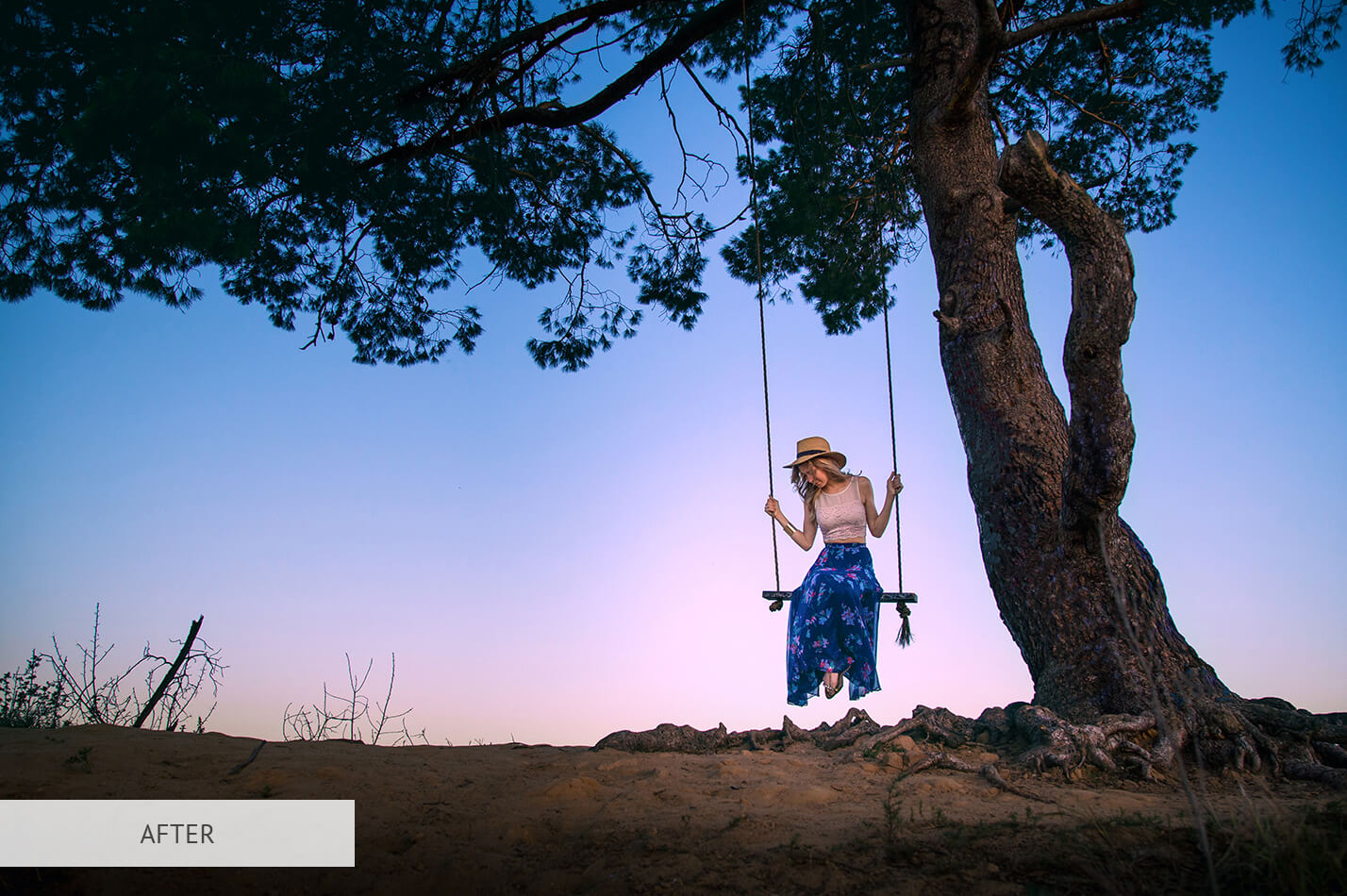
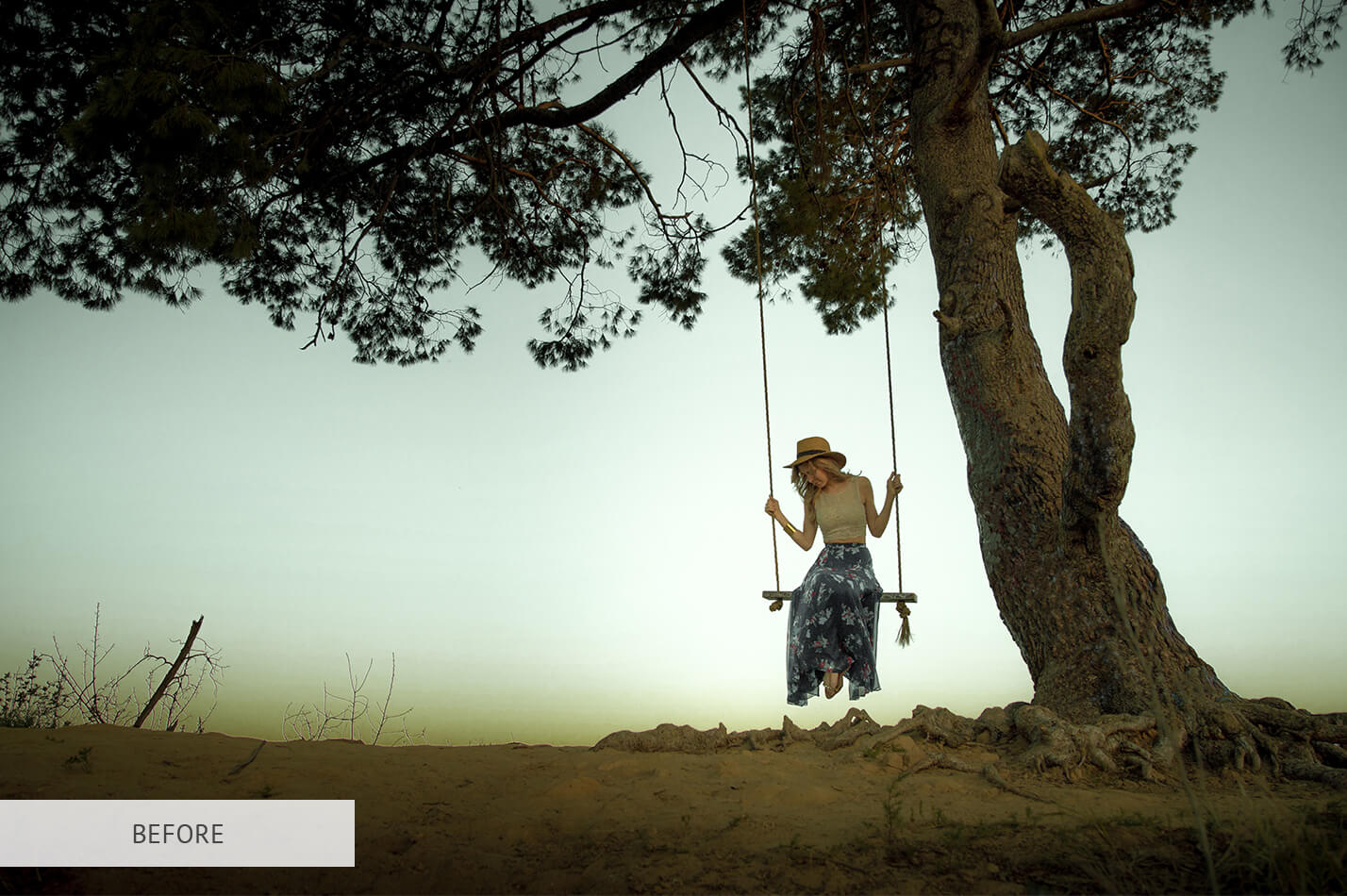
The 30 Curated Photoshop LUT Profiles
Click any profile to preview before/after grading, or download the individual .CUBE file for instant import into Adobe Photoshop.
Volume 1: Photographic Essentials & Film Styles (LUT #1 – #10)
Calibrated for portraits, landscapes, wildlife, and natural skin roll-off in Adobe Photoshop Color Lookup.
Photoshop LUT #1 "Wildlife"
Calibrated 3D look-up table profile for Adobe Photoshop photo retouching and video grading.
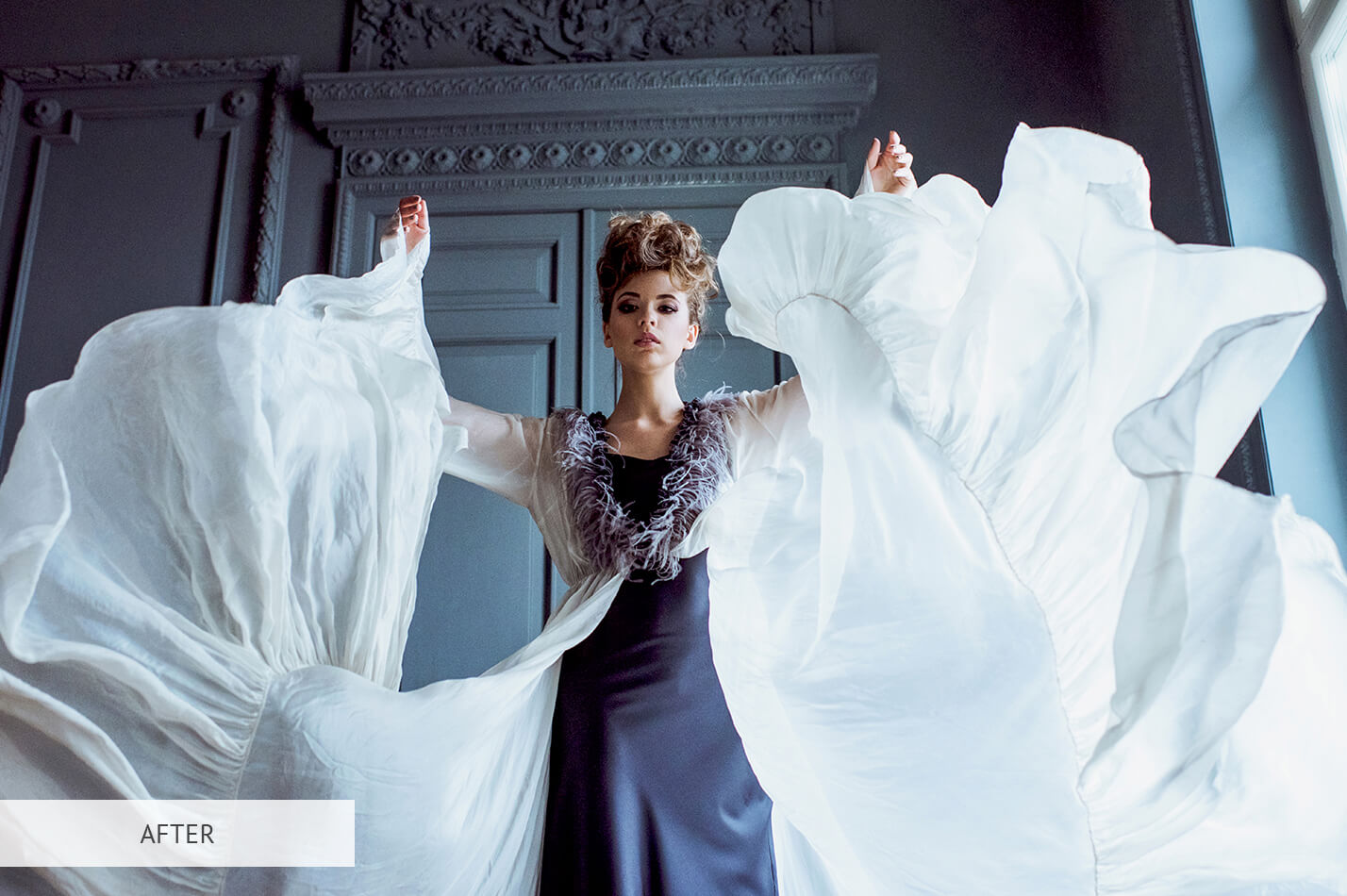
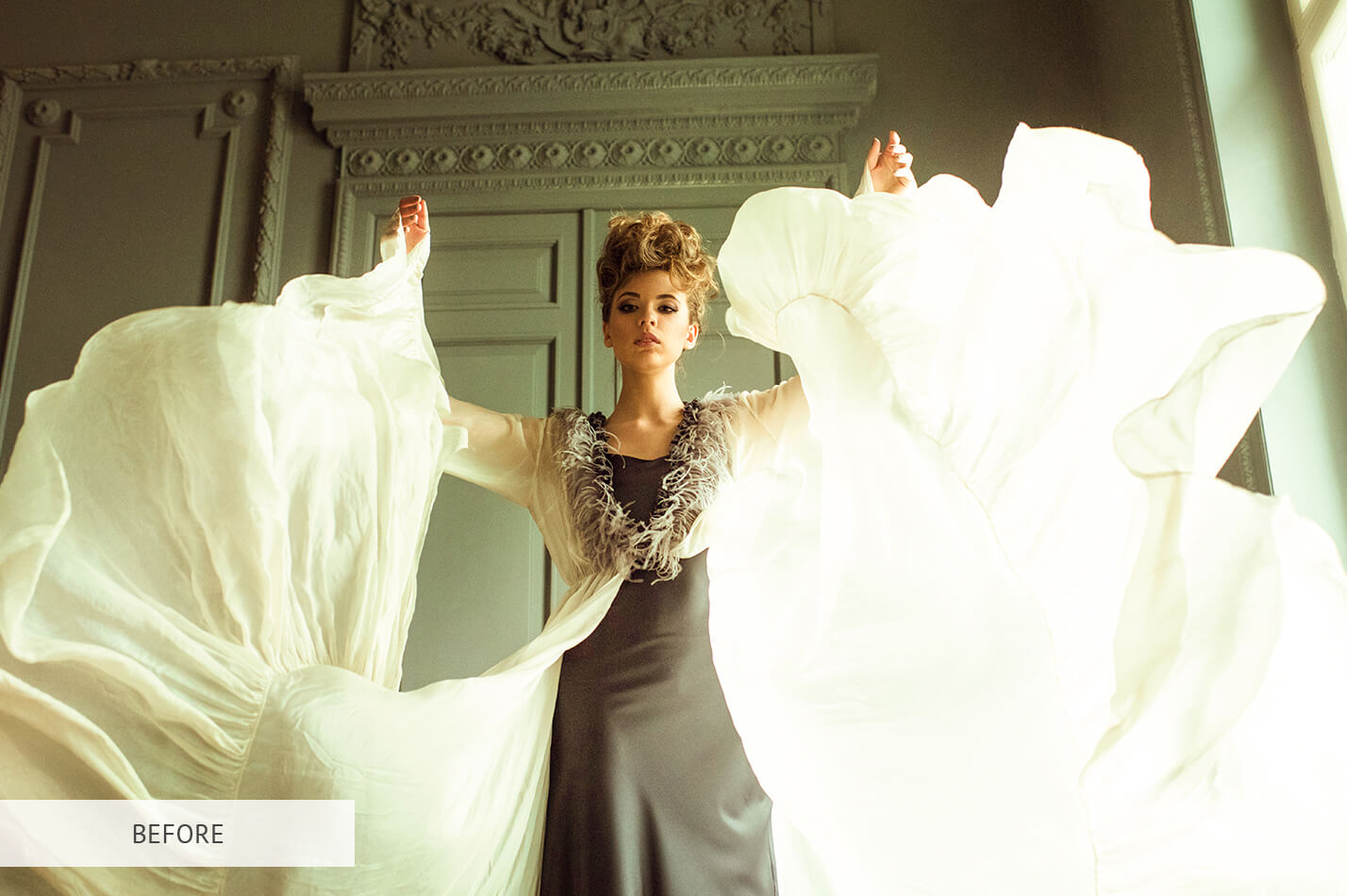
Photoshop LUT #2 "Contrast"
Calibrated 3D look-up table profile for Adobe Photoshop photo retouching and video grading.
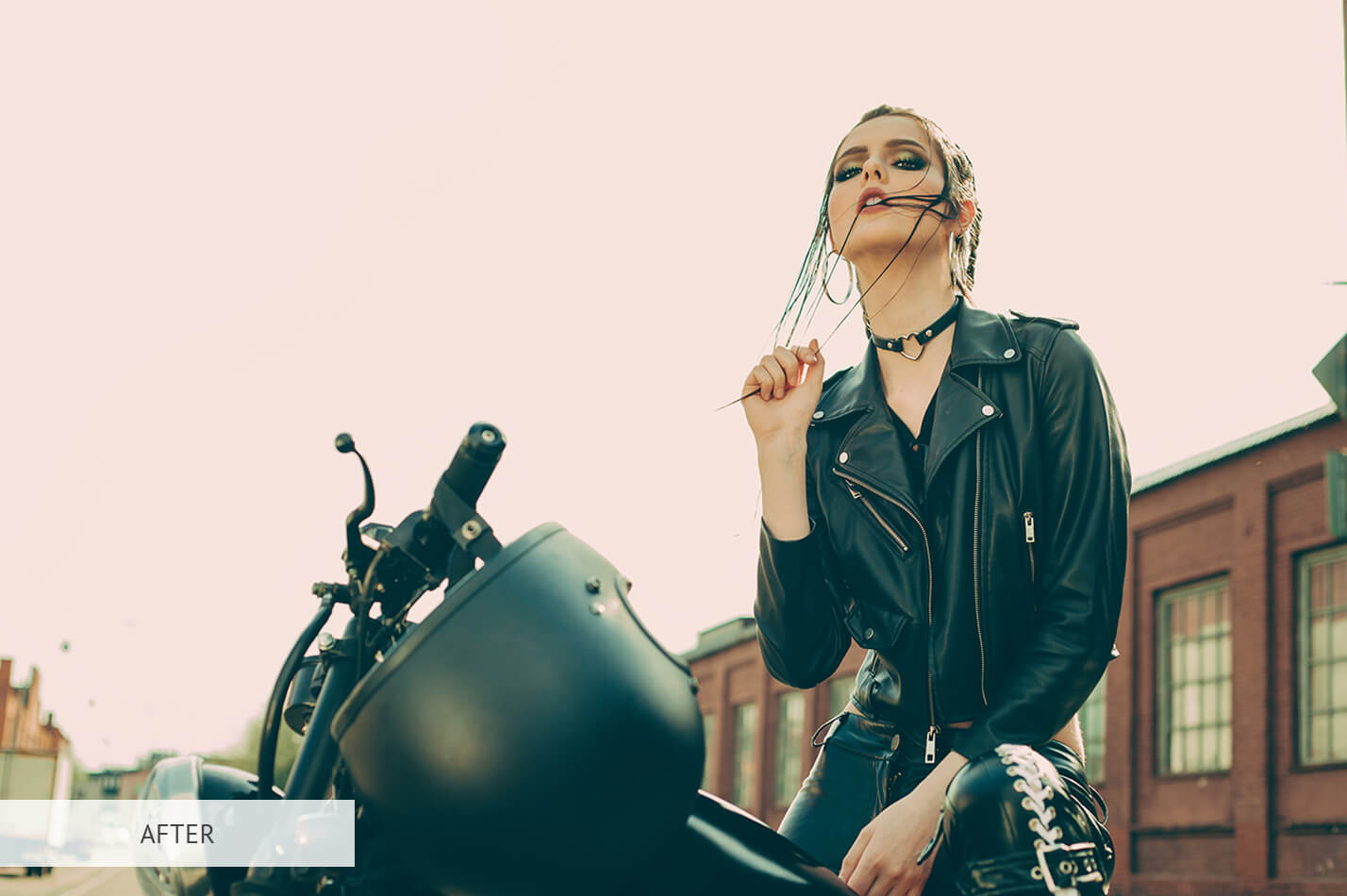
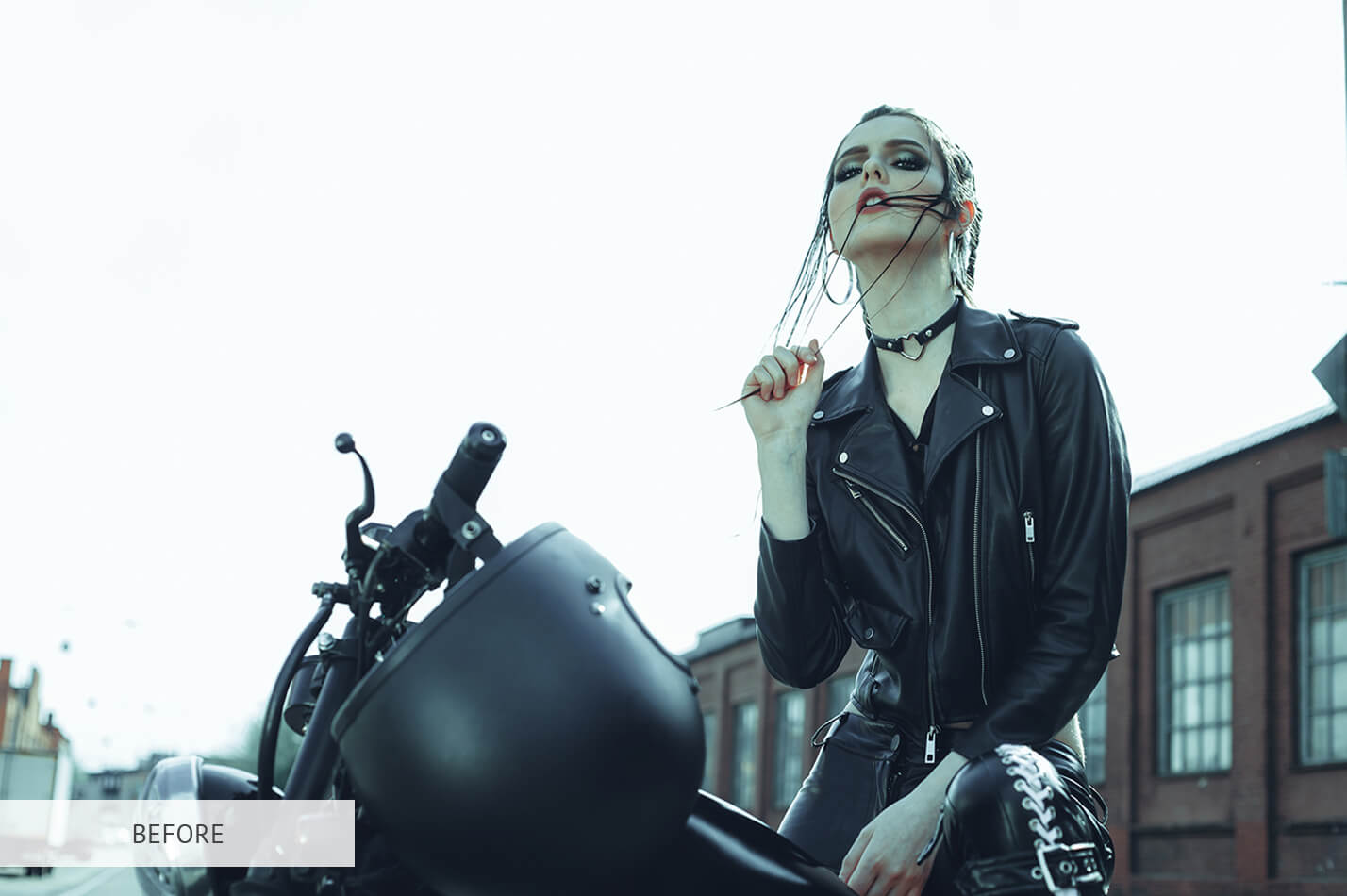
Photoshop LUT #3 "Candle Light"
Calibrated 3D look-up table profile for Adobe Photoshop photo retouching and video grading.
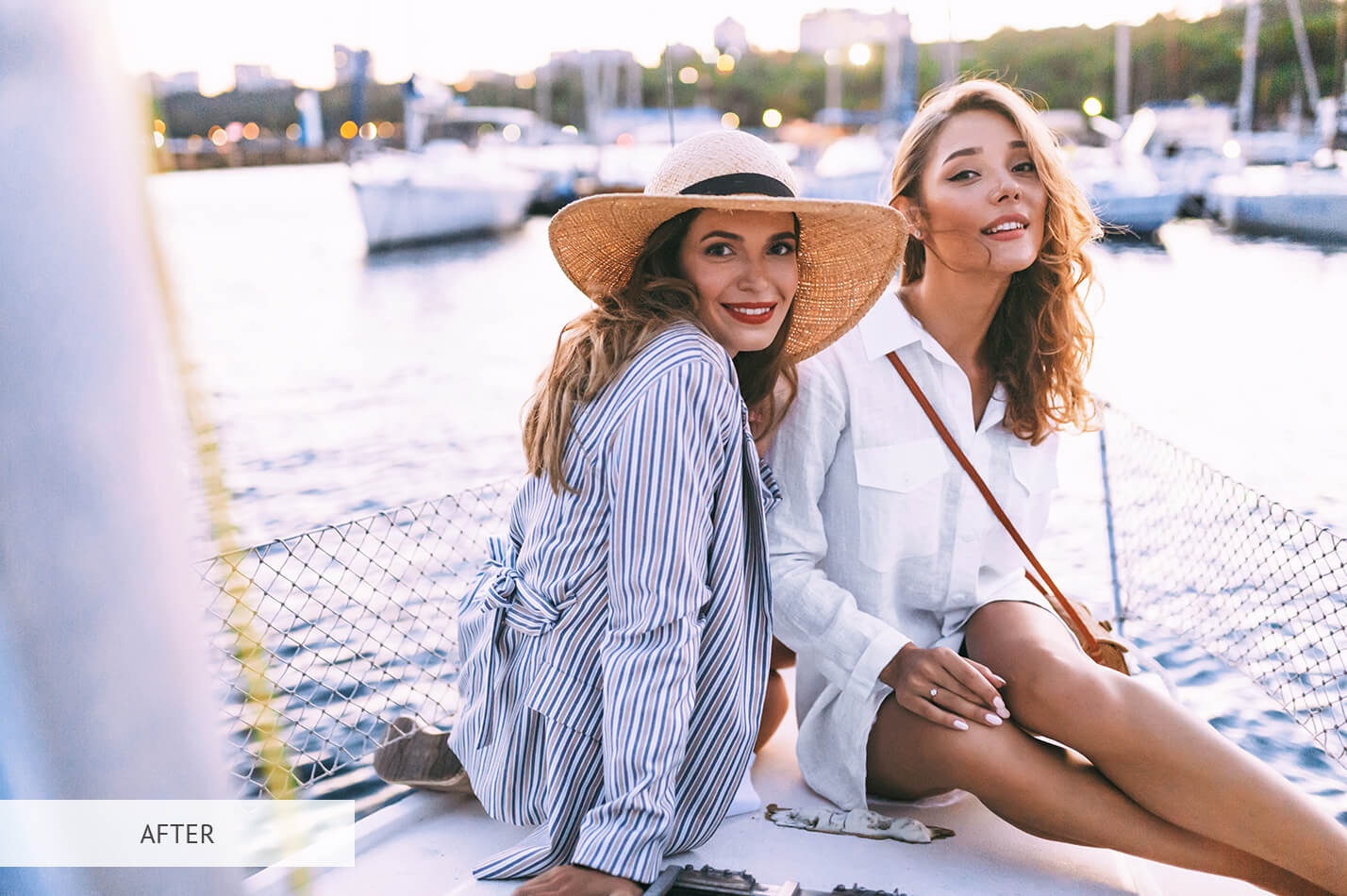
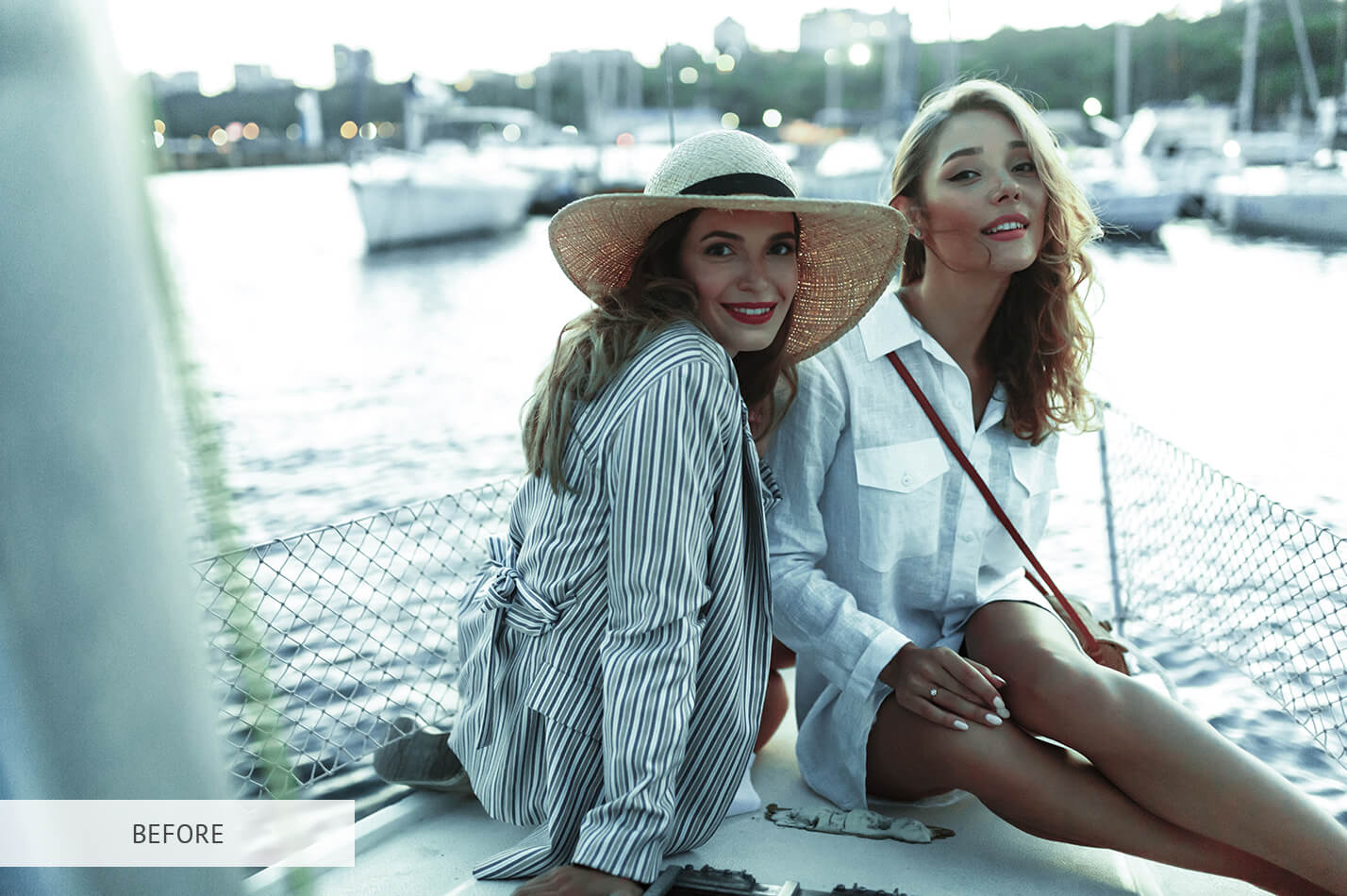
Photoshop LUT #4 "Deep Shadow"
Calibrated 3D look-up table profile for Adobe Photoshop photo retouching and video grading.
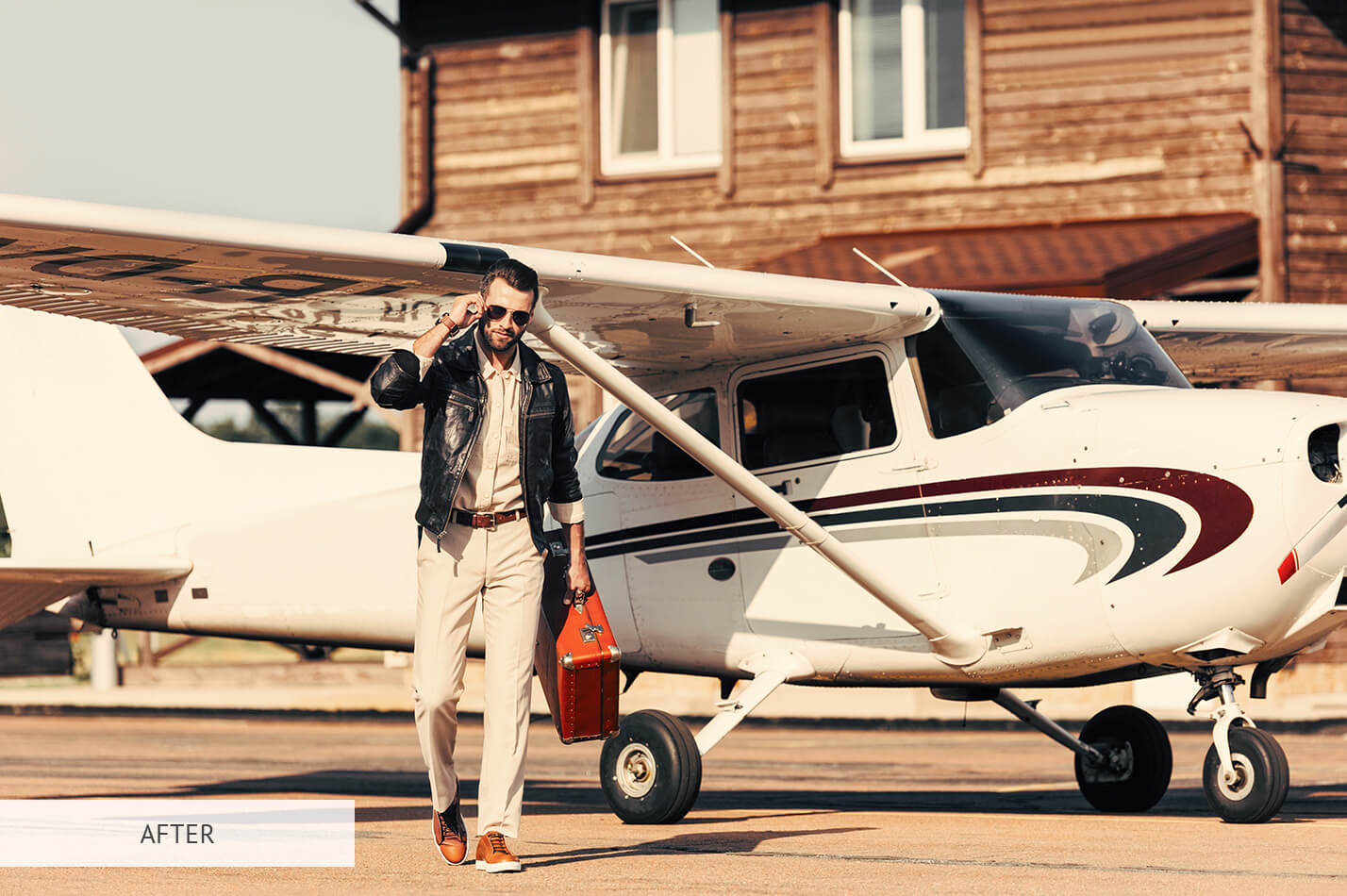
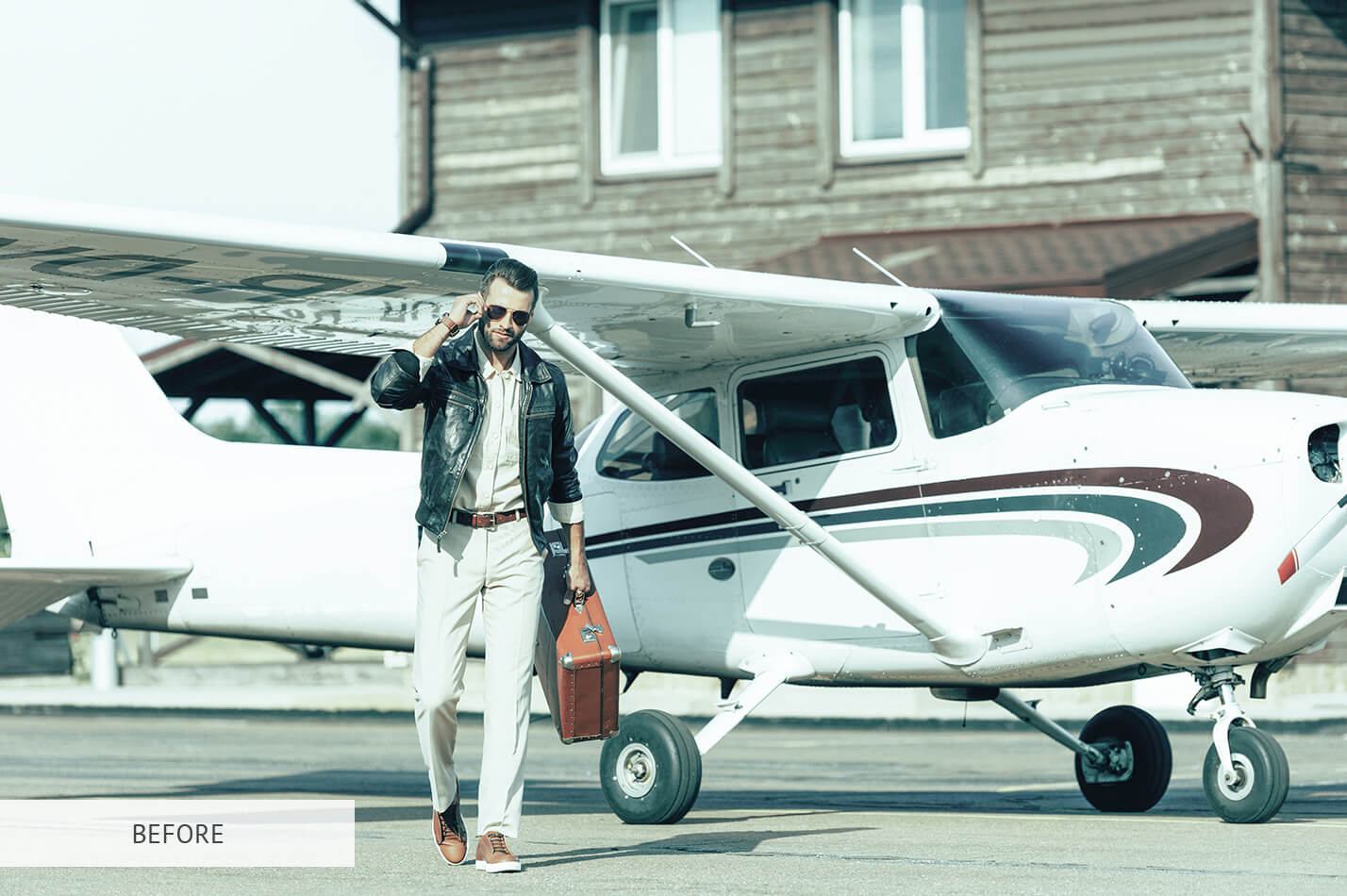
Photoshop LUT #5 "Wood Colors"
Calibrated 3D look-up table profile for Adobe Photoshop photo retouching and video grading.
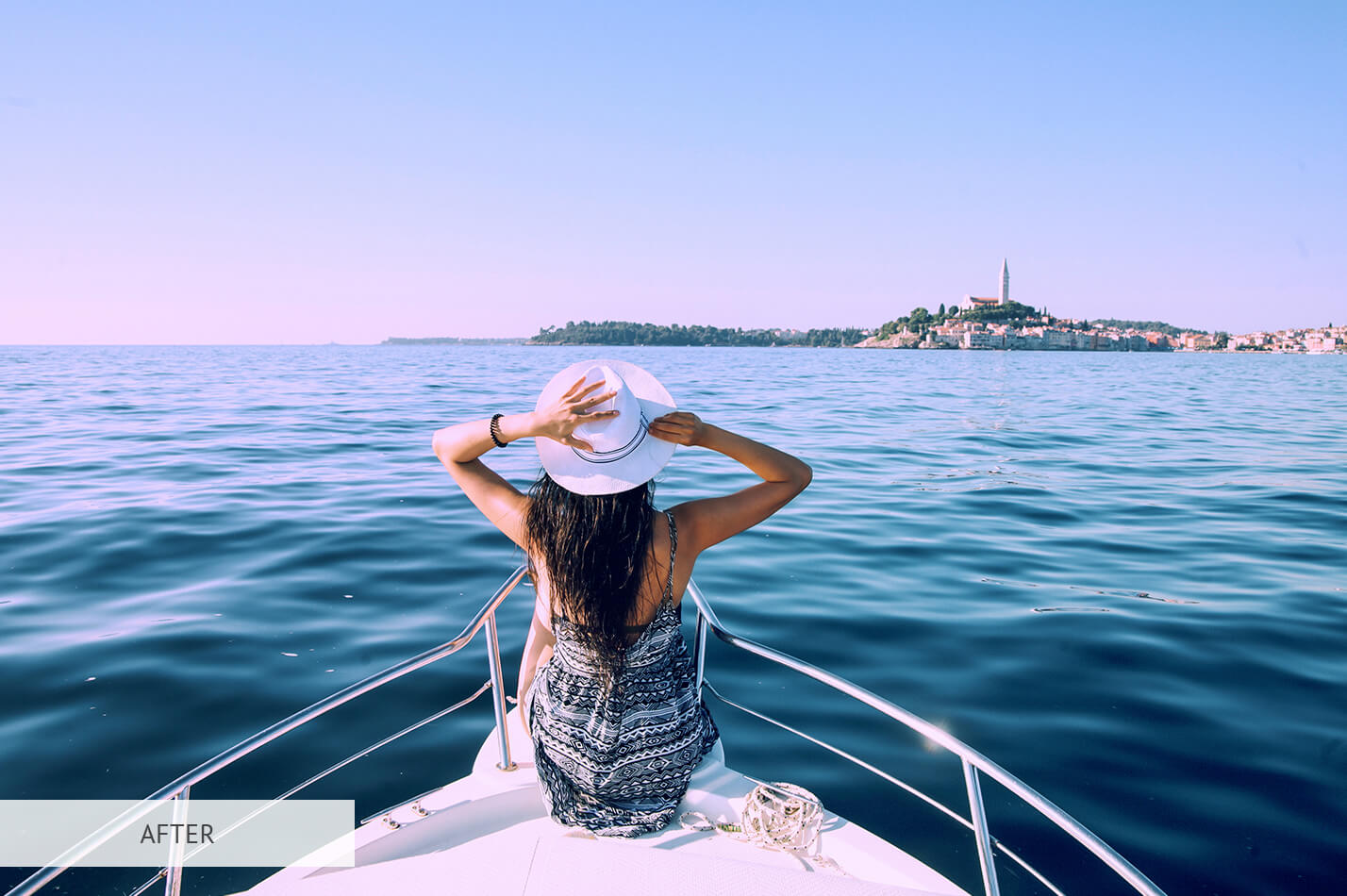
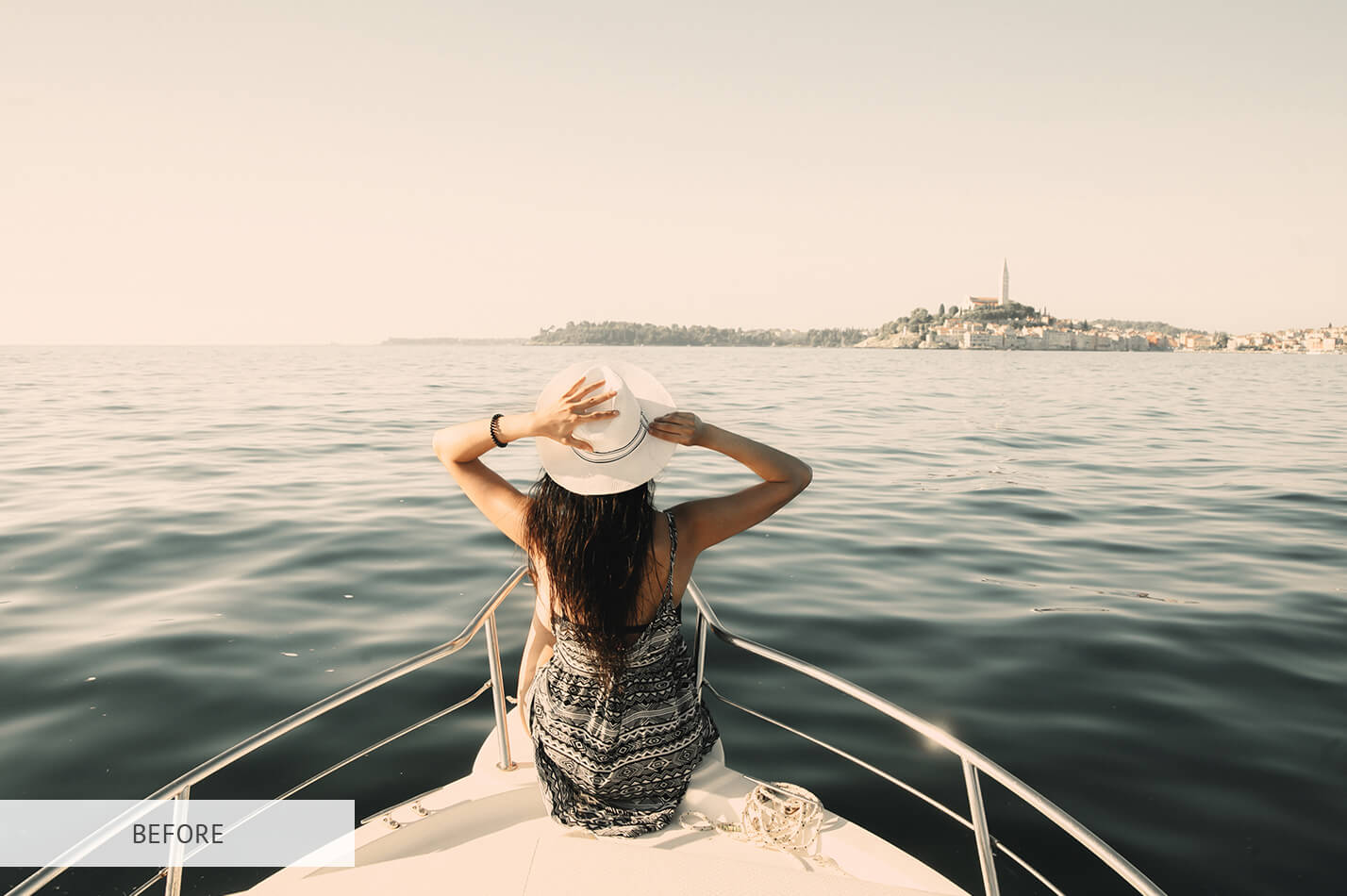
Photoshop LUT #6 "Frost Tint"
Calibrated 3D look-up table profile for Adobe Photoshop photo retouching and video grading.
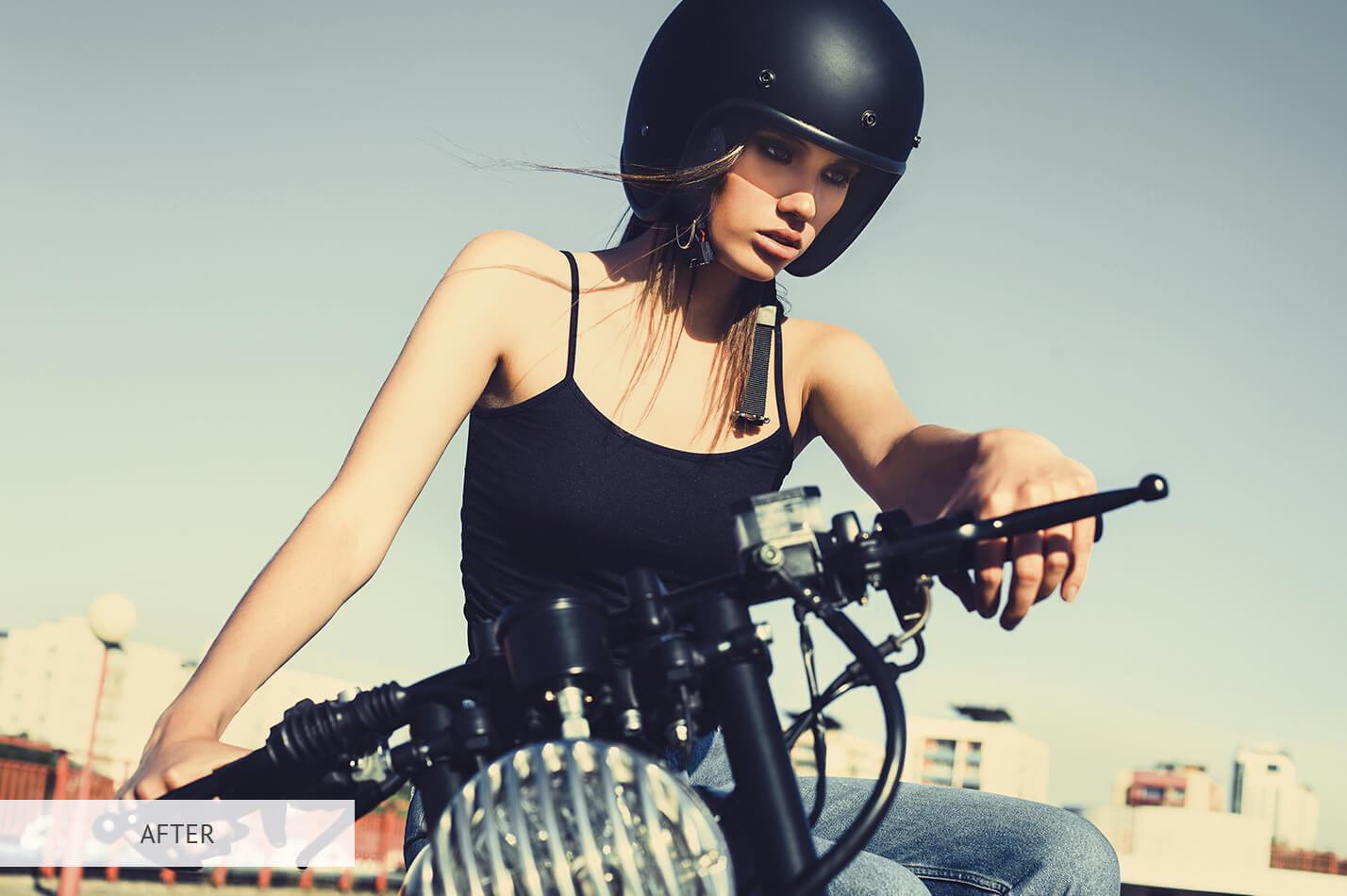
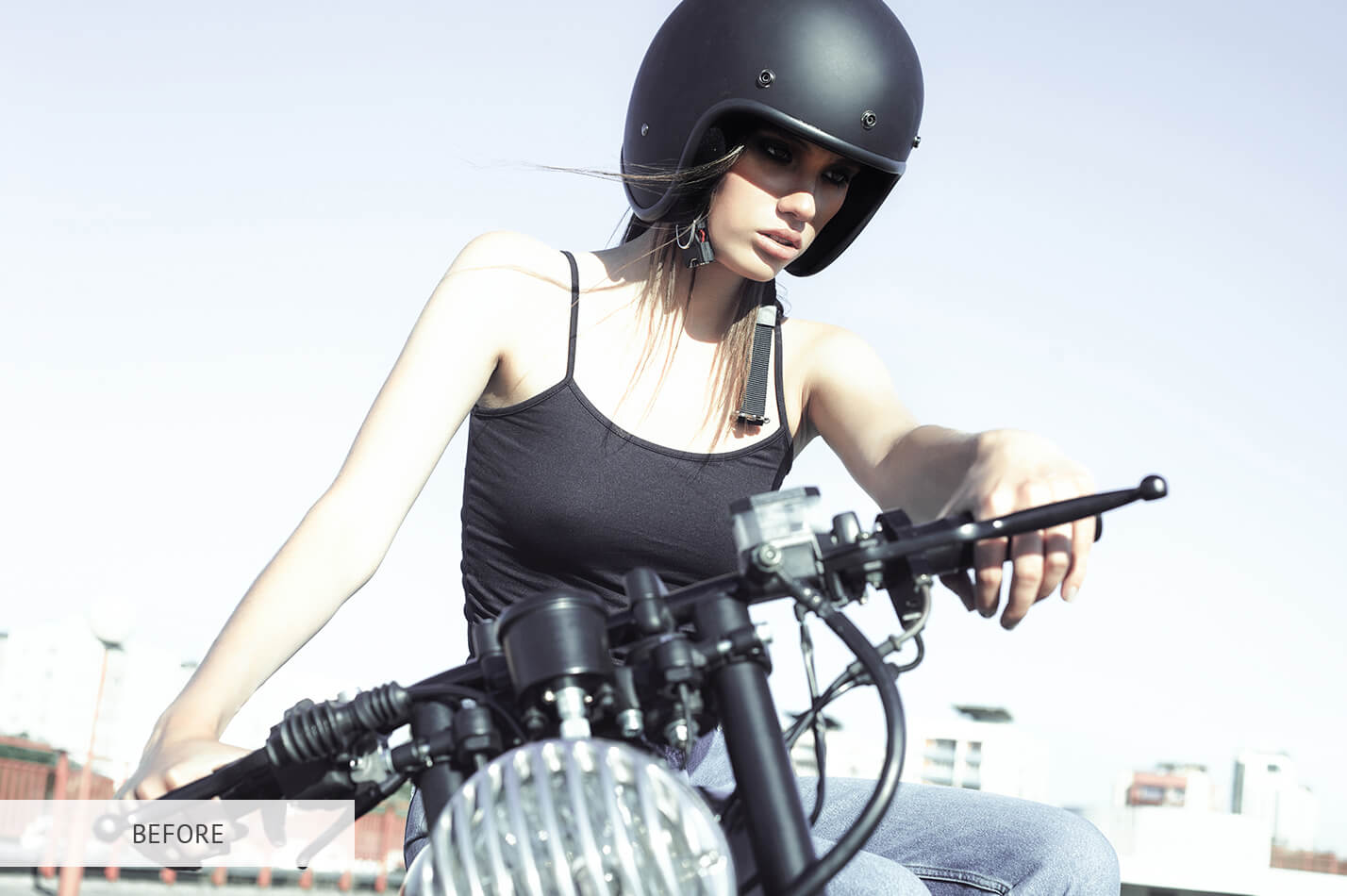
Photoshop LUT #7 "Cinematic"
Calibrated 3D look-up table profile for Adobe Photoshop photo retouching and video grading.
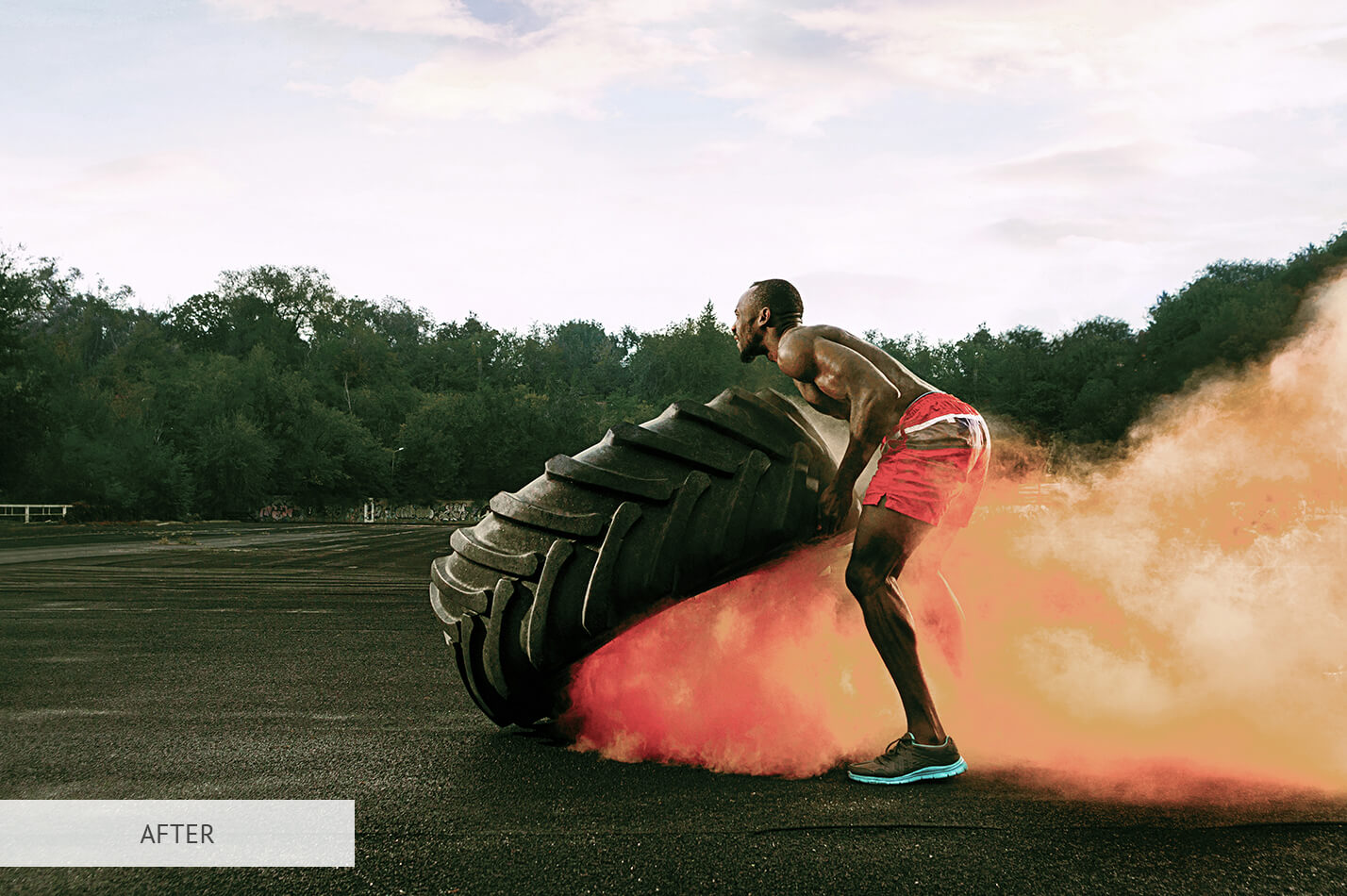
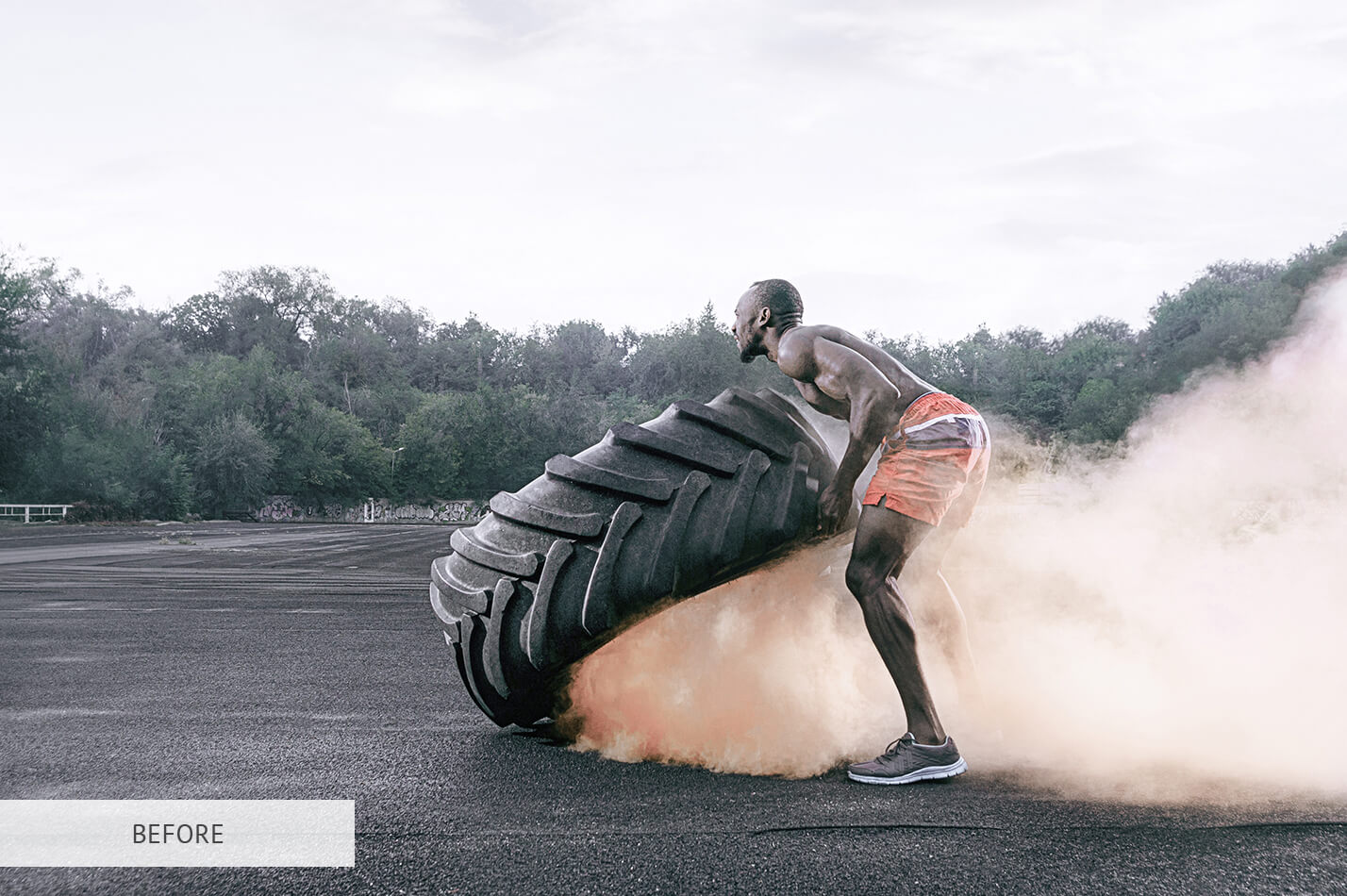
Photoshop LUT #8 "Nature"
Calibrated 3D look-up table profile for Adobe Photoshop photo retouching and video grading.
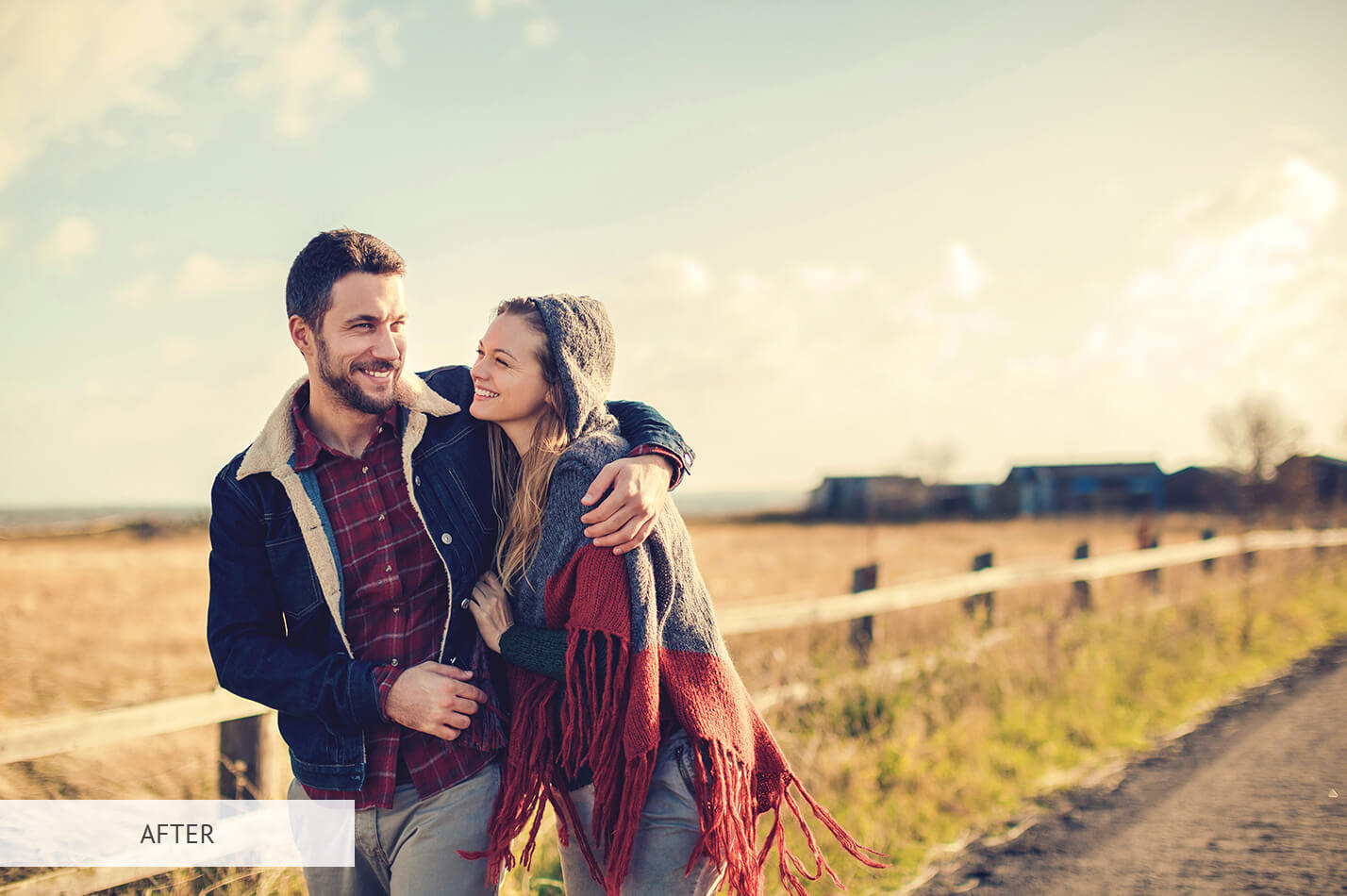
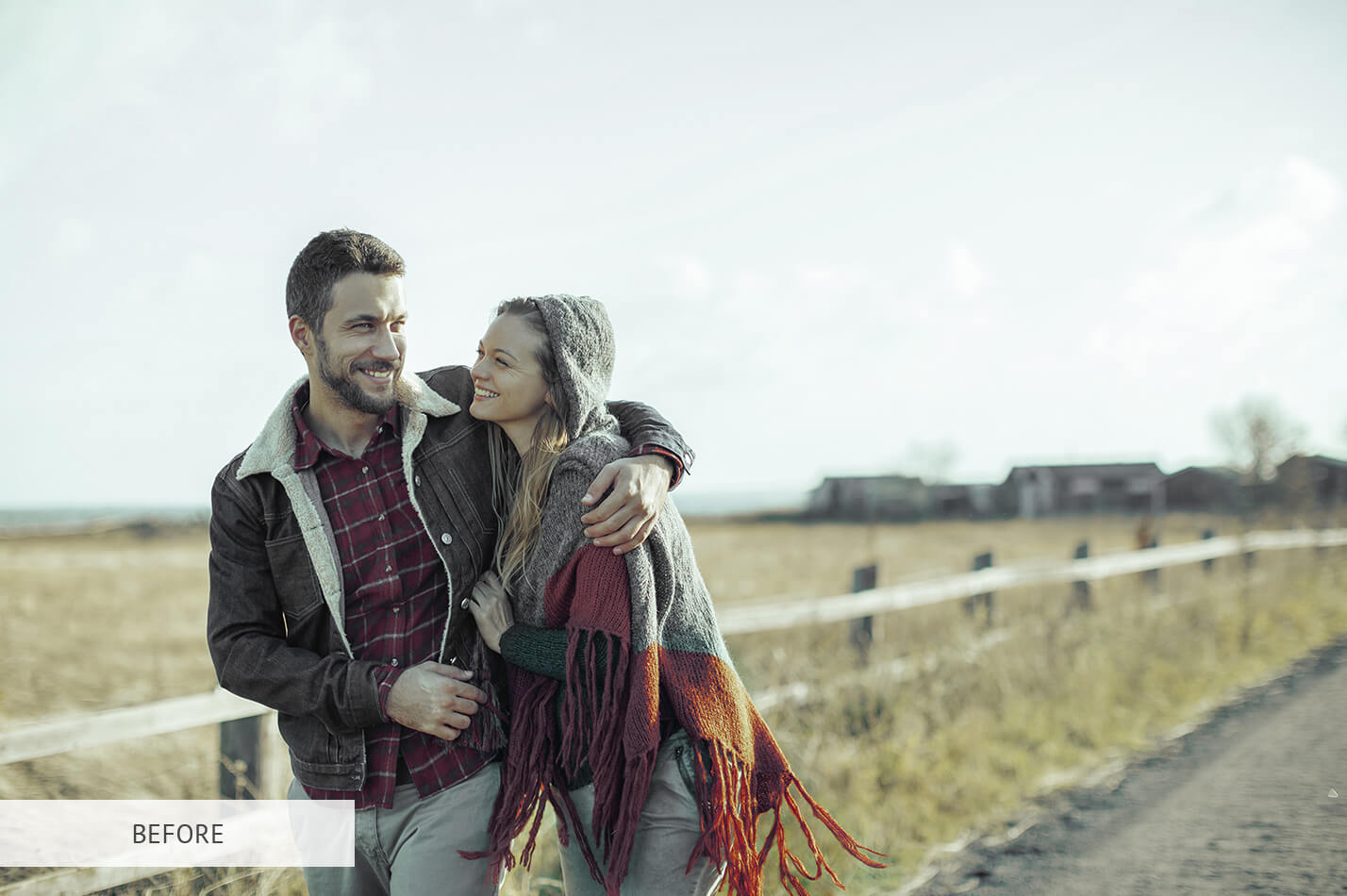
Photoshop LUT #9 "Creative Matte"
Calibrated 3D look-up table profile for Adobe Photoshop photo retouching and video grading.
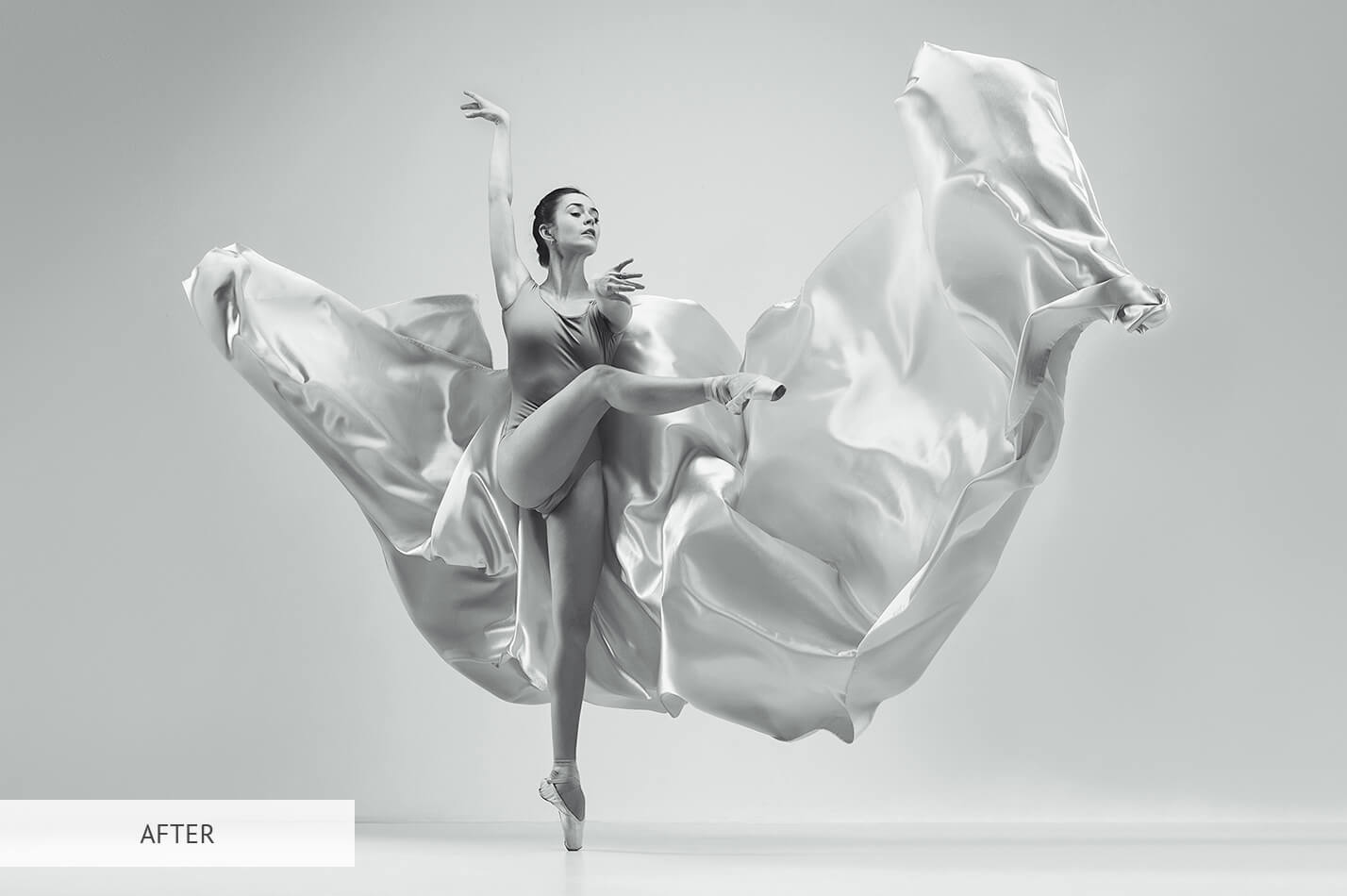
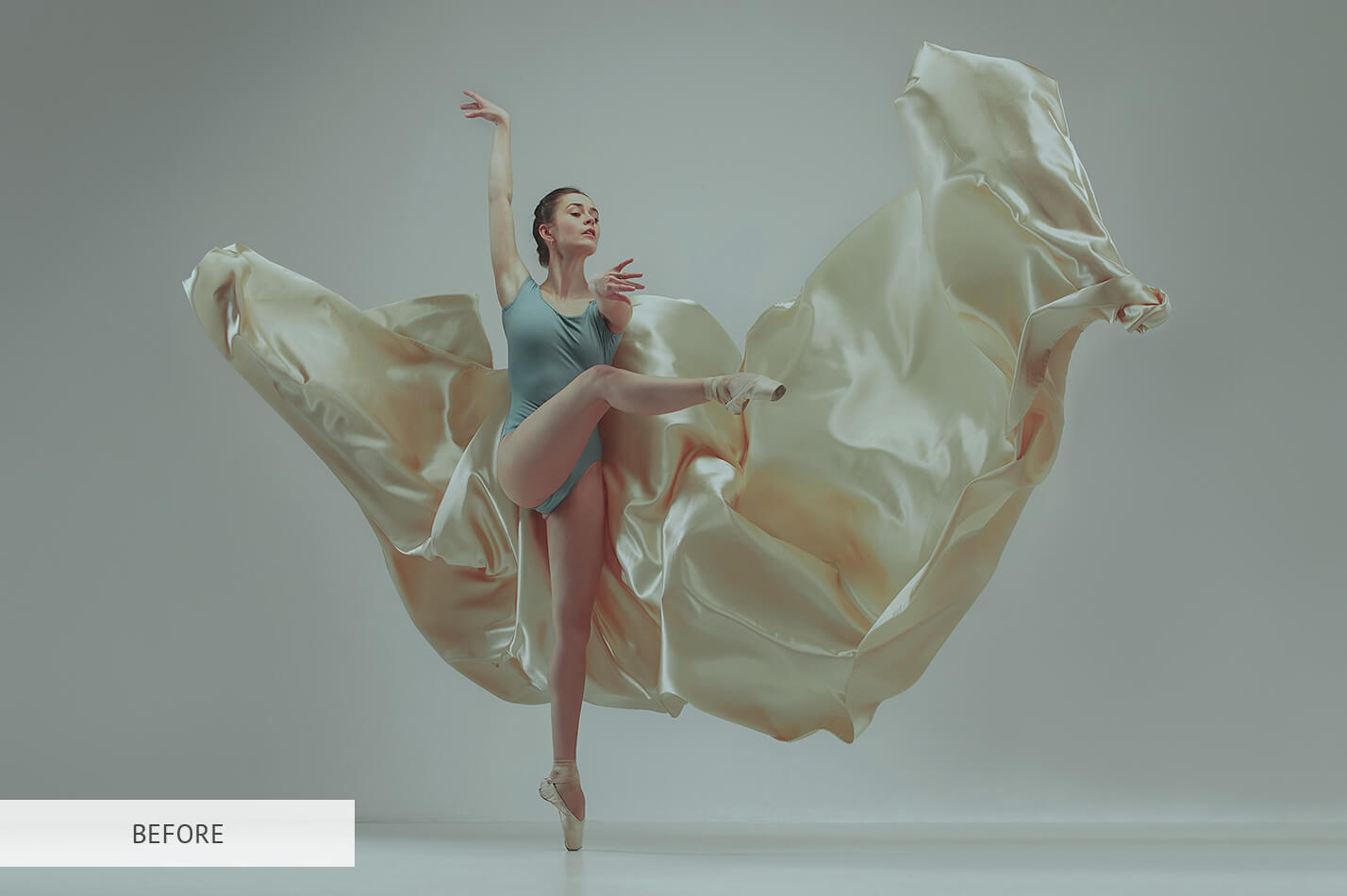
Photoshop LUT #10 "B&W"
Calibrated 3D look-up table profile for Adobe Photoshop photo retouching and video grading.
Volume 2: Urban, Motion & Cinematic Contrast (LUT #11 – #20)
Engineered for street photography, architecture, moody nightscapes, and dynamic city lighting.
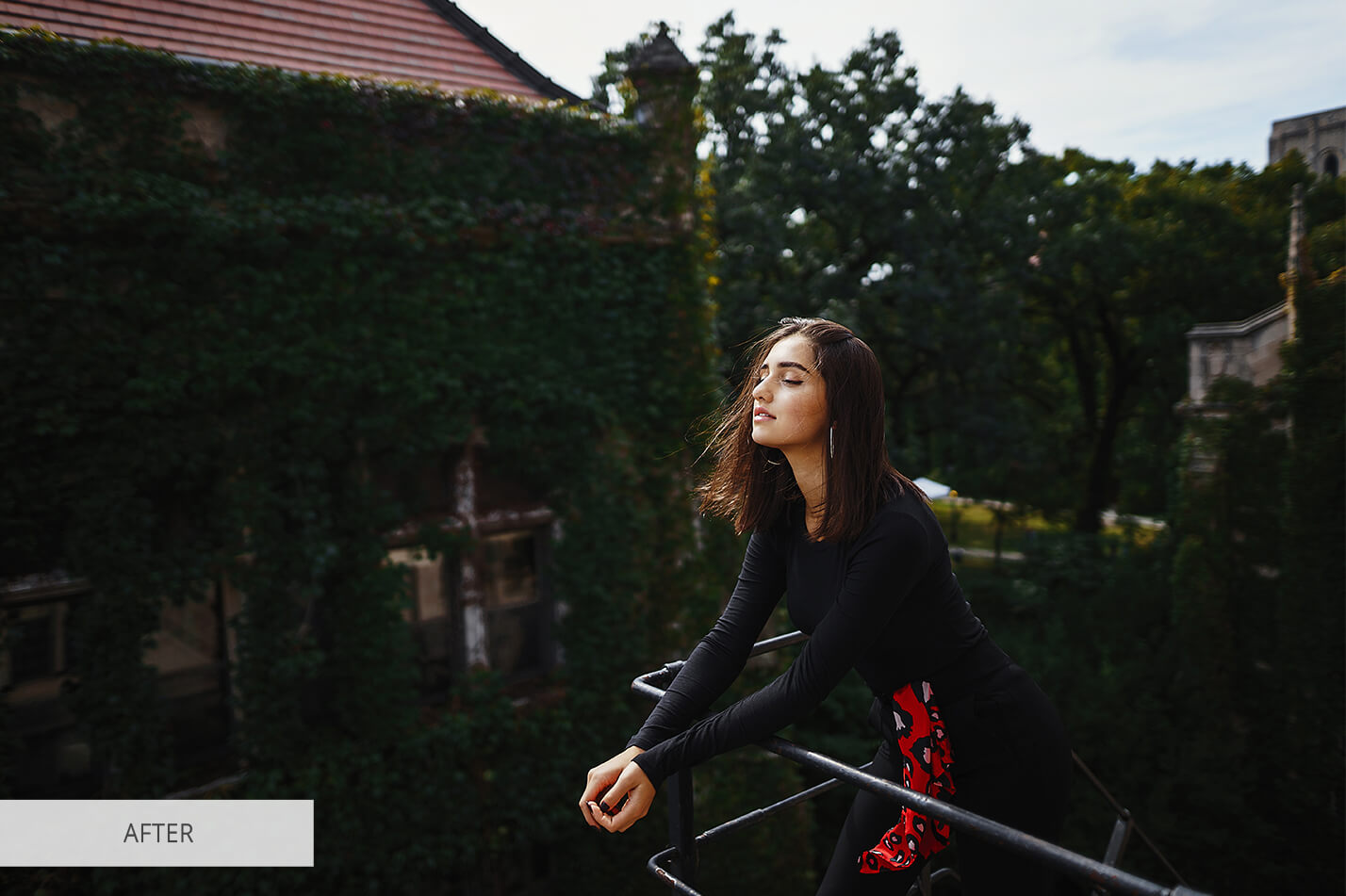
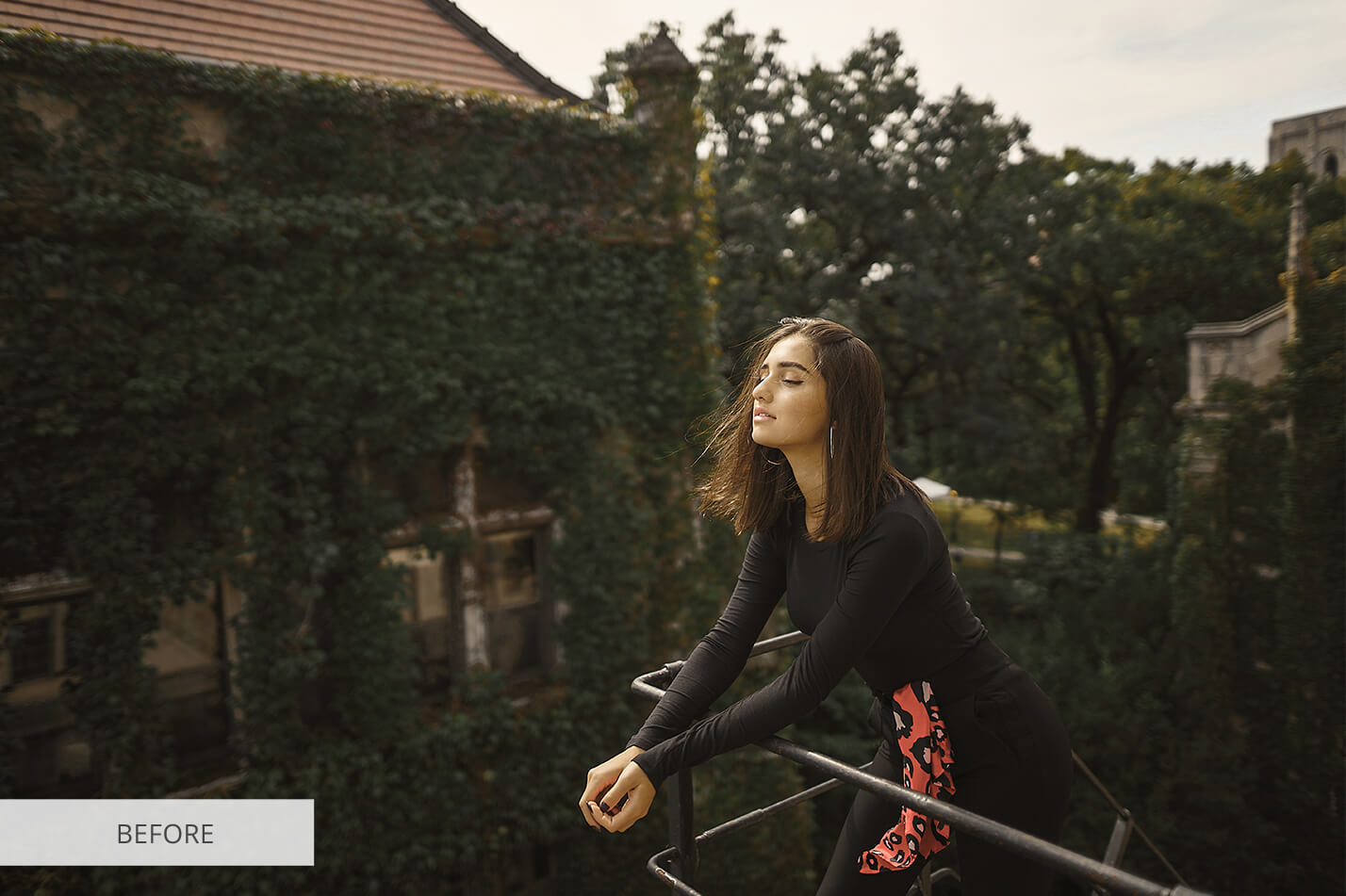
Photoshop LUT #11 "Contrast"
Calibrated 3D look-up table profile for Adobe Photoshop photo retouching and video grading.
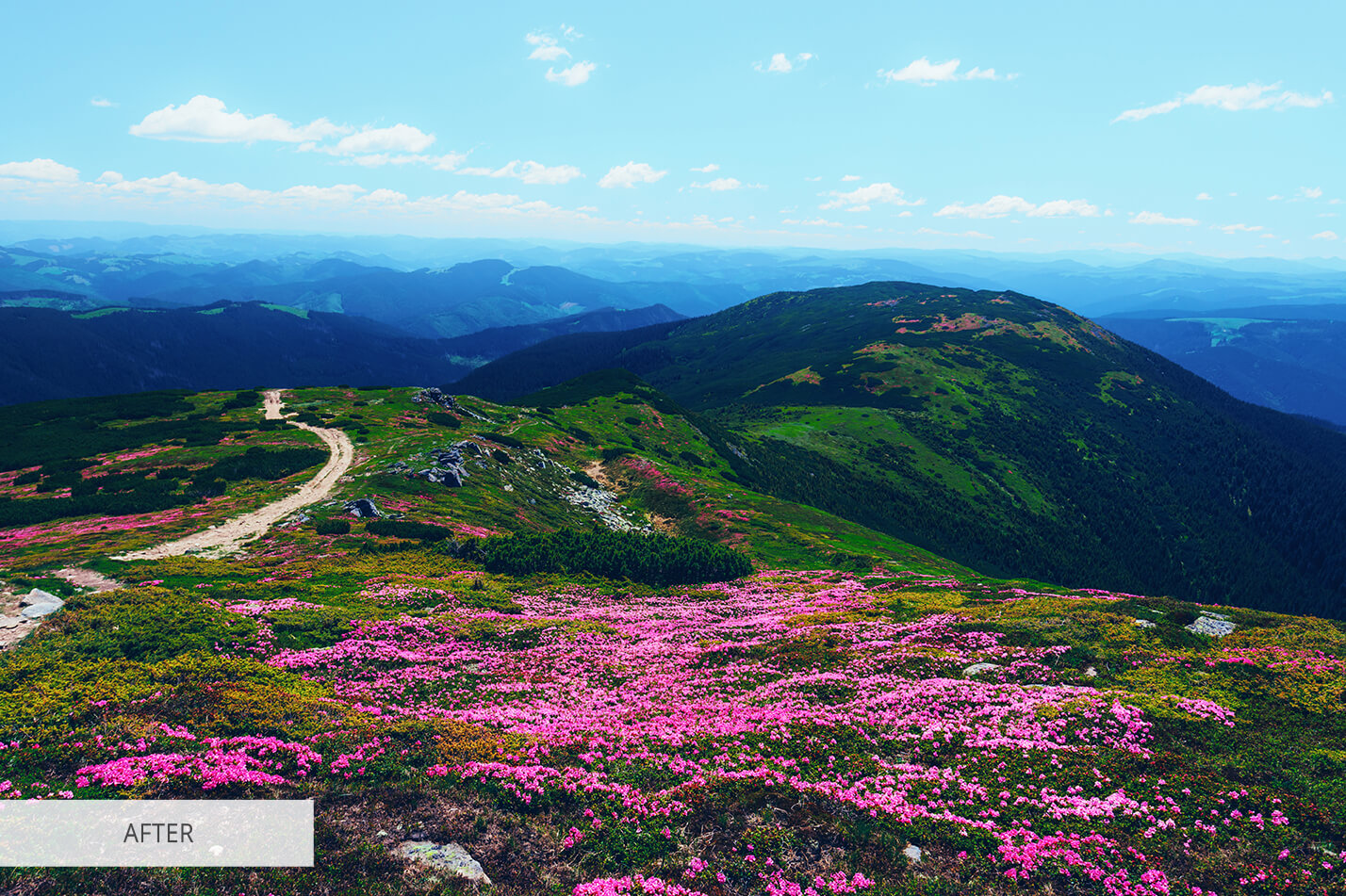
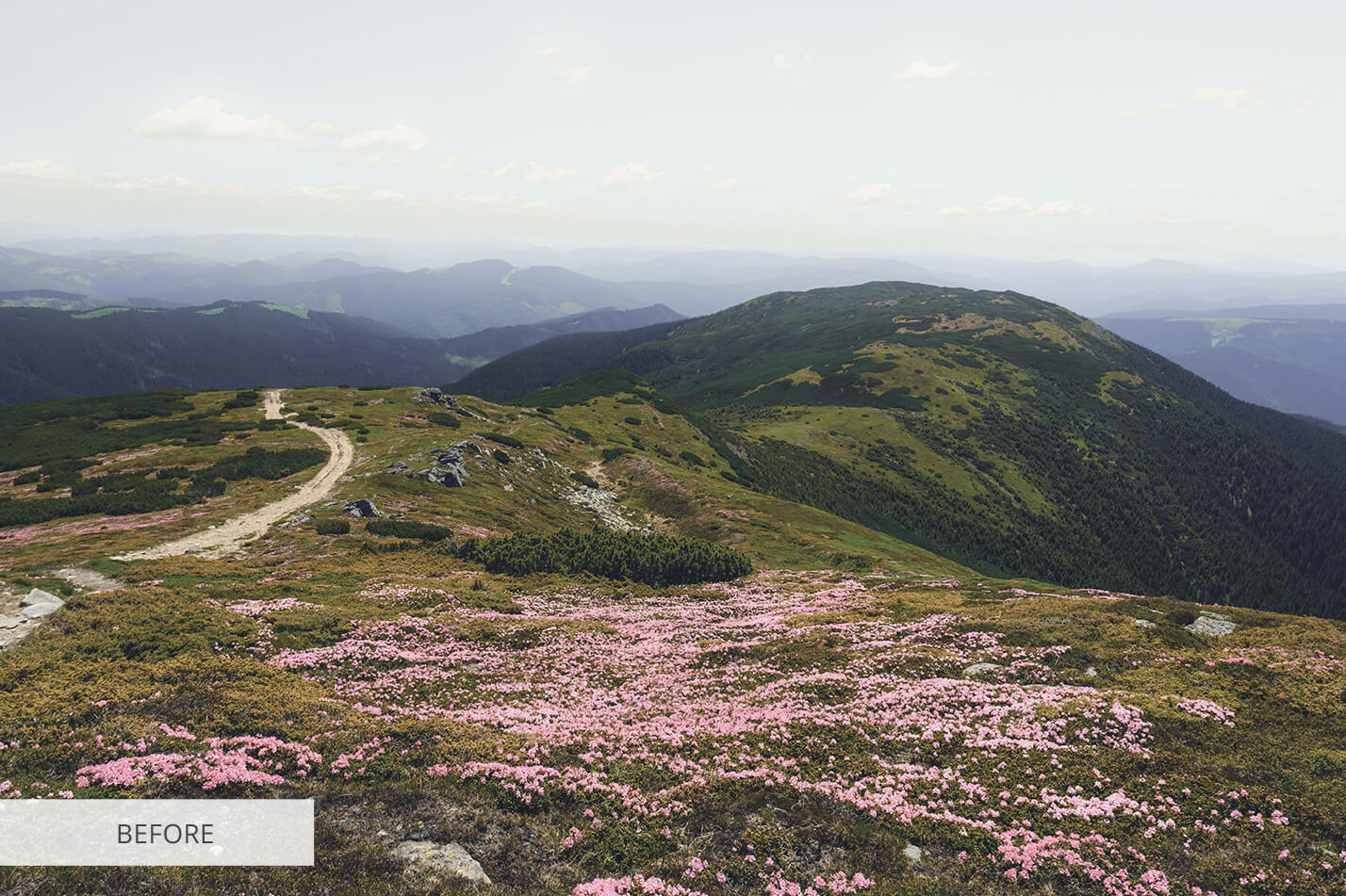
Photoshop LUT #12 "Blue Shine"
Calibrated 3D look-up table profile for Adobe Photoshop photo retouching and video grading.
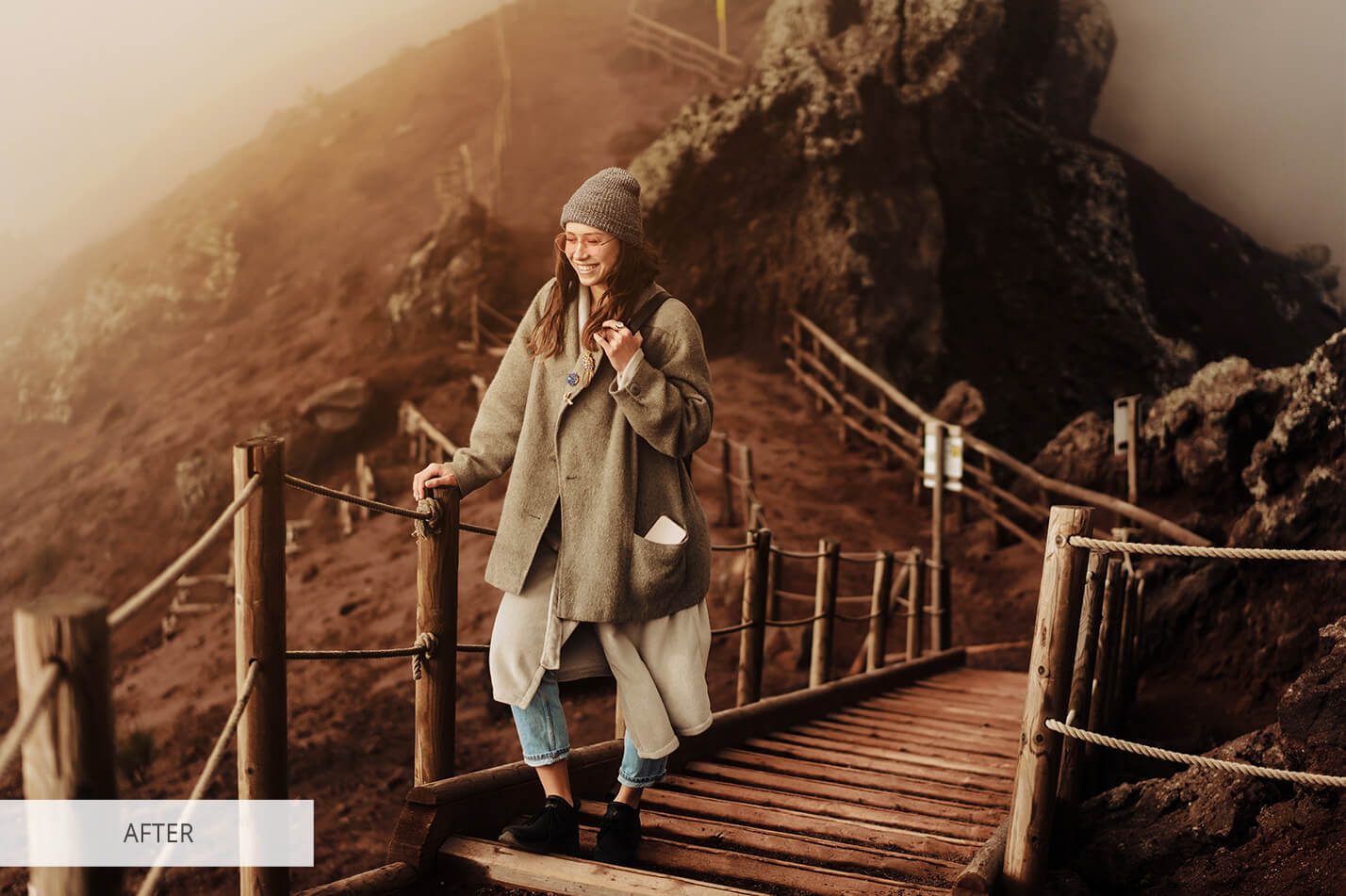
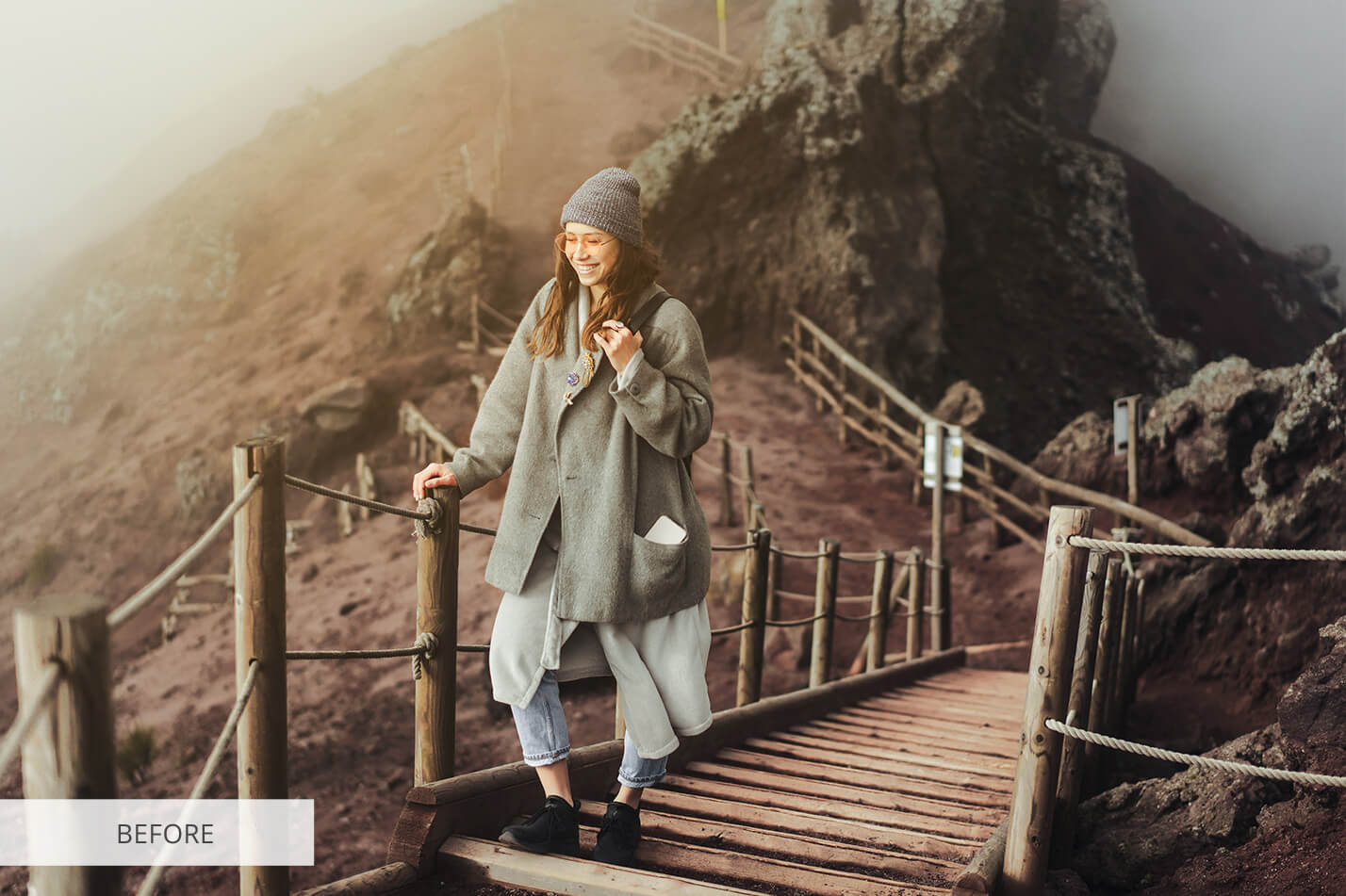
Photoshop LUT #13 "Cream Midtone"
Calibrated 3D look-up table profile for Adobe Photoshop photo retouching and video grading.

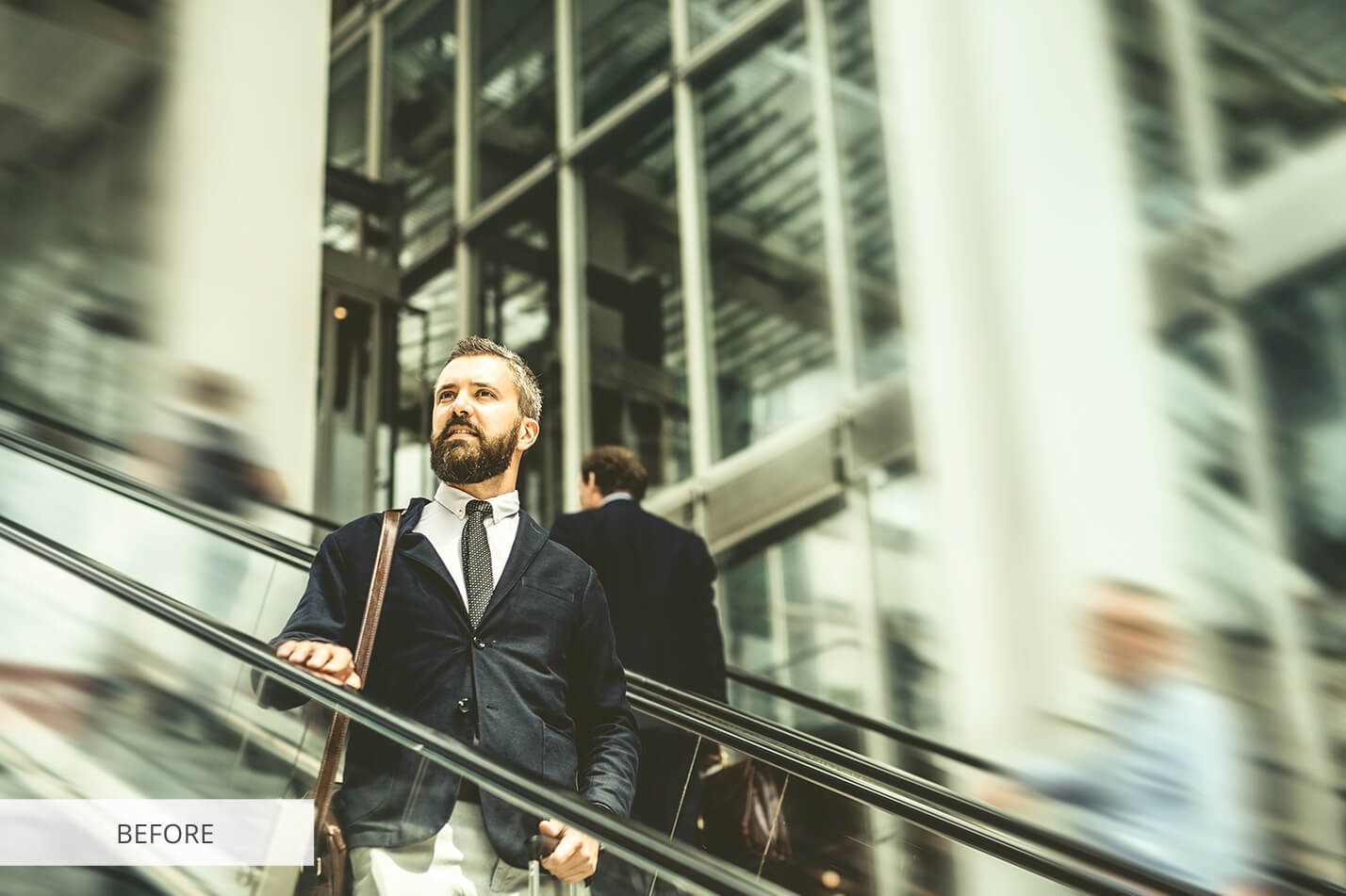
Photoshop LUT #14 "Cityscape"
Calibrated 3D look-up table profile for Adobe Photoshop photo retouching and video grading.
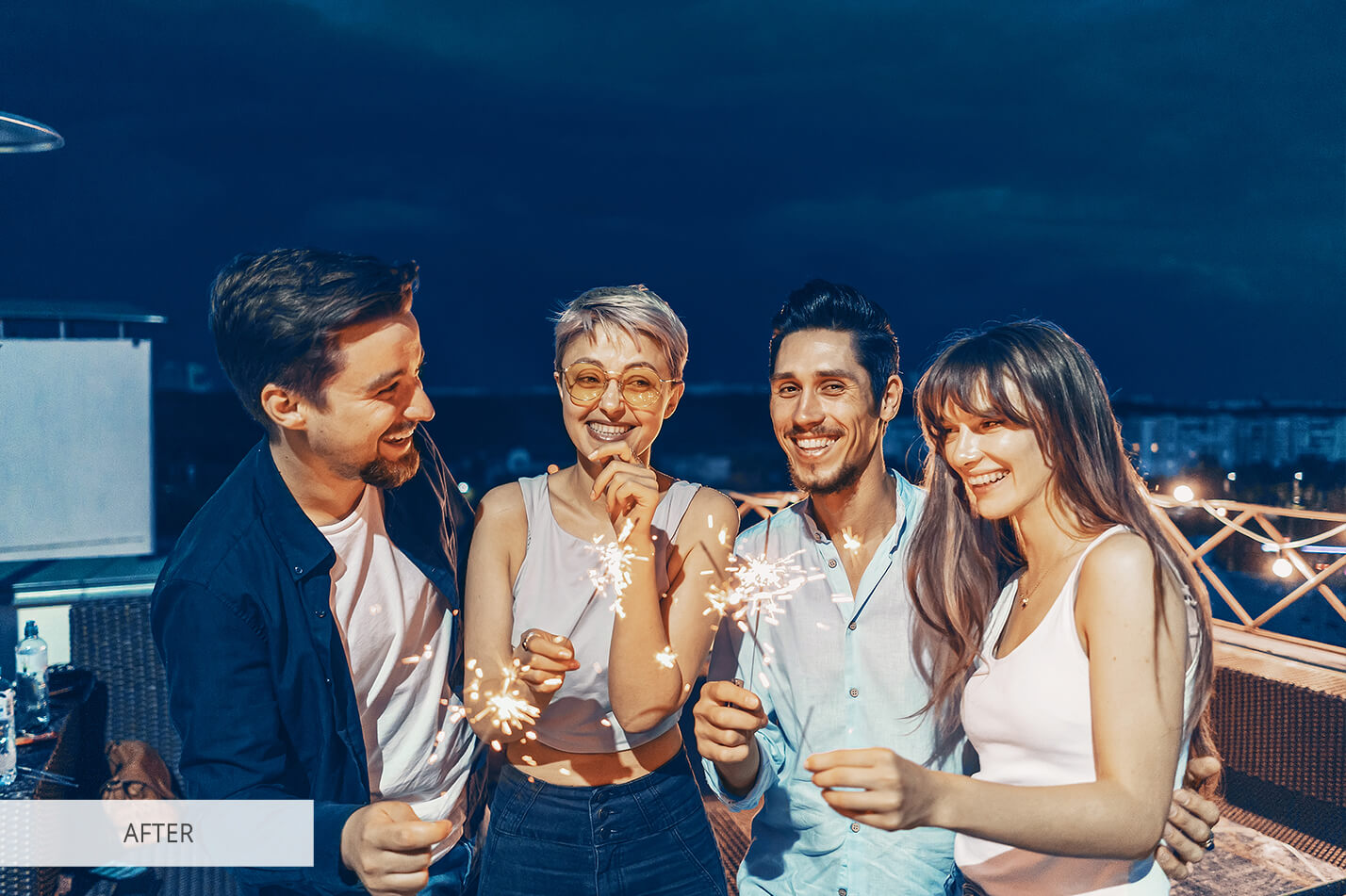
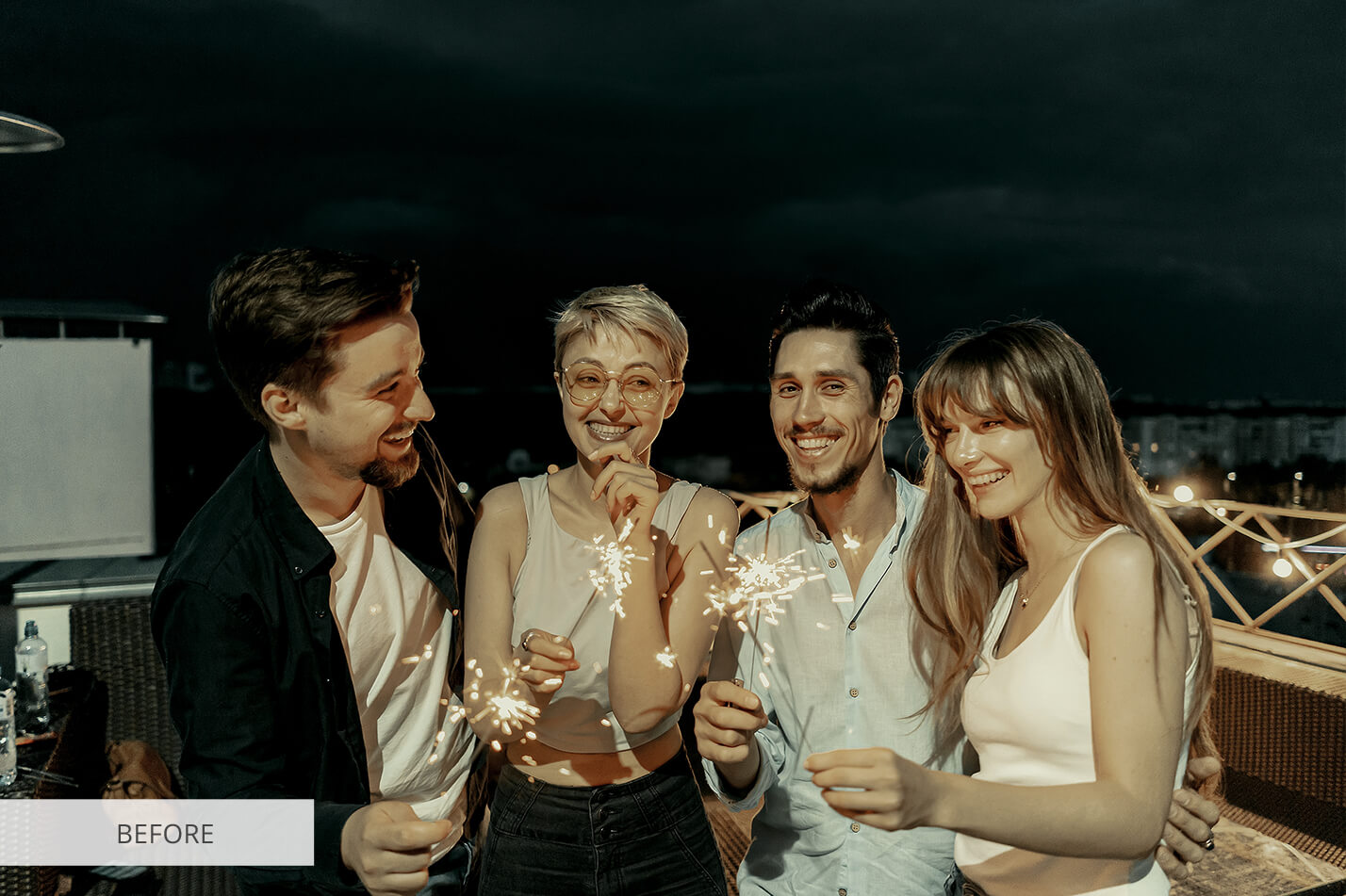
Photoshop LUT #15 "Night Matte"
Calibrated 3D look-up table profile for Adobe Photoshop photo retouching and video grading.
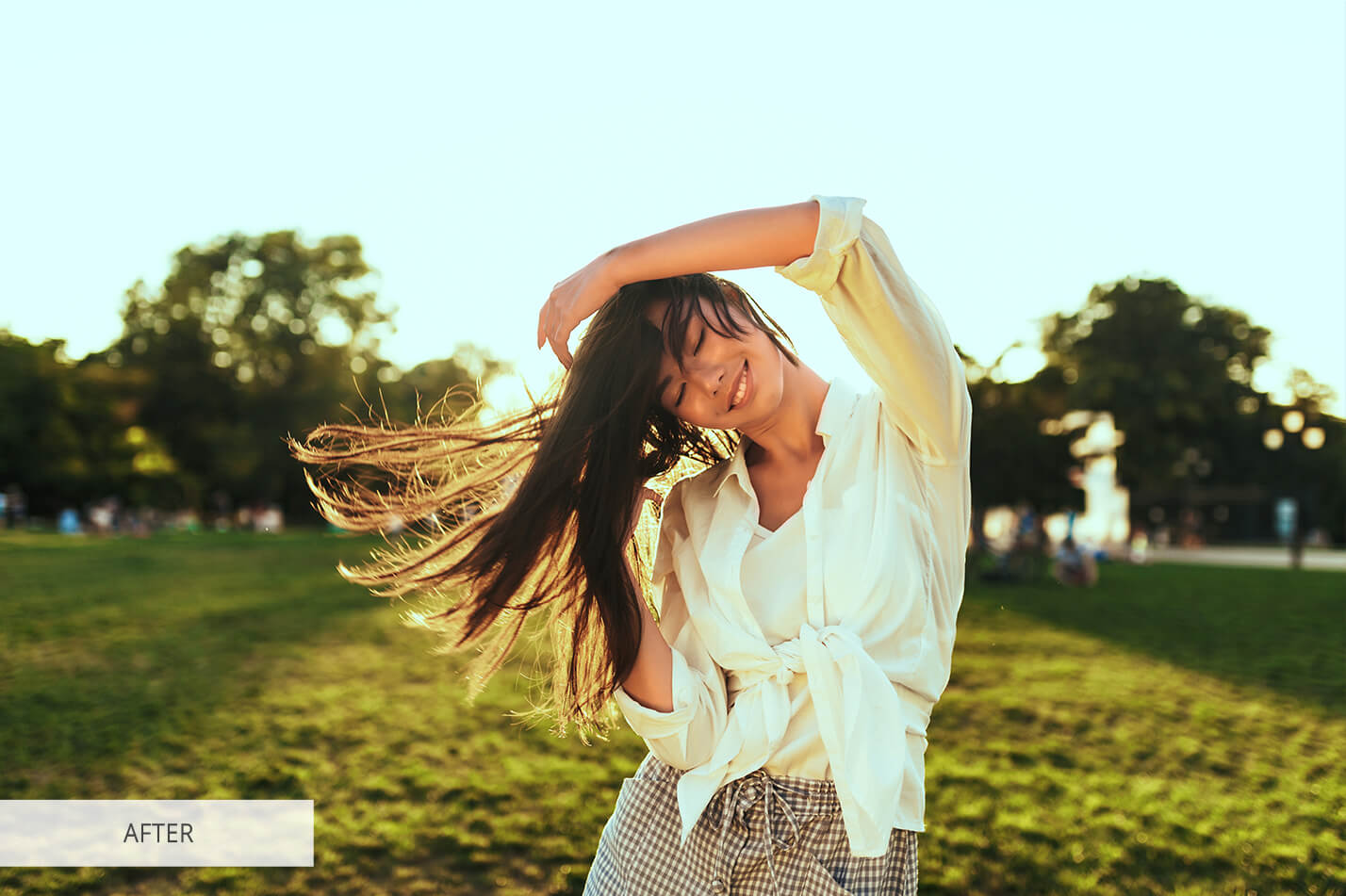
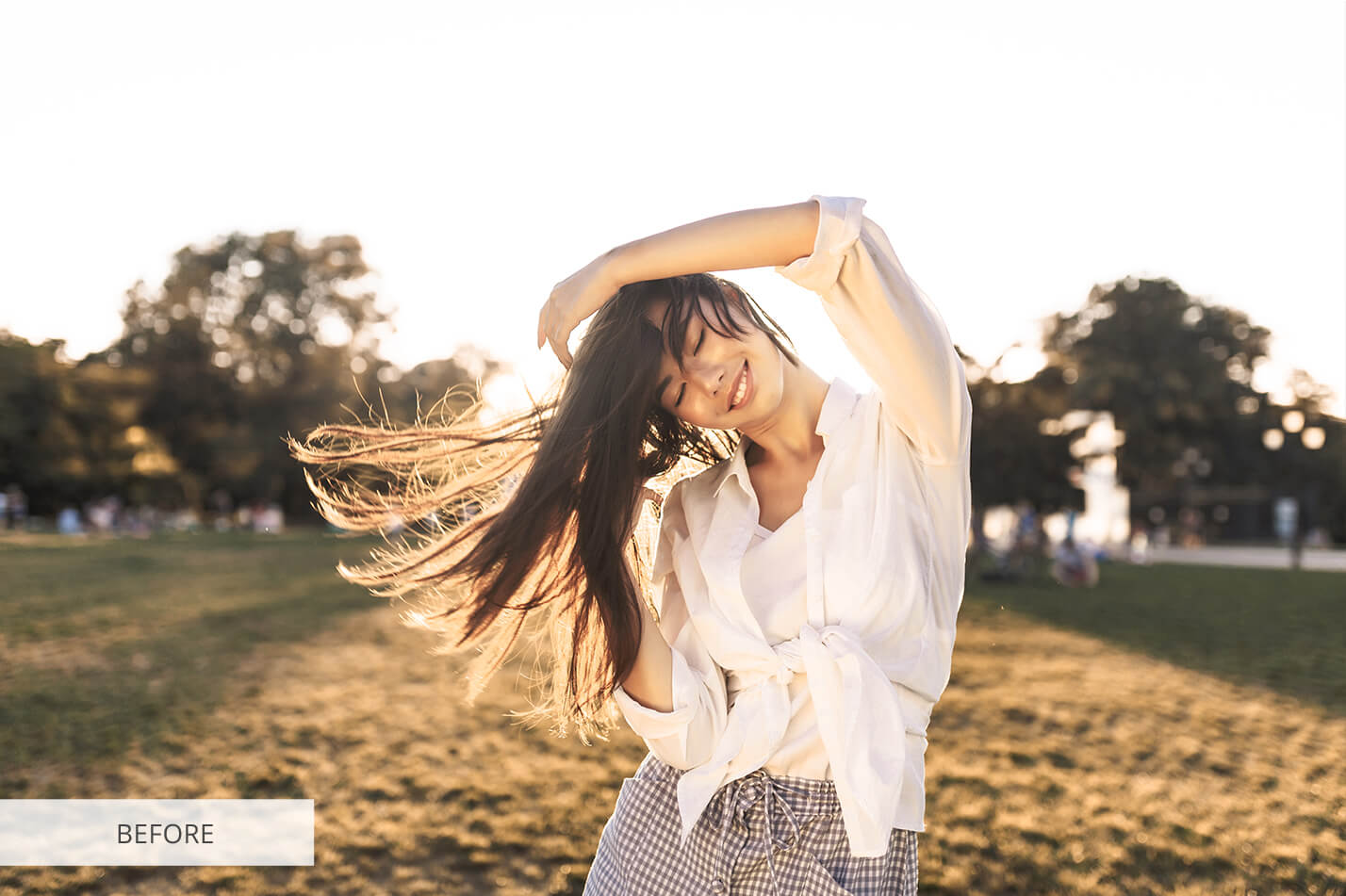
Photoshop LUT #16 "Green Tone"
Calibrated 3D look-up table profile for Adobe Photoshop photo retouching and video grading.
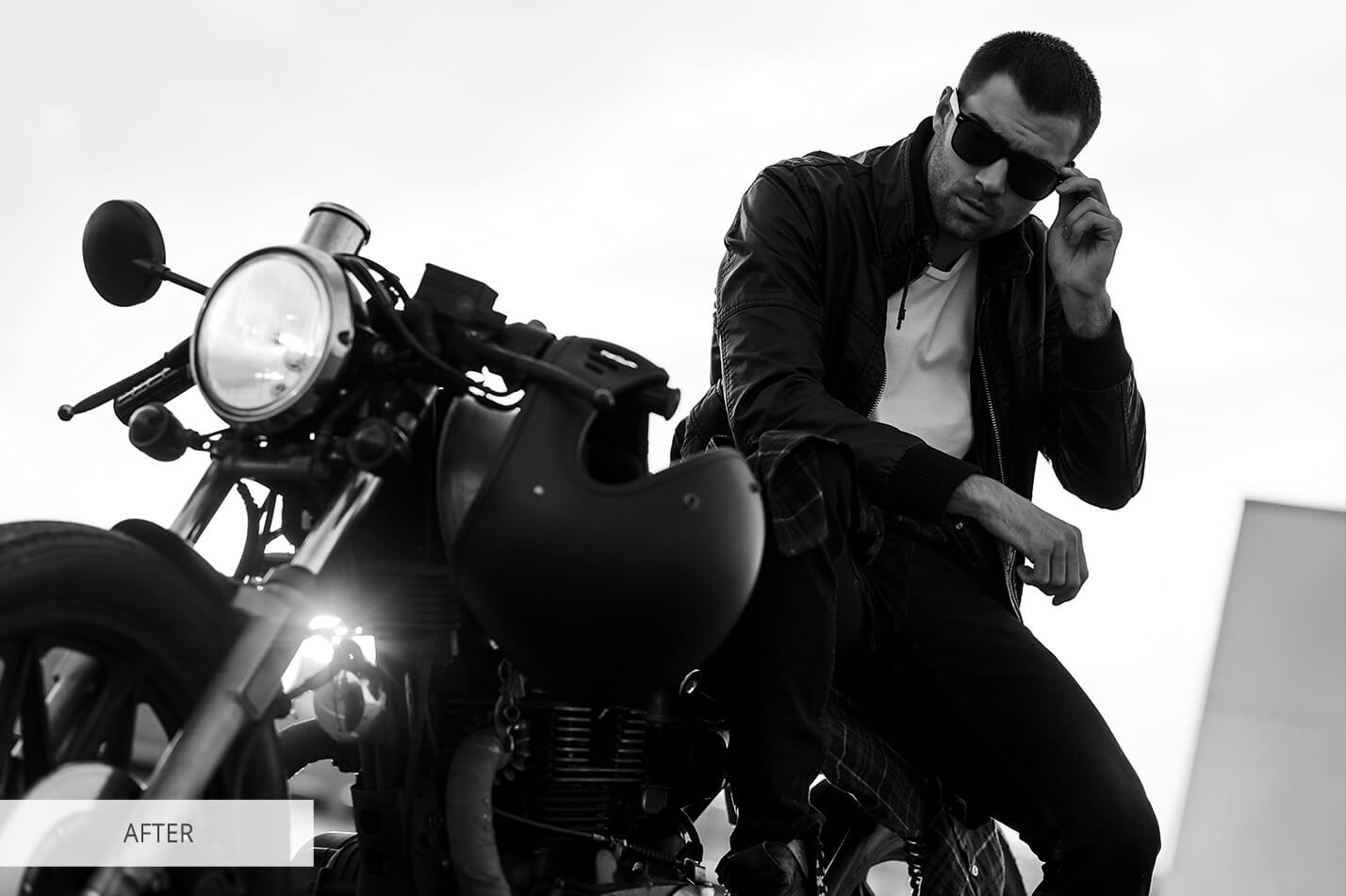
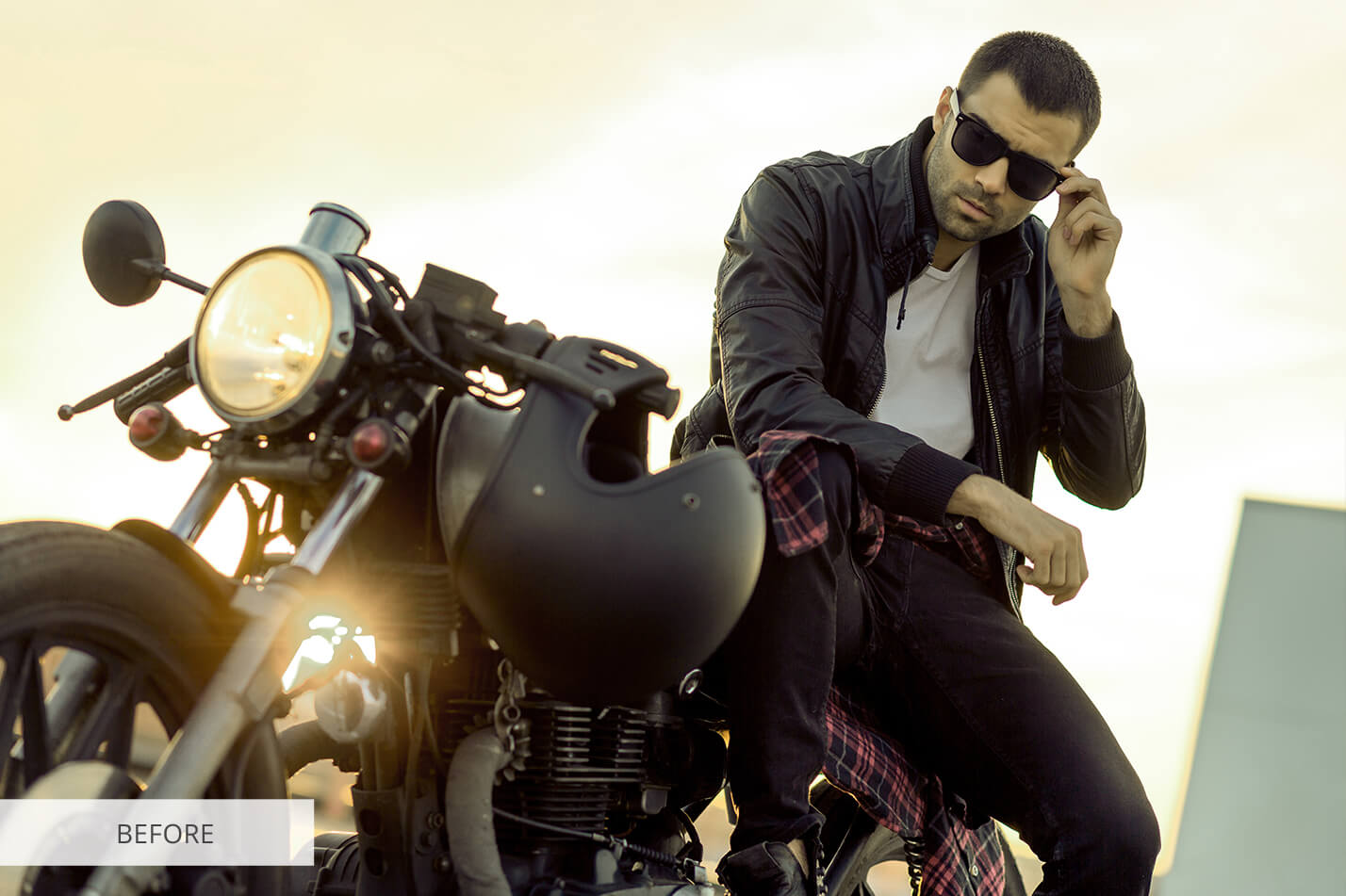
Photoshop LUT #17 "B&W"
Calibrated 3D look-up table profile for Adobe Photoshop photo retouching and video grading.
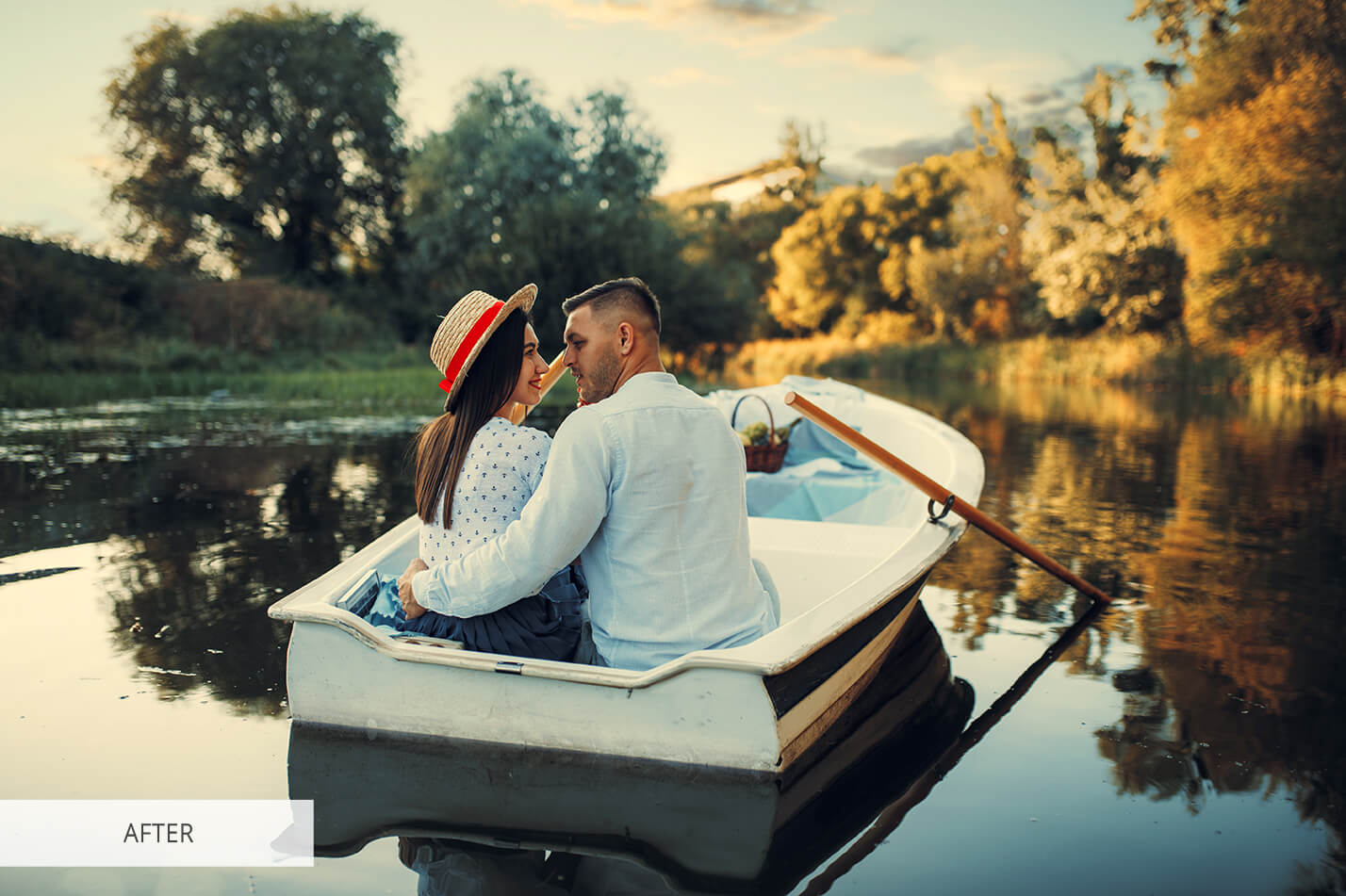
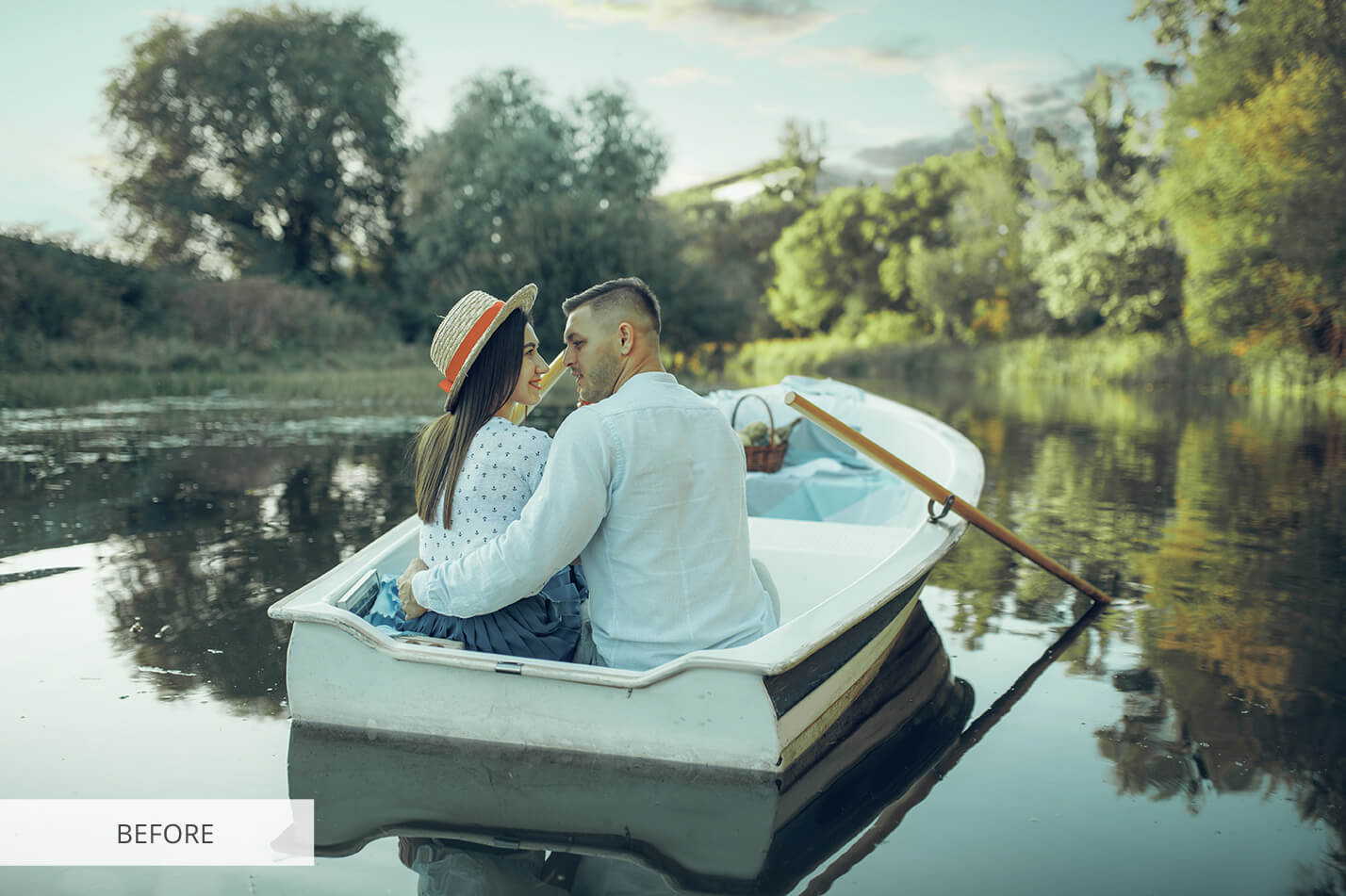
Photoshop LUT #18 "Deep Contrast"
Calibrated 3D look-up table profile for Adobe Photoshop photo retouching and video grading.
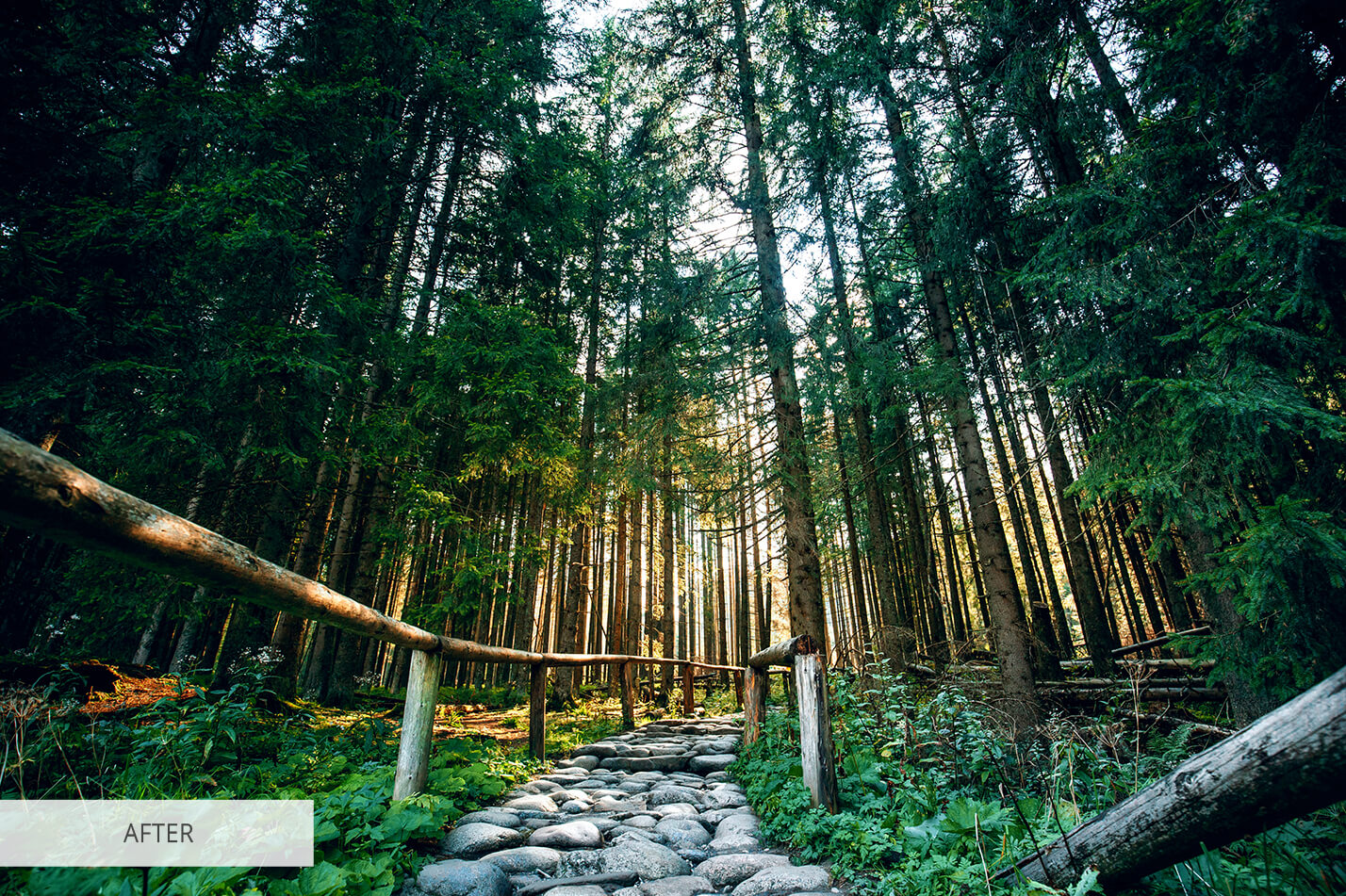
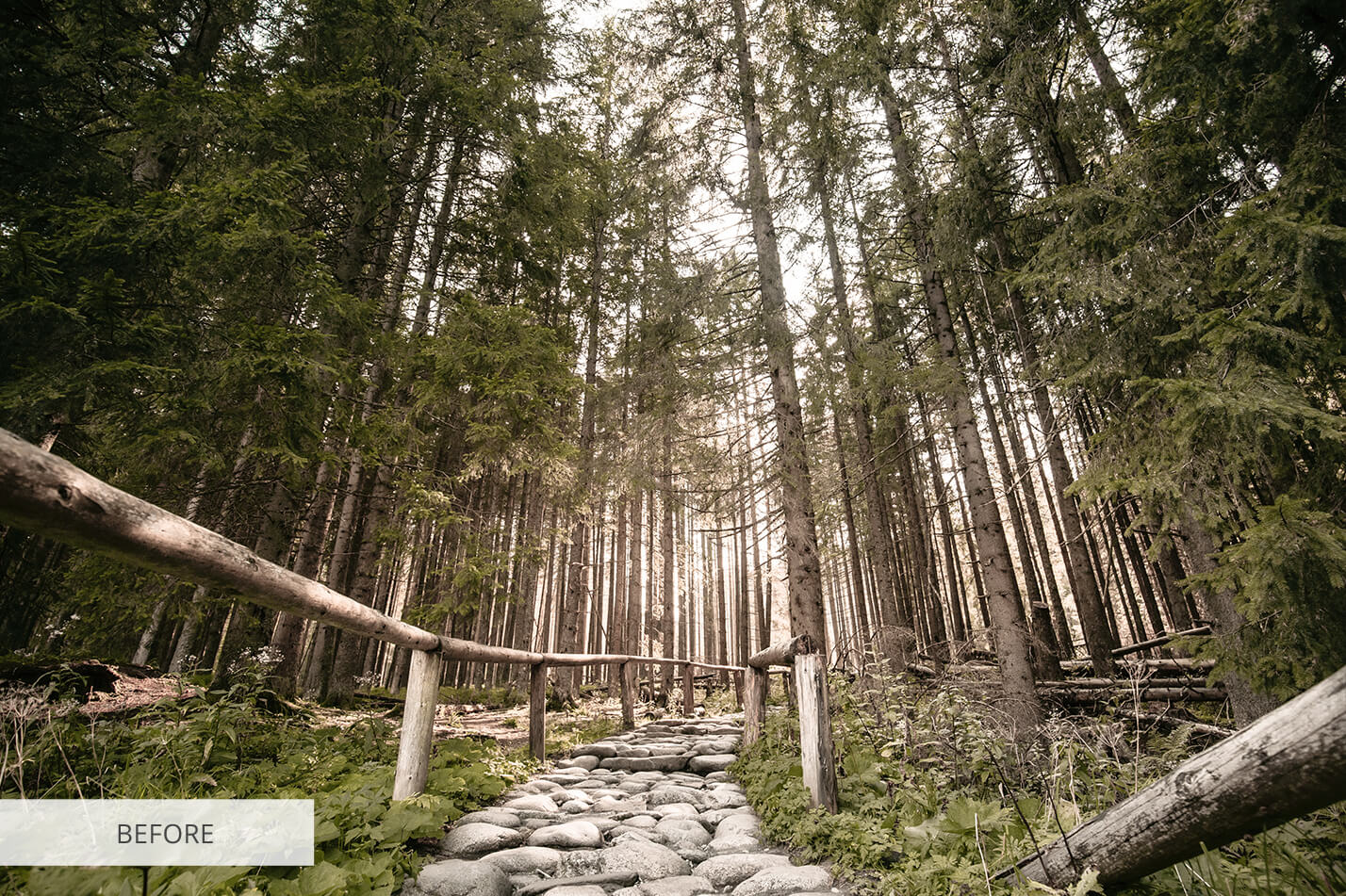
Photoshop LUT #19 "Nature Color"
Calibrated 3D look-up table profile for Adobe Photoshop photo retouching and video grading.
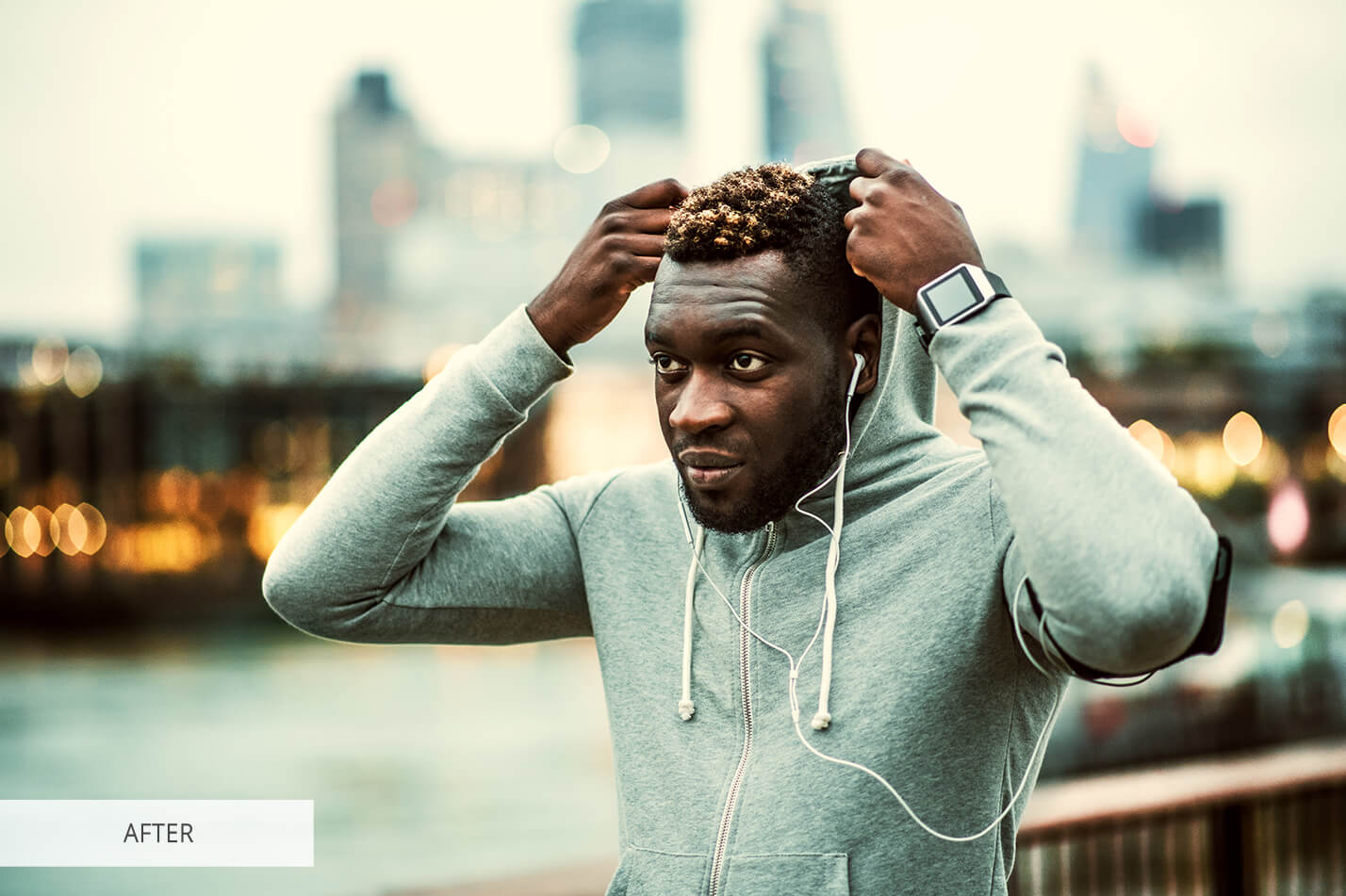
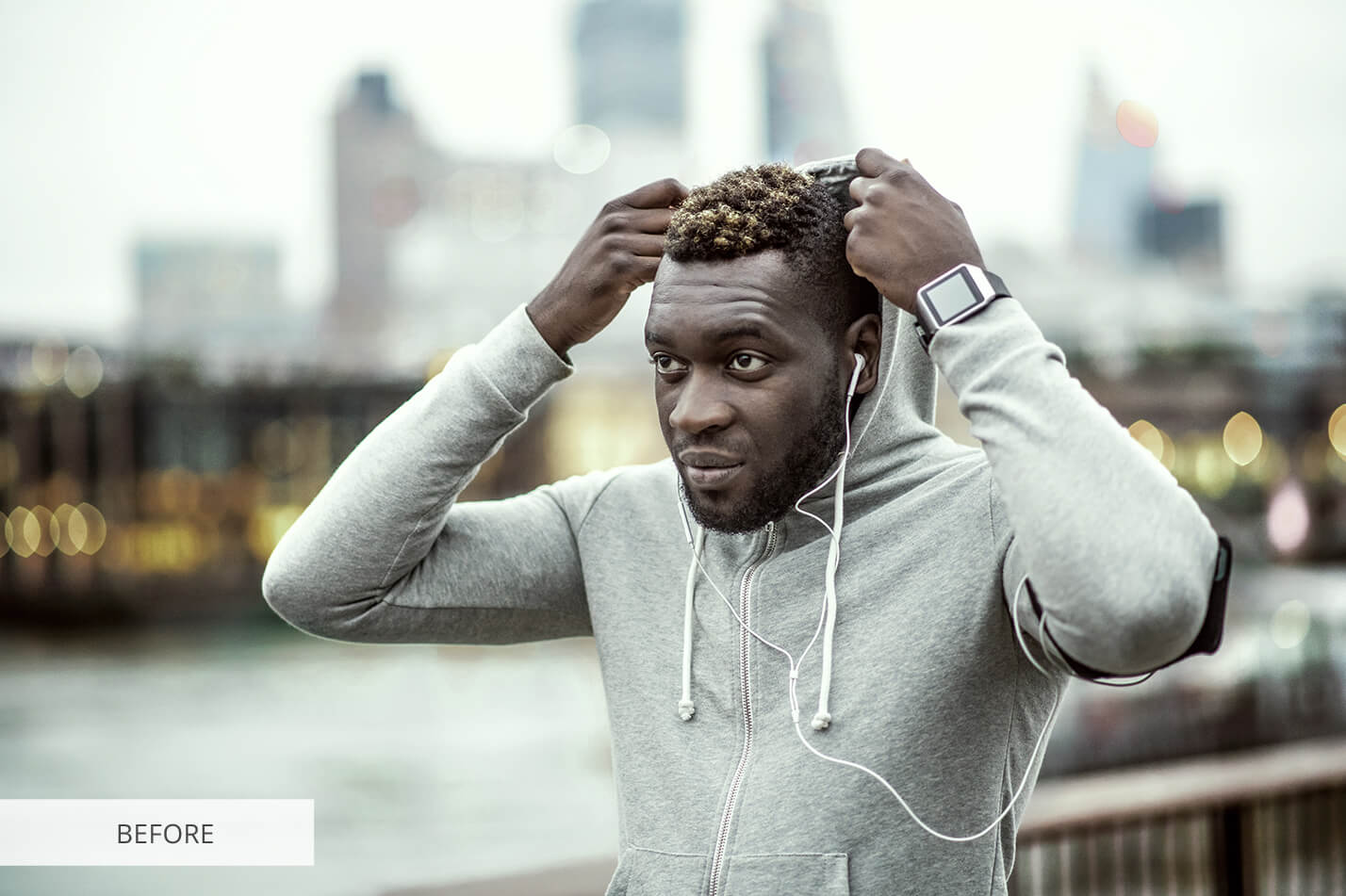
Photoshop LUT #20 "Retro City"
Calibrated 3D look-up table profile for Adobe Photoshop photo retouching and video grading.
Volume 3: Creative Color & Tonal Styling (LUT #21 – #30)
Artistic palettes, vibrant color separation, antique bronze, and fine-art monochromatic gradations.
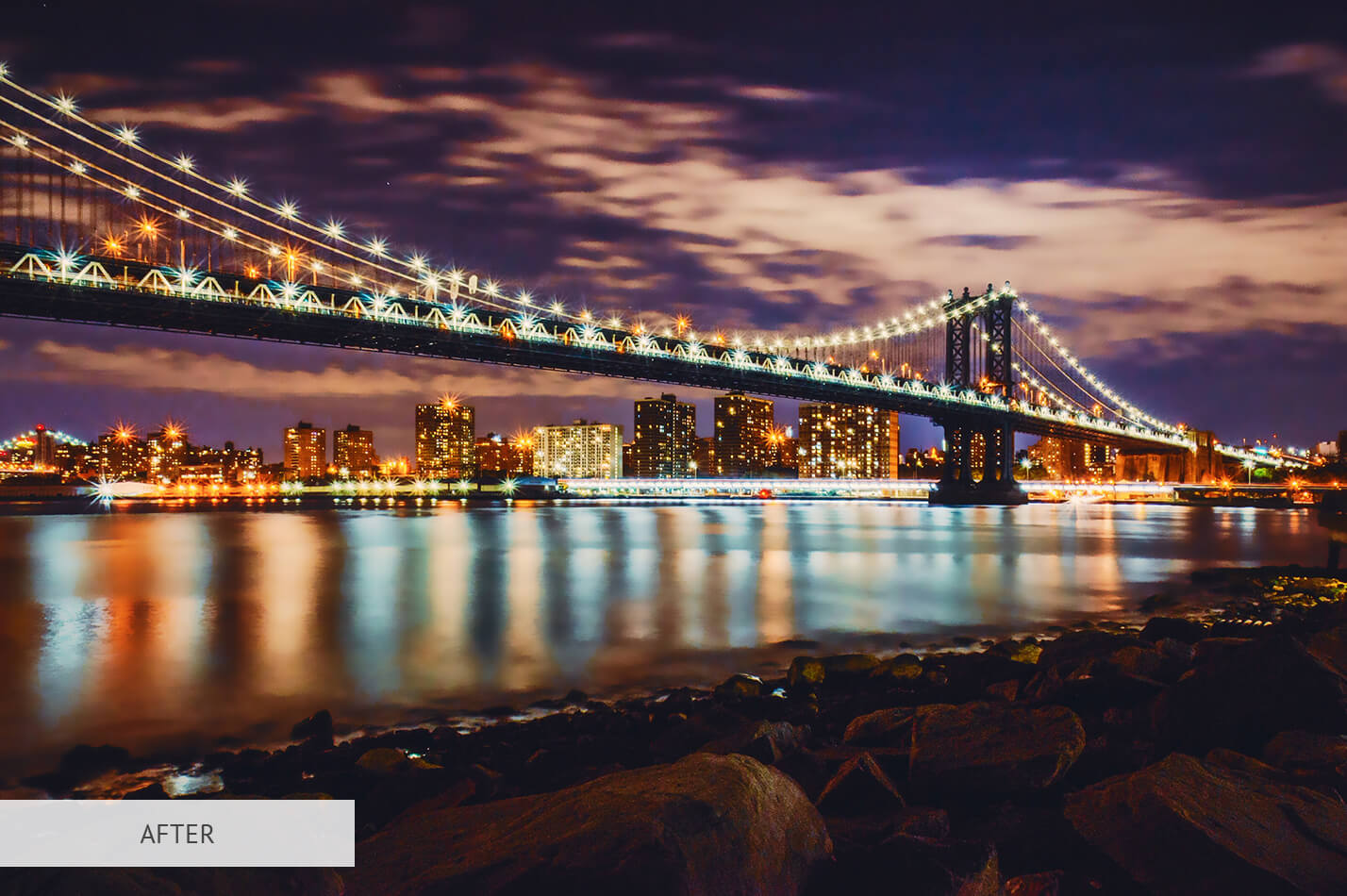
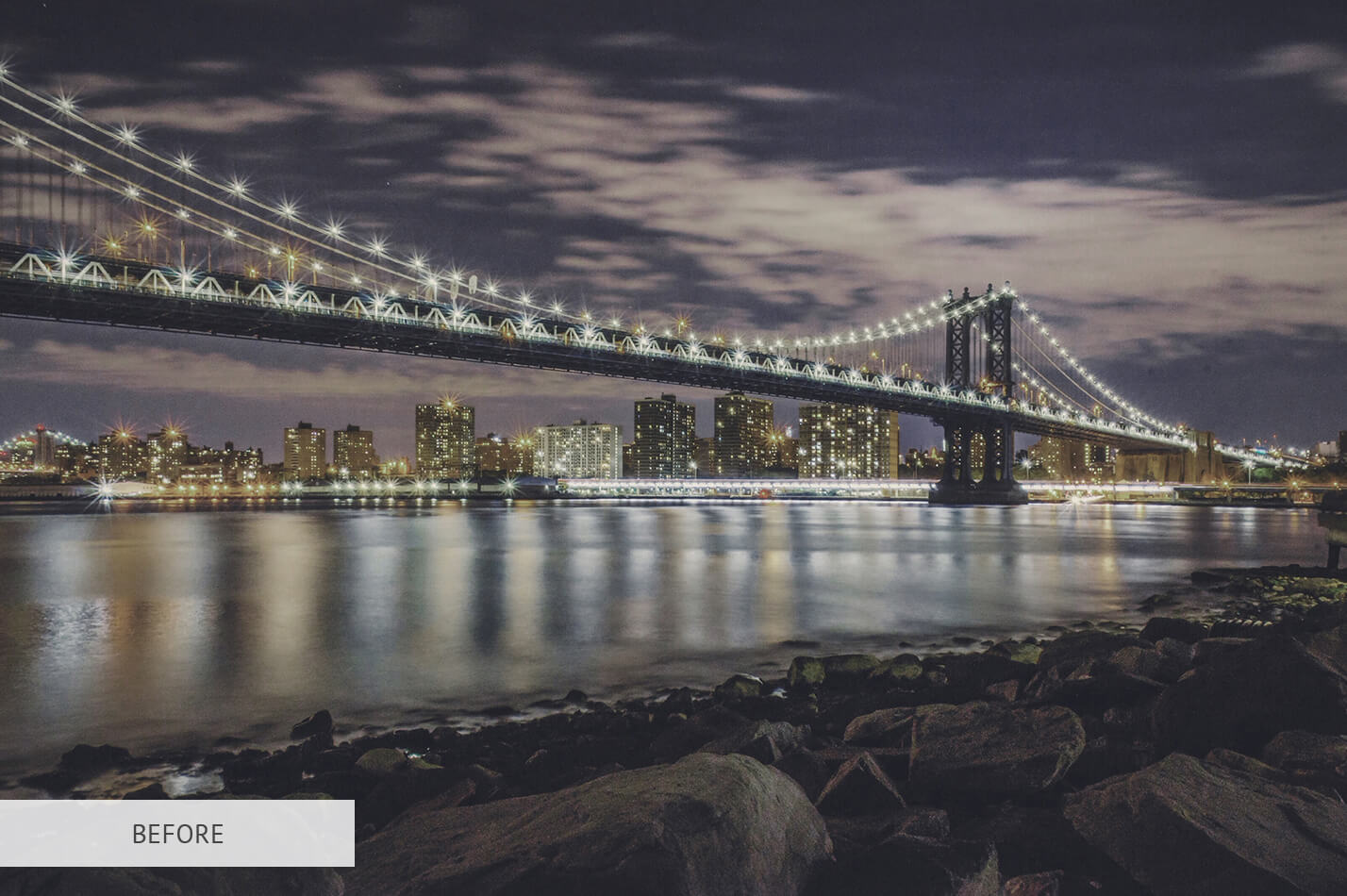
Photoshop LUT #21 "Vibrance"
Calibrated 3D look-up table profile for Adobe Photoshop photo retouching and video grading.
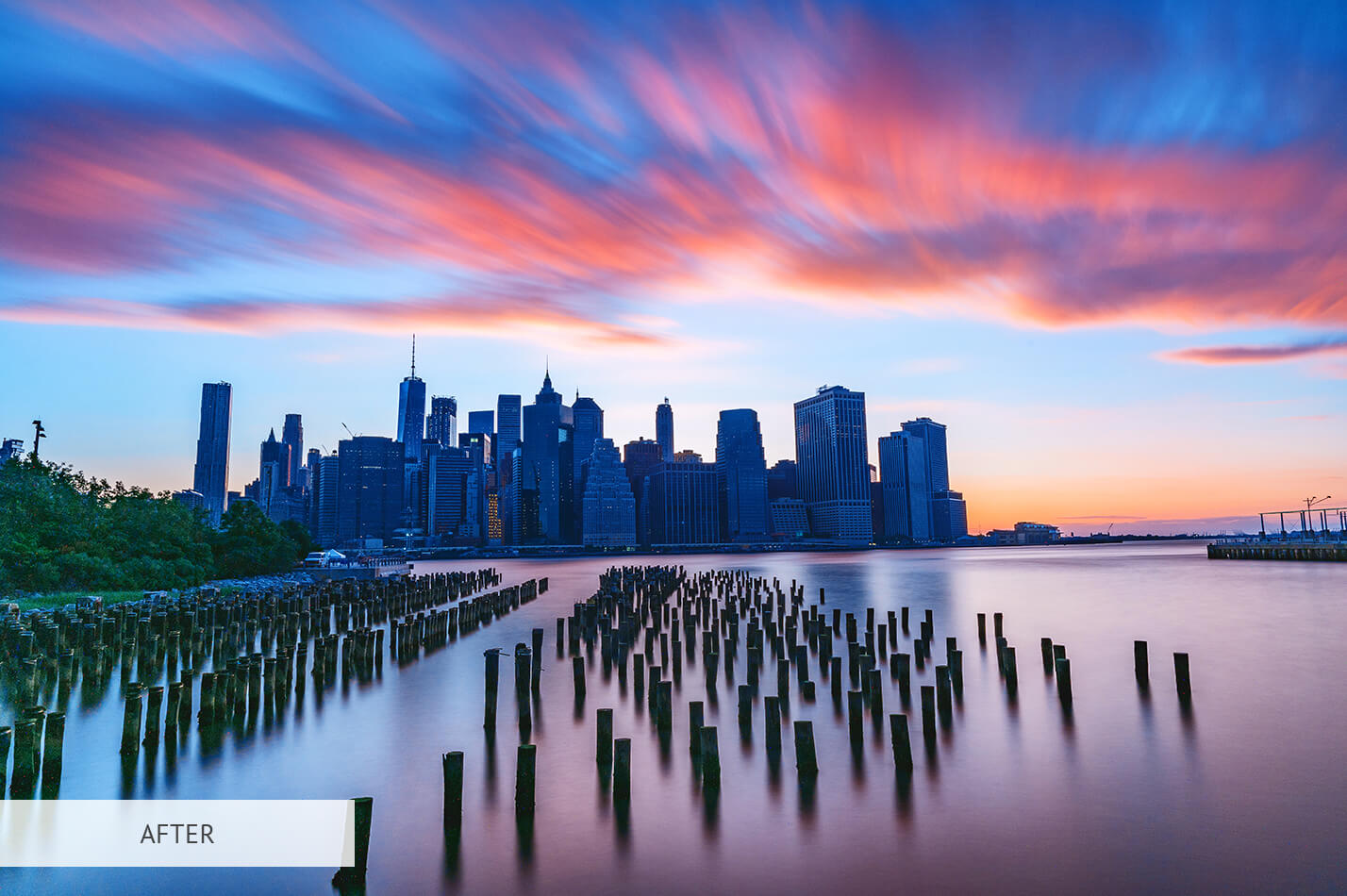
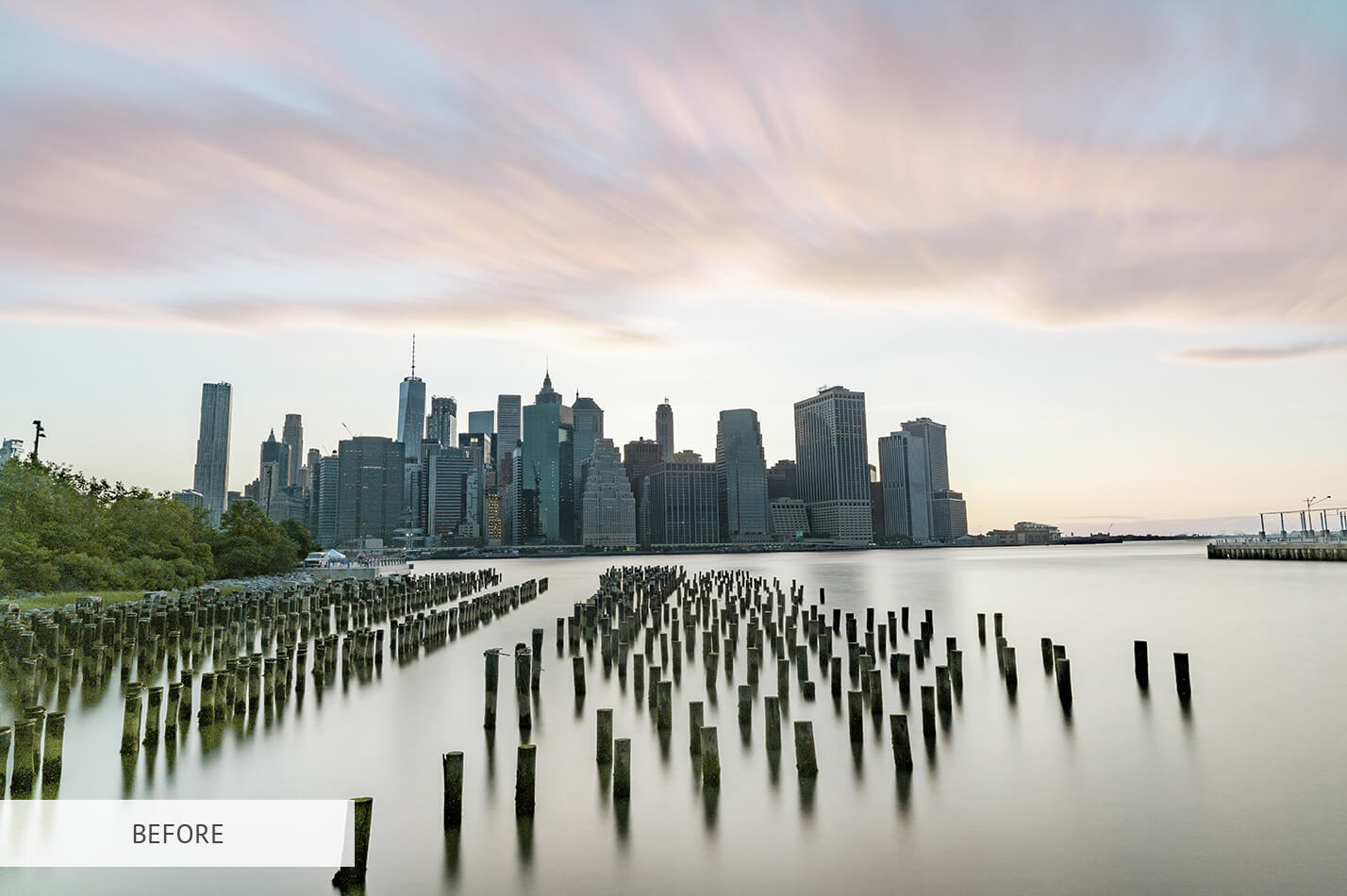
Photoshop LUT #22 "Creative Blue"
Calibrated 3D look-up table profile for Adobe Photoshop photo retouching and video grading.
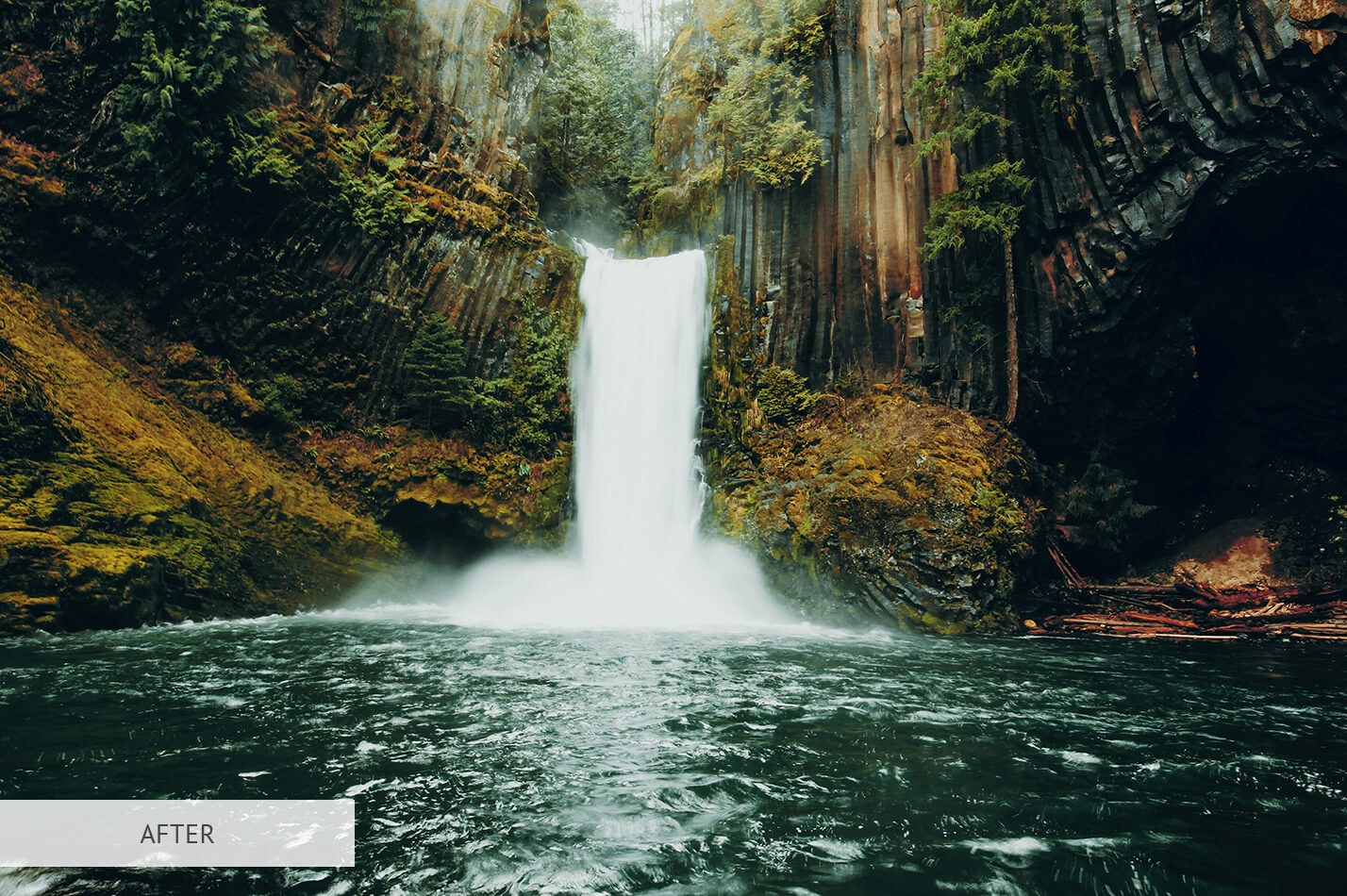
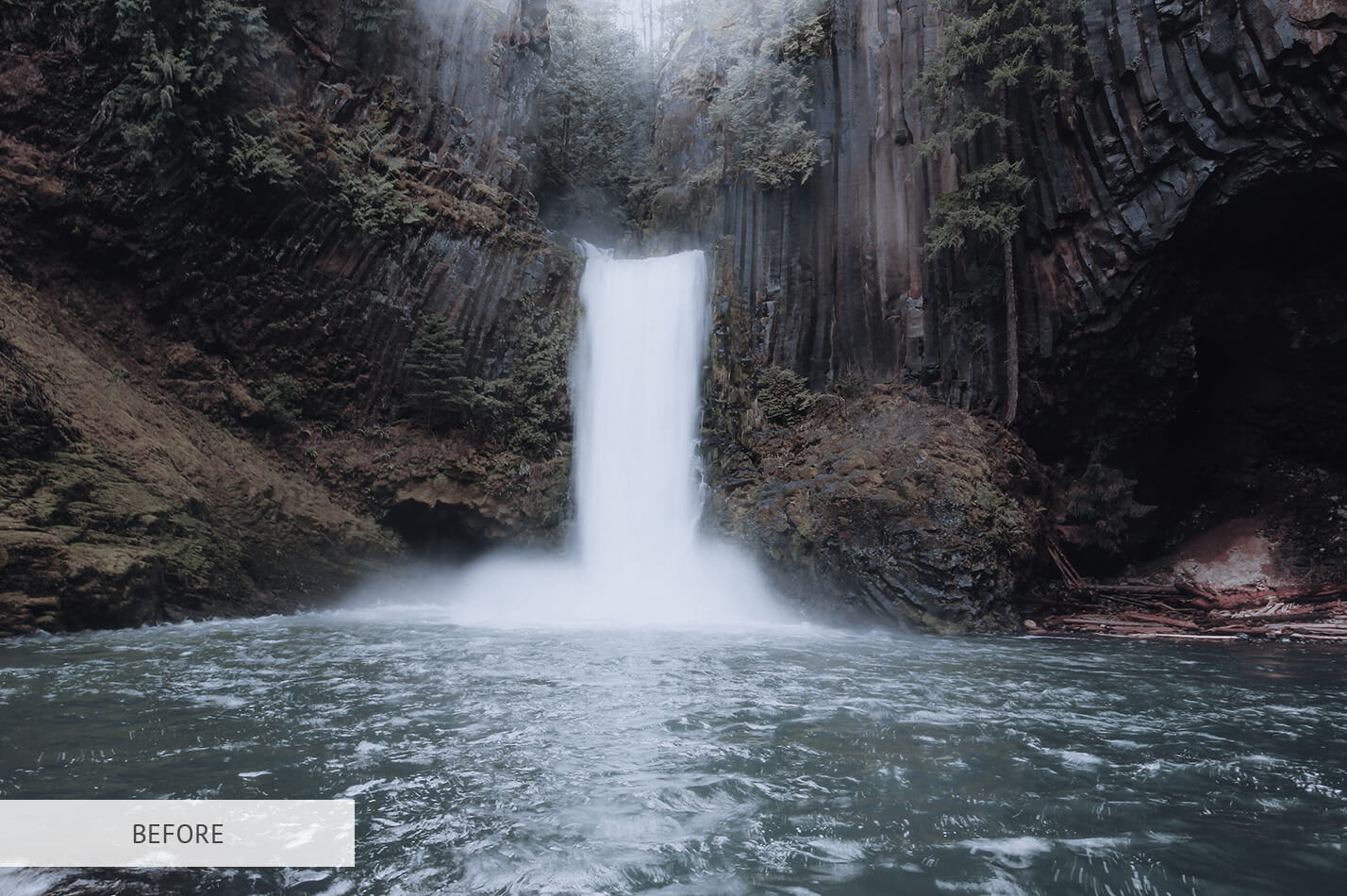
Photoshop LUT #23 "Cine Travel"
Calibrated 3D look-up table profile for Adobe Photoshop photo retouching and video grading.
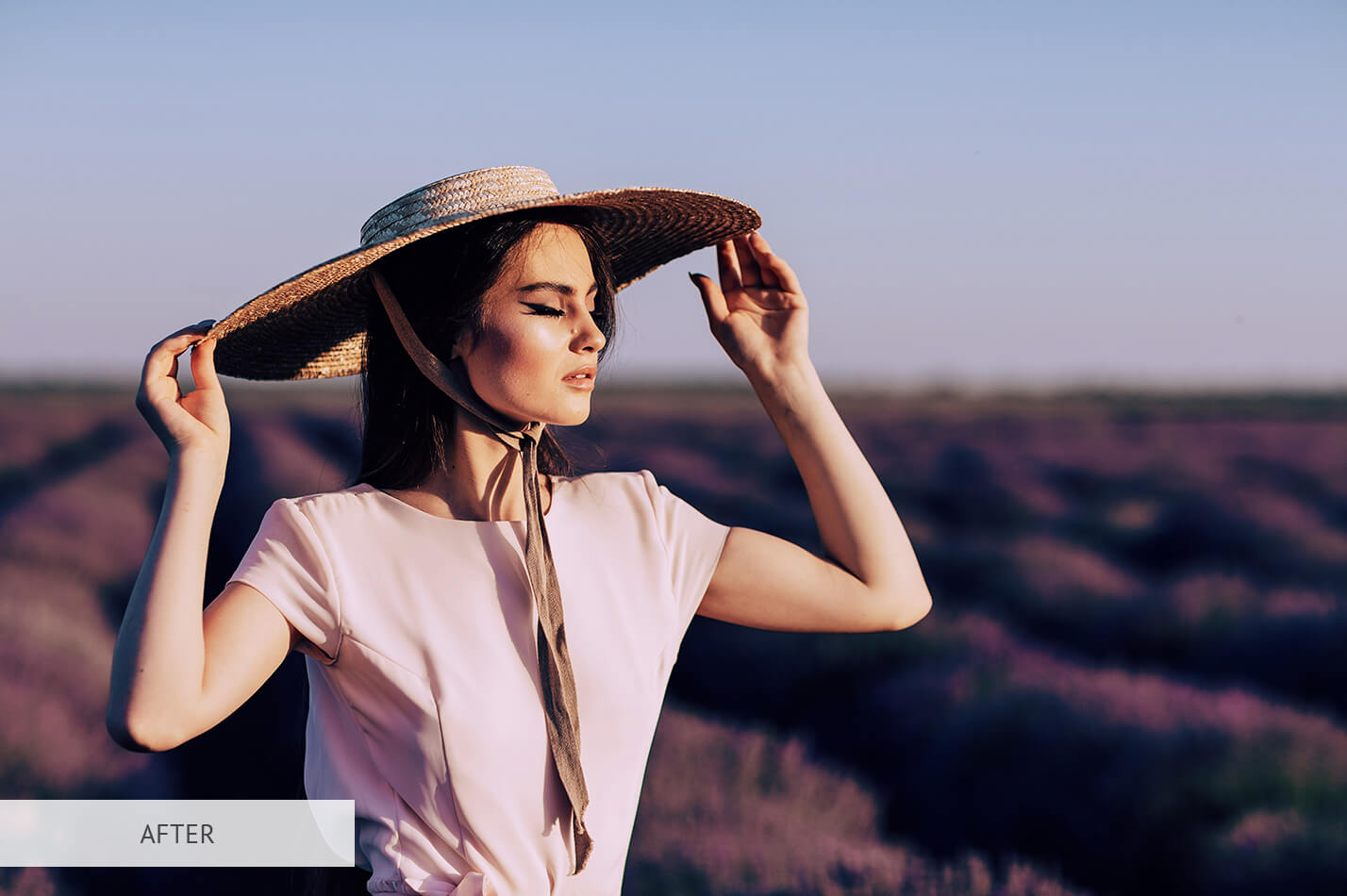
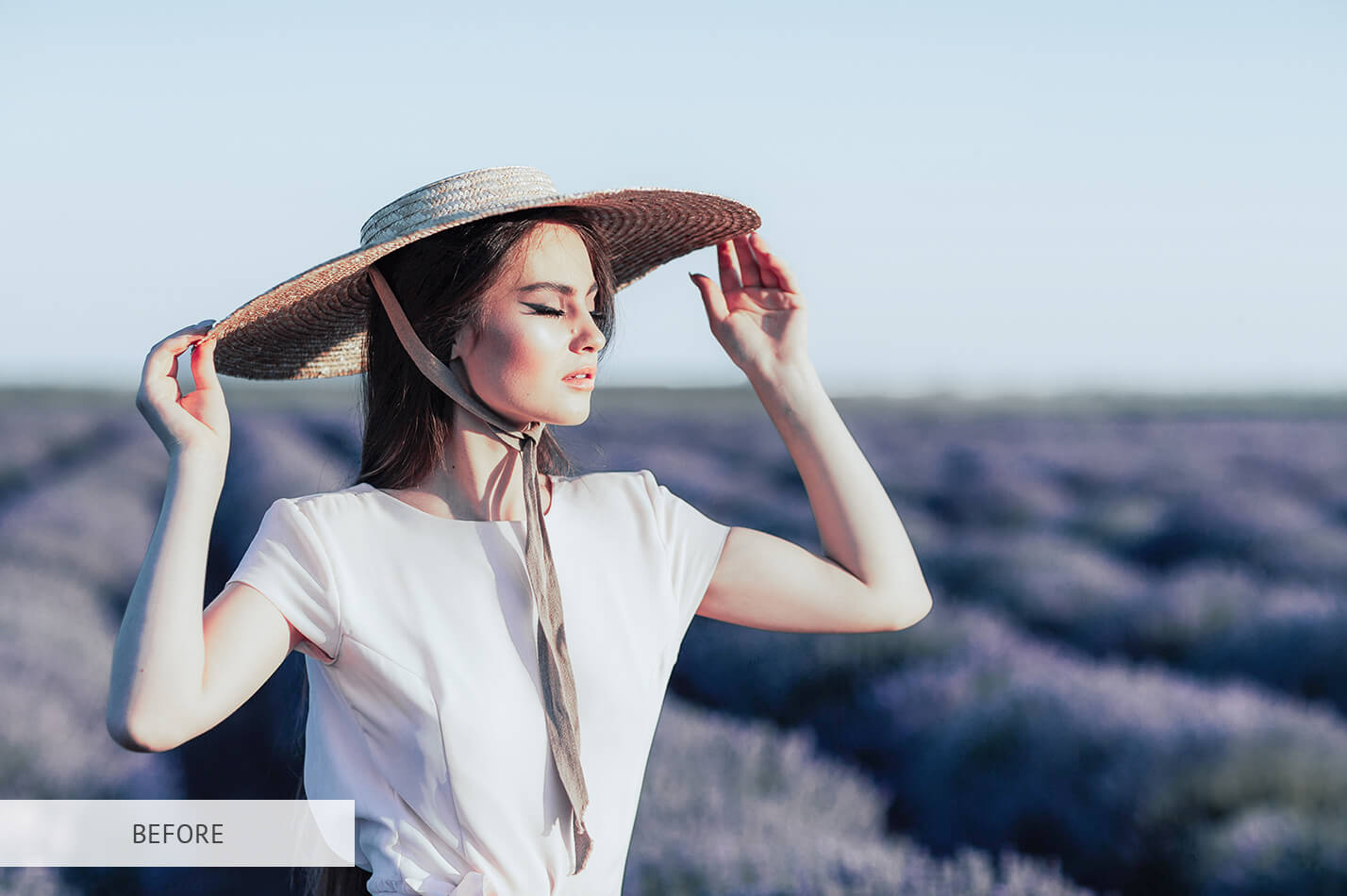
Photoshop LUT #24 "Purple Charm"
Calibrated 3D look-up table profile for Adobe Photoshop photo retouching and video grading.
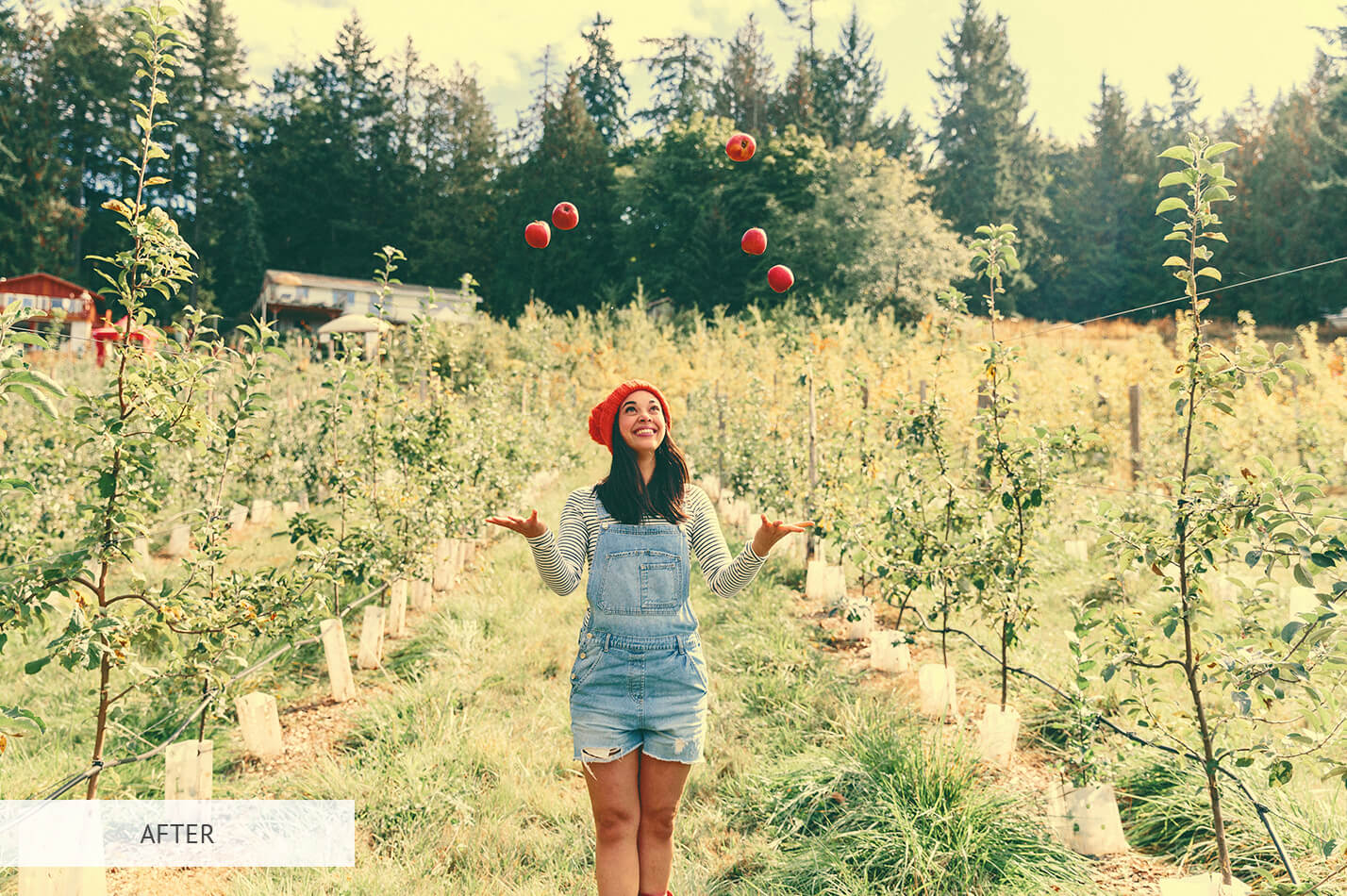
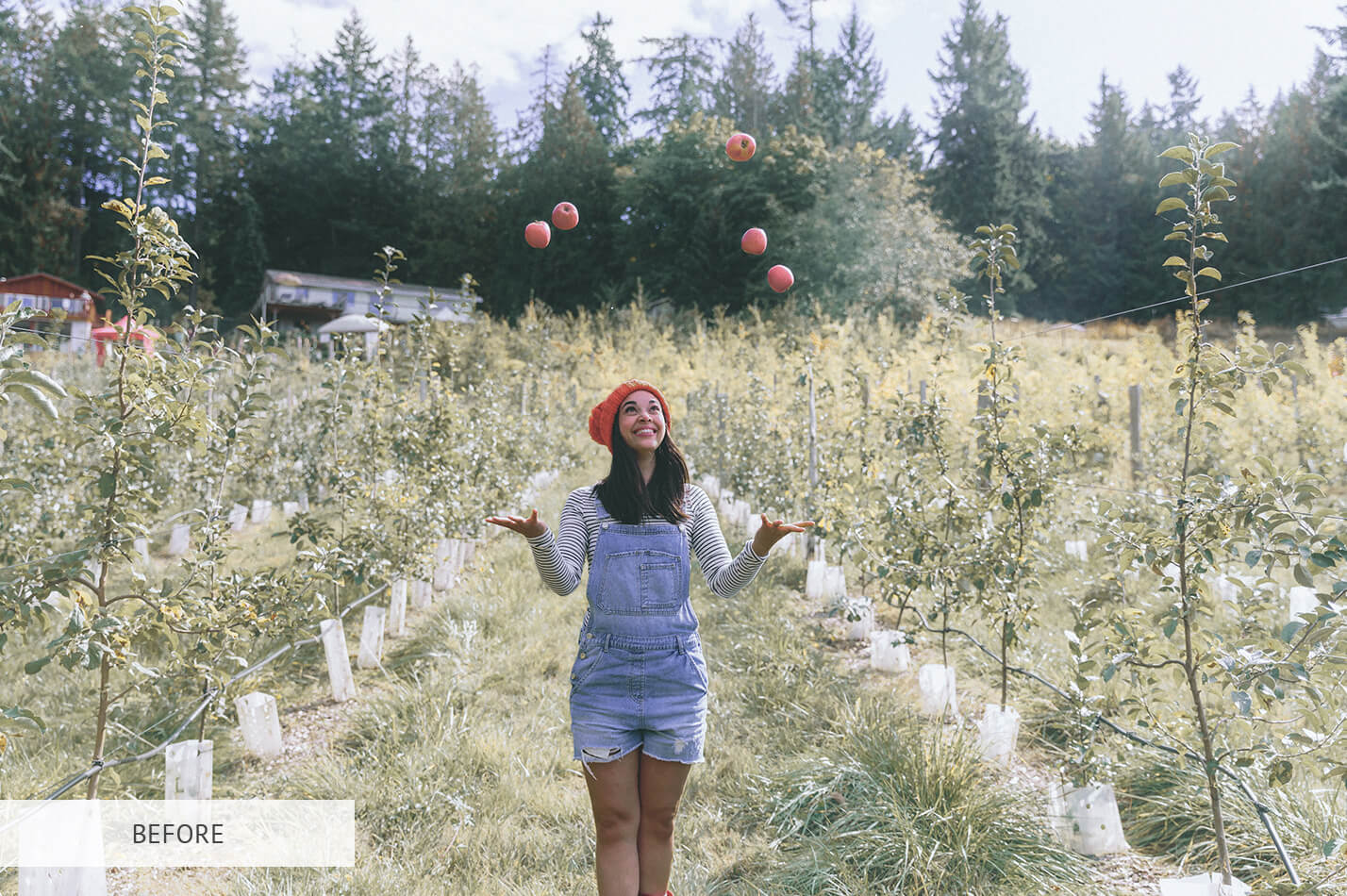
Photoshop LUT #25 "Moon Light"
Calibrated 3D look-up table profile for Adobe Photoshop photo retouching and video grading.
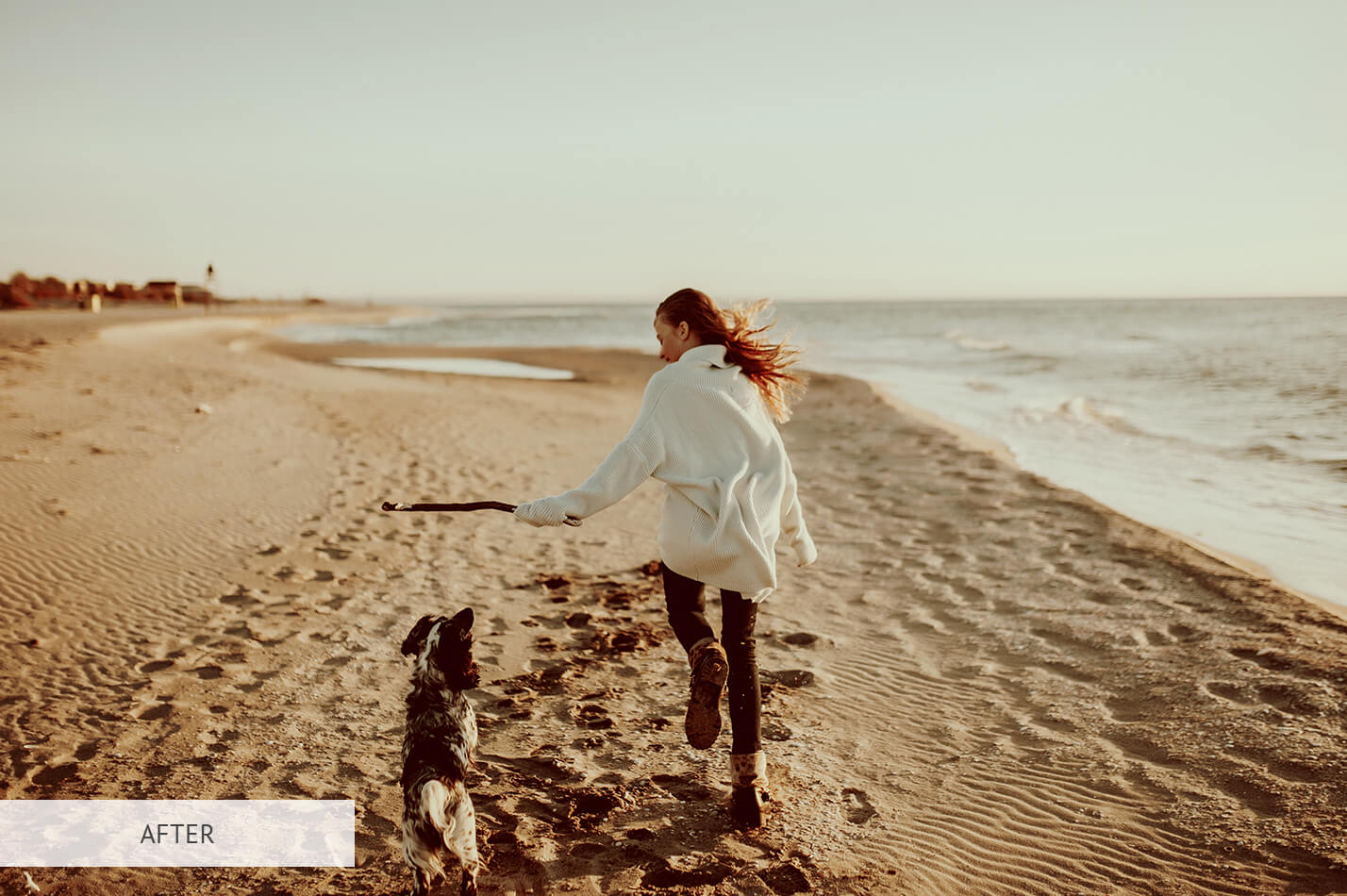
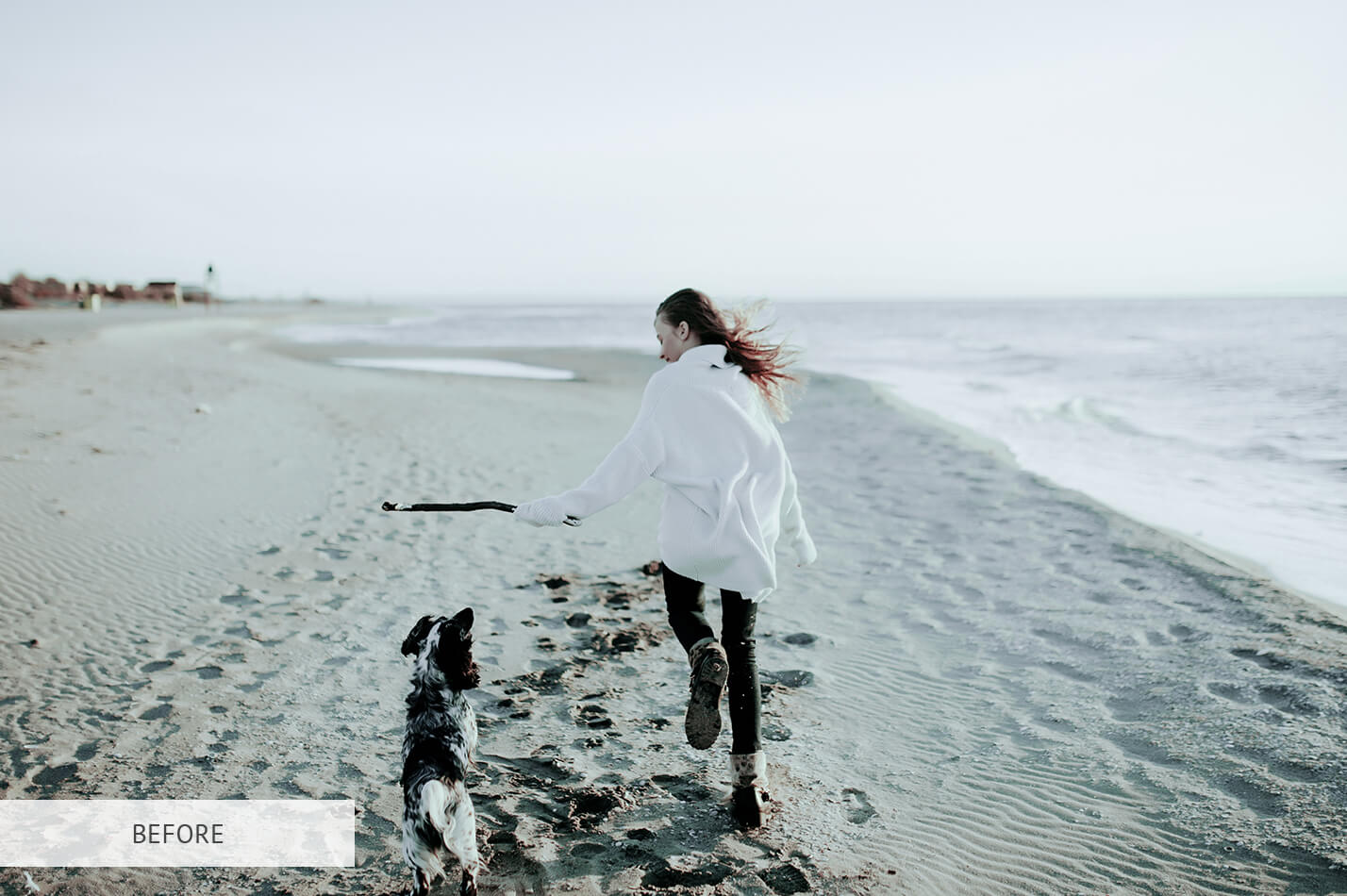
Photoshop LUT #26 "Antique Bronze"
Calibrated 3D look-up table profile for Adobe Photoshop photo retouching and video grading.
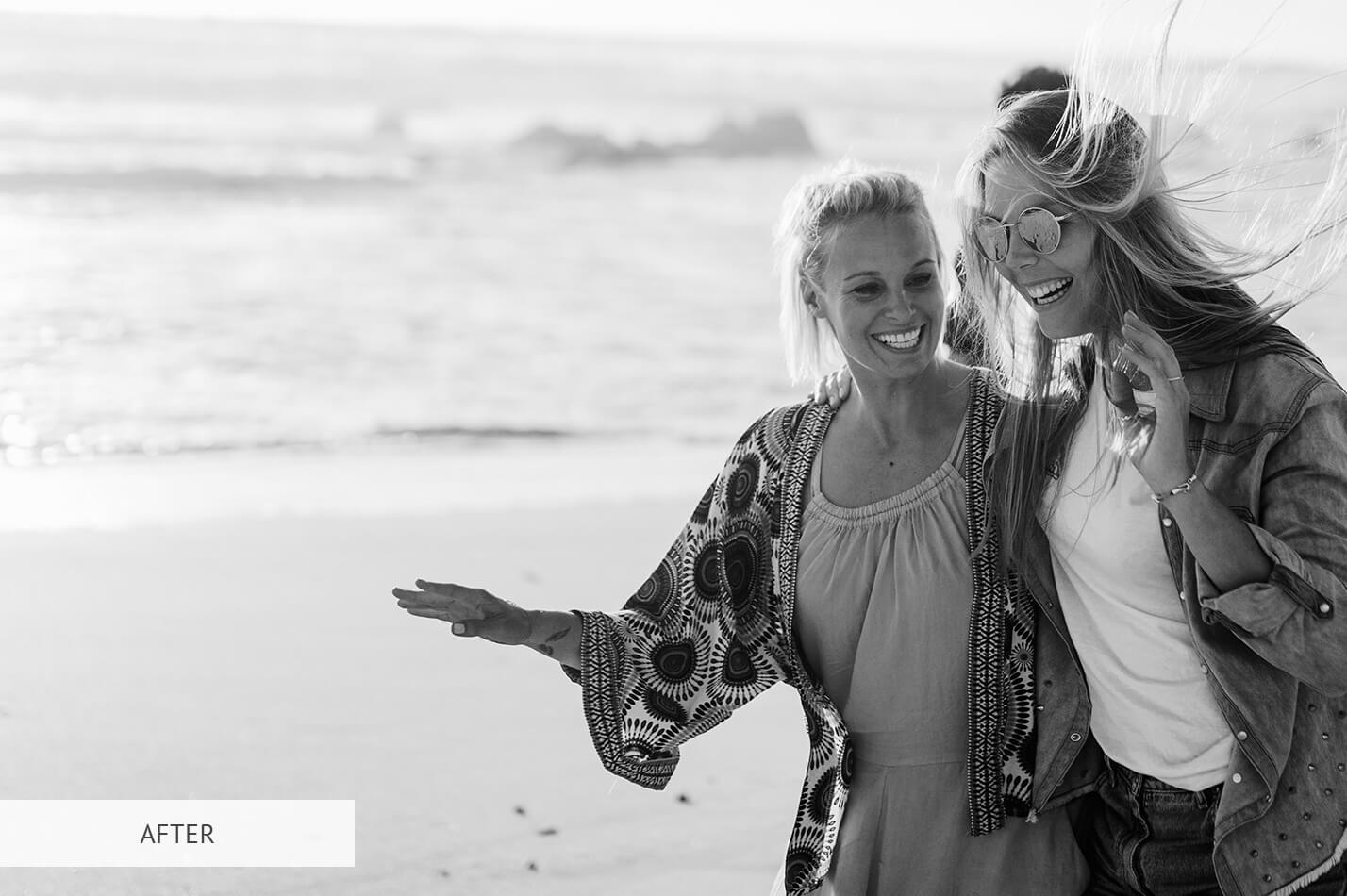
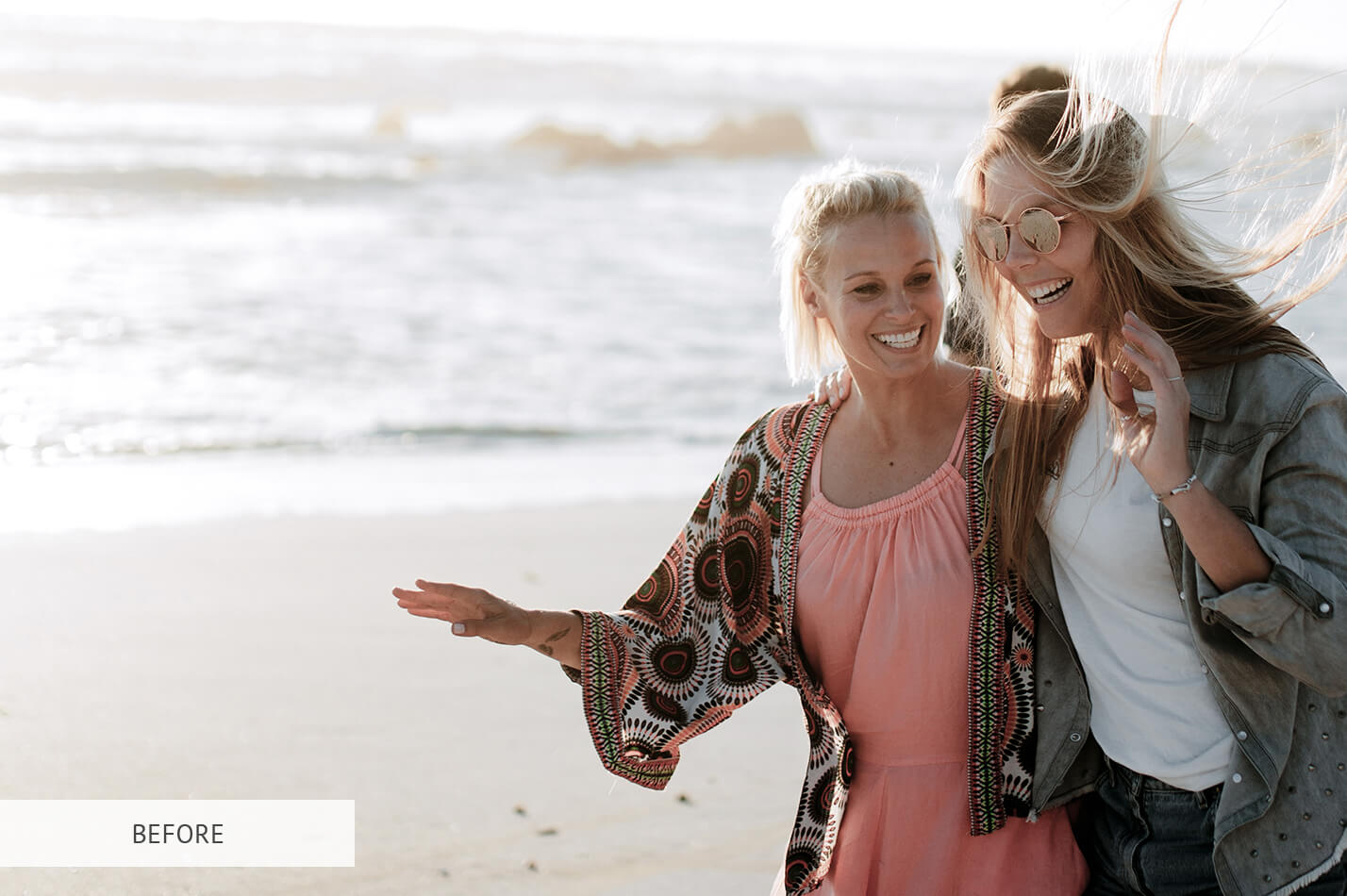
Photoshop LUT #27 "Black and White"
Calibrated 3D look-up table profile for Adobe Photoshop photo retouching and video grading.
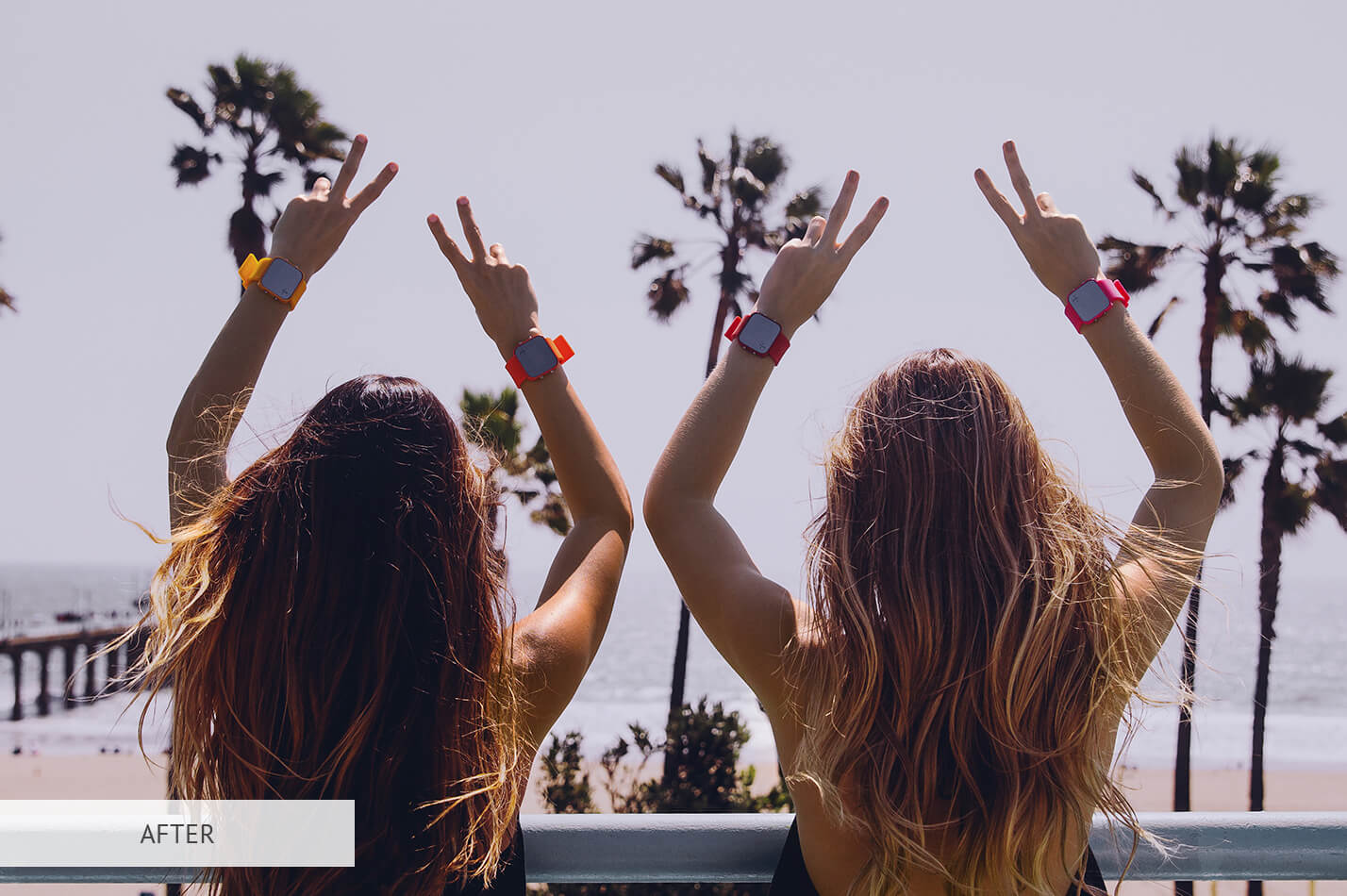
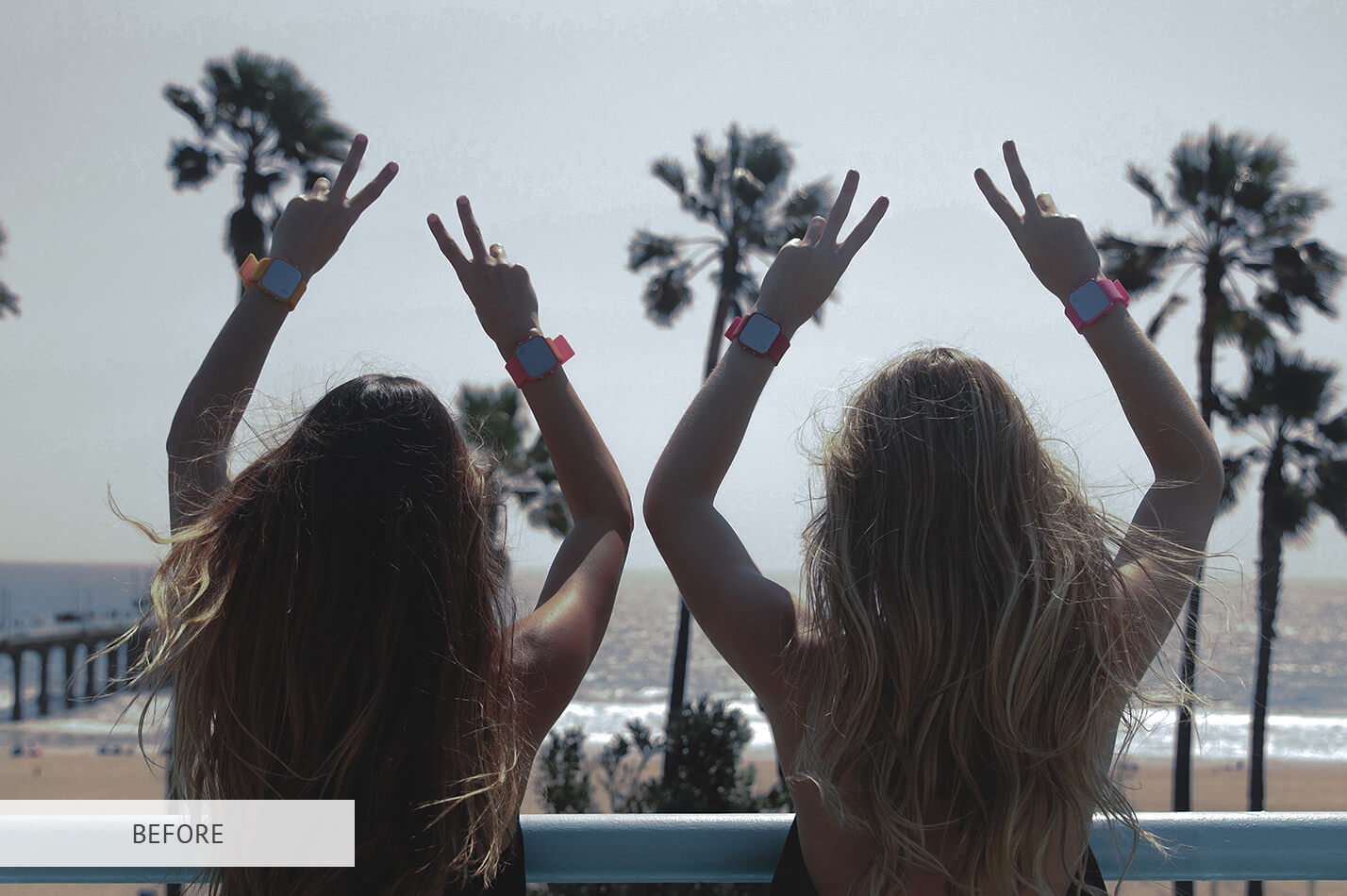
Photoshop LUT #28 "Clean Color"
Calibrated 3D look-up table profile for Adobe Photoshop photo retouching and video grading.
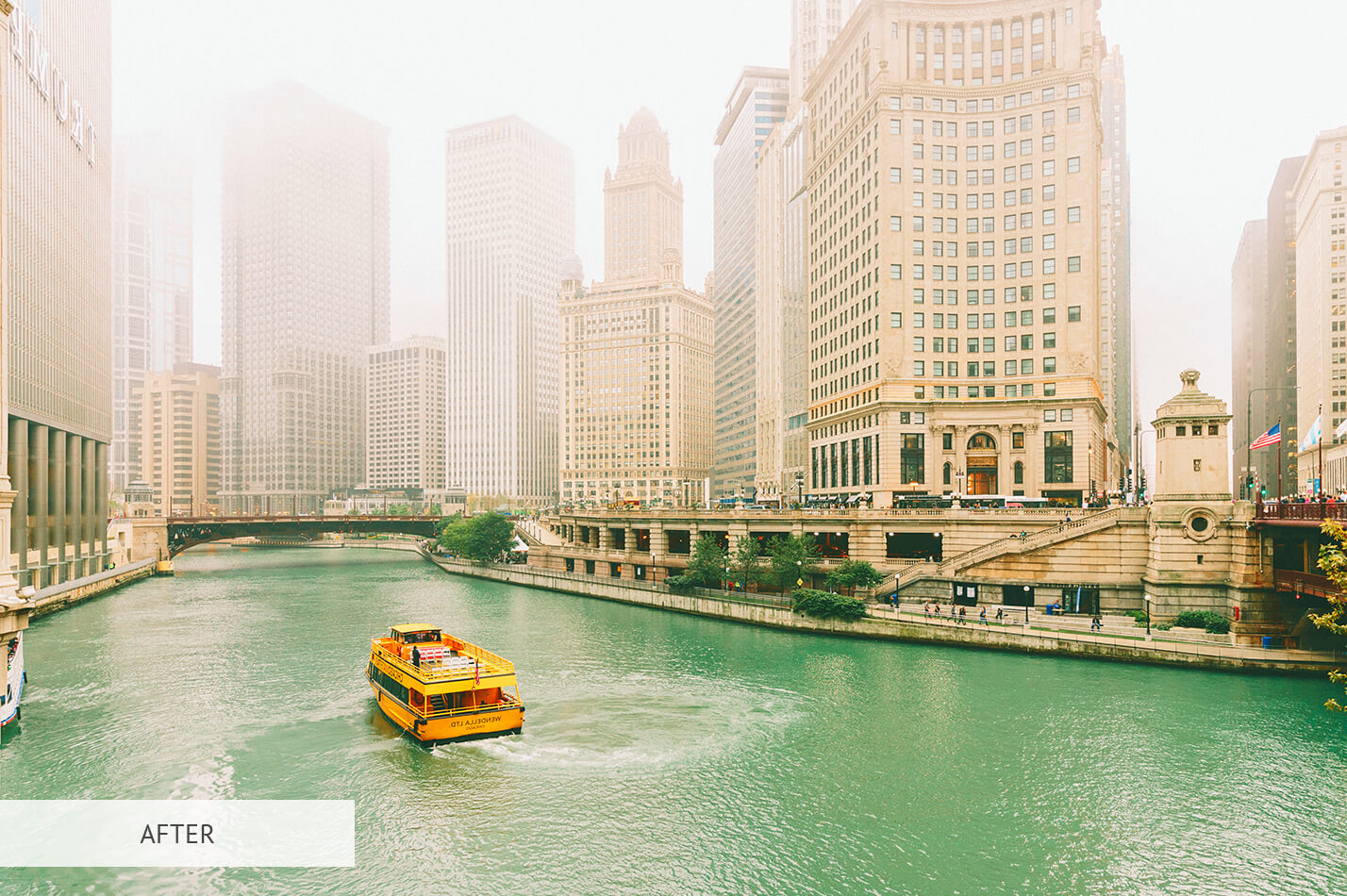
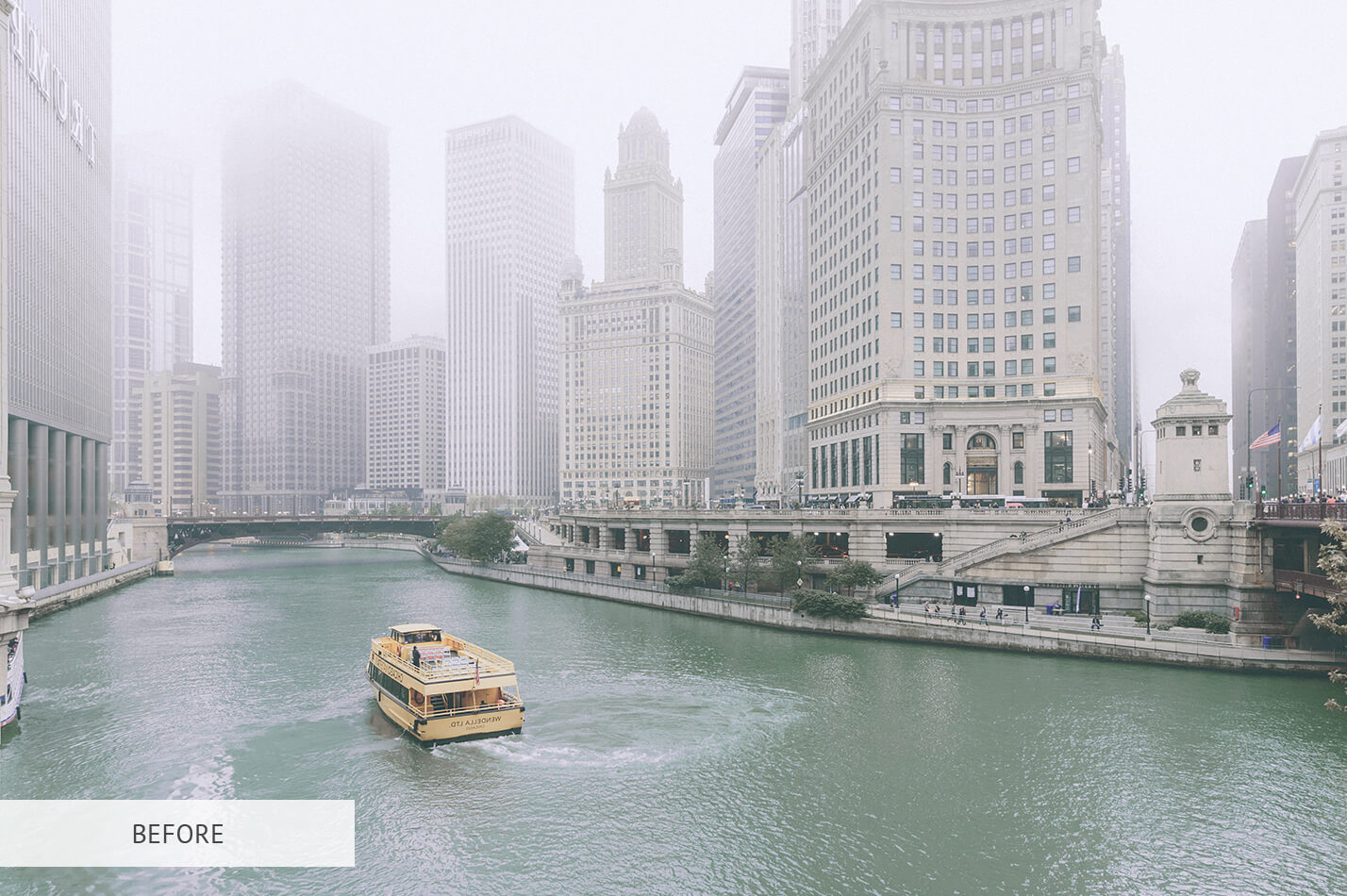
Photoshop LUT #29 "Architecture"
Calibrated 3D look-up table profile for Adobe Photoshop photo retouching and video grading.
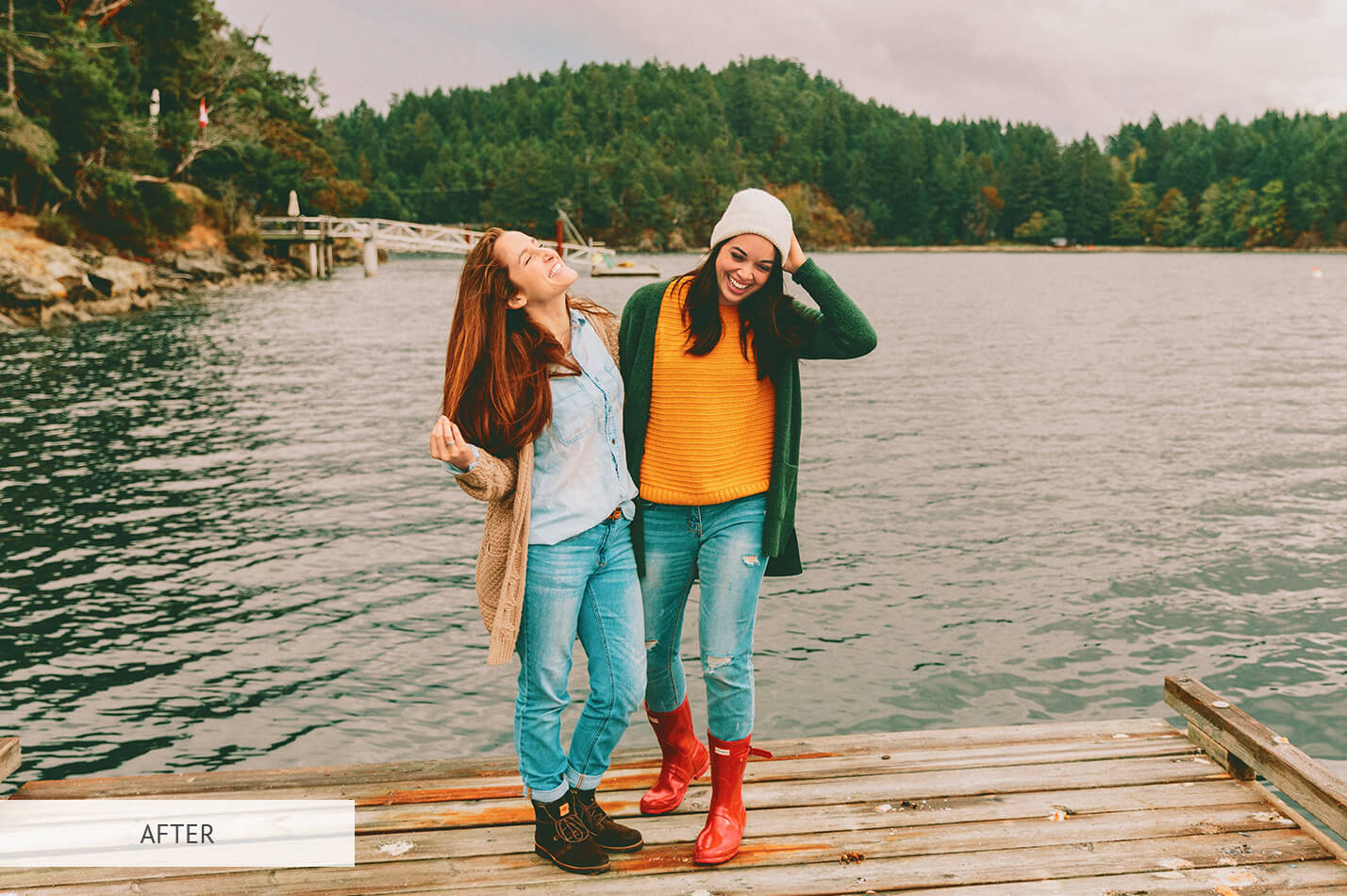
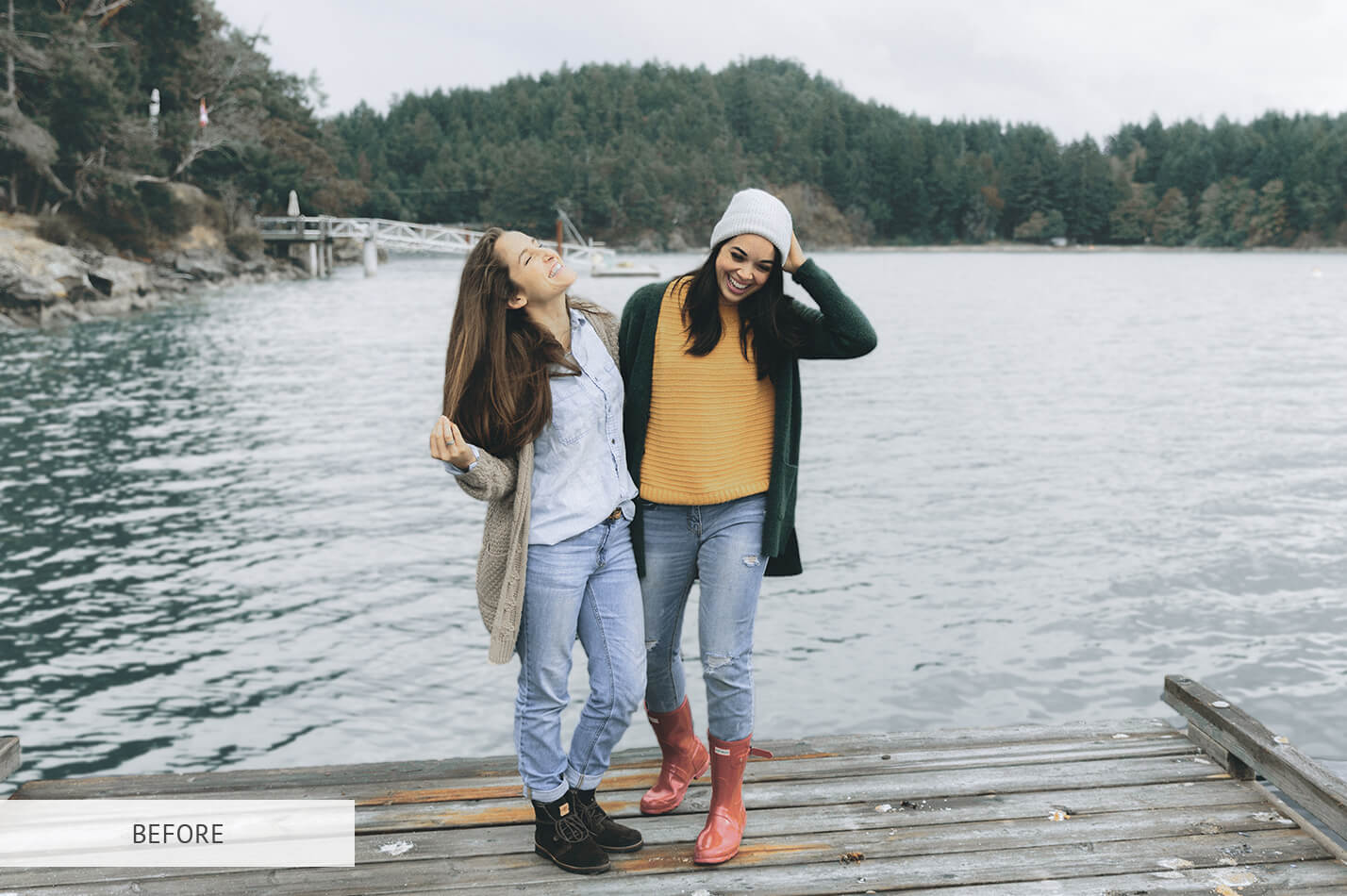
Photoshop LUT #30 "Rainbow Colors"
Calibrated 3D look-up table profile for Adobe Photoshop photo retouching and video grading.
Download All 30 Photoshop LUTs in One Master Pack
Save hours with our single curated 30-LUT .ZIP archive (6.8 MB) containing all uncompressed 33-point .cube profiles across Volumes 1, 2, and 3 for Photoshop CC, CS6, Premiere Pro, and DaVinci Resolve.
Explore the 100+ Free LUTs Ecosystem
Need camera-specific color science? MonoLUTs provides dedicated .CUBE profiles for all major digital cinema and mirrorless camera systems.
Sony S-Log3 & S-Log2 LUTs
Calibrated profiles for FX3, FX30, A7S3, and A7IV. Converts S-Gamut3.Cine to natural Rec.709 with cinematic skin tone roll-off.
Canon C-Log2 & C-Log3 LUTs
Engineered for EOS R5, R6, R5C, and Cinema EOS C70. Wide DR contrast balancing and warm flattering reds.
Apple Log & iPhone 15/16 Pro LUTs
Official Apple Log to Rec.709 conversion and filmic aesthetics for mobile video editors and Photoshop timelines.
DJI D-Log & D-Log M Aerial LUTs
High dynamic range landscape and coast grading for DJI Mavic, Air 3, and Mini 4 Pro footage.
DaVinci Resolve Universal .CUBE
Native support for Blackmagic DaVinci Resolve Studio color nodes and CST color management pipelines.
Installation Masterclass
Step-by-step technical guides for Adobe Premiere Pro Lumetri, Final Cut Pro, CapCut, and VN.
How to Apply 3D LUTs in Adobe Photoshop
Follow this non-destructive 4-step workflow to achieve seamless color grading with adjustable opacity and layer masking.
Step 1: Open Your Image in Photoshop
Launch Adobe Photoshop and open the photo you want to color grade. Ensure your document is set to RGB Color mode (8-bit or 16-bit) via Image > Mode > RGB Color.
Step 2: Add a Color Lookup Adjustment Layer
From the top menu bar, select Layer > New Adjustment Layer > Color Lookup..., or click the Color Lookup icon in the Adjustments panel. This ensures 100% non-destructive editing.
Step 3: Load the .CUBE File
In the Properties panel, ensure the 3DLUT File radio button is selected. Click the dropdown menu and select Load 3D LUT.... Browse to your downloaded .cube file and click Open.
Step 4: Blend Opacity and Refine Masks
3D LUTs can be intense at 100% default. In the Layers panel, dial down the Opacity slider between 40% and 80%. Use a soft black brush on the Layer Mask to selectively protect skin tones or key elements.
Want these LUTs to appear permanently in Photoshop's dropdown menu without manually browsing files every time? Copy the .cube files directly into your Photoshop Presets folder:
Photoshop LUTs Frequently Asked Questions
What is a 3D LUT in Adobe Photoshop?
A 3D LUT (3-Dimensional Look-Up Table, usually .CUBE) is a mathematical matrix that remaps RGB input color values to specific output values across hue, saturation, and luminance. In Photoshop, it allows photographers and retouchers to instantly apply complex cinematic color palettes non-destructively via the Color Lookup Adjustment Layer.
How do I install LUTs permanently into Photoshop menus?
Copy your .cube files into the Photoshop 3DLUTs preset folder: On Windows: C:\Program Files\Adobe\Adobe Photoshop [Version]\Presets\3DLUTs. On macOS: /Applications/Adobe Photoshop [Version]/Presets/3DLUTs. Restart Photoshop, and the LUTs will appear directly in the Color Lookup 3DLUT dropdown menu.
Can I use these Photoshop LUTs in Premiere Pro or DaVinci Resolve?
Yes! All 30 profiles are exported in standard 33x33x33 .CUBE format, making them 100% universally compatible with Premiere Pro (Lumetri), DaVinci Resolve, Final Cut Pro, CapCut, VN, and Lightroom (via profile conversion).
Are these Photoshop LUTs free for commercial use?
Yes, all 30 Photoshop LUTs are 100% free under the MonoLUTs Open Creative License for personal, client, editorial, and commercial photography and video projects without royalties or attribution requirements.
Why does my image look overly saturated or contrasted after applying a LUT?
3D LUTs are designed with full tonal intensity. The professional practice is to lower the Color Lookup layer's Opacity slider to 50% - 75% for a balanced, natural look that harmonizes with your photograph's dynamic range.